Simple Recovery with Veeam B&R v12: Full VM Restore

Now that we’ve completed our first backup, let’s look at how to restore the data (files) and the entire virtual machine.

We’ll go through the recovery steps and options with screenshots.
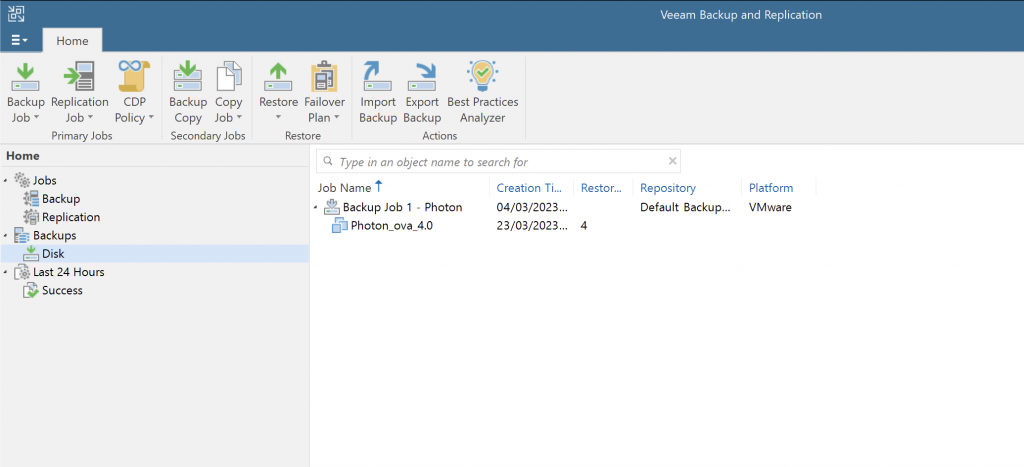
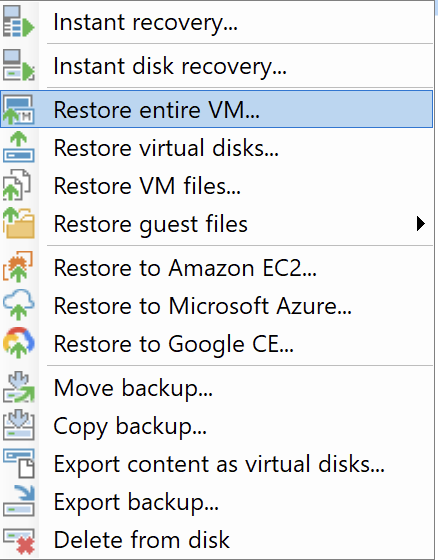
In the Veeam console, go to Disks and select the machine to restore.

Take a look at all the available options…
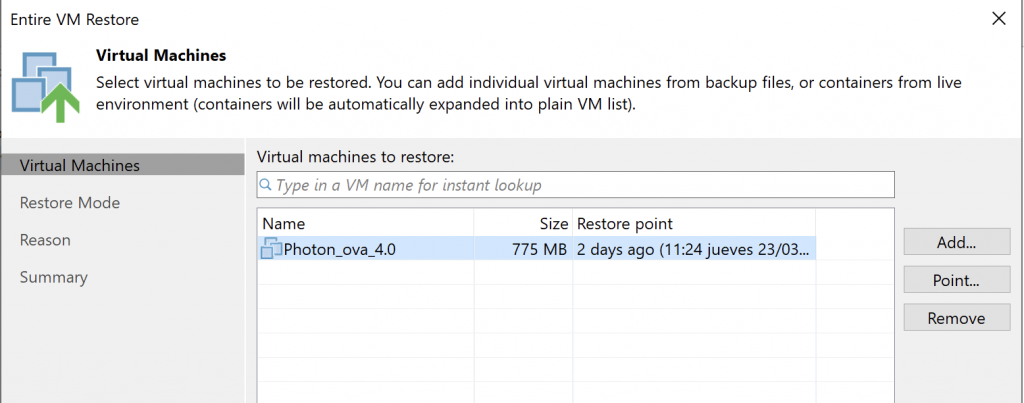
Select the backup point to use for restoring the VM.
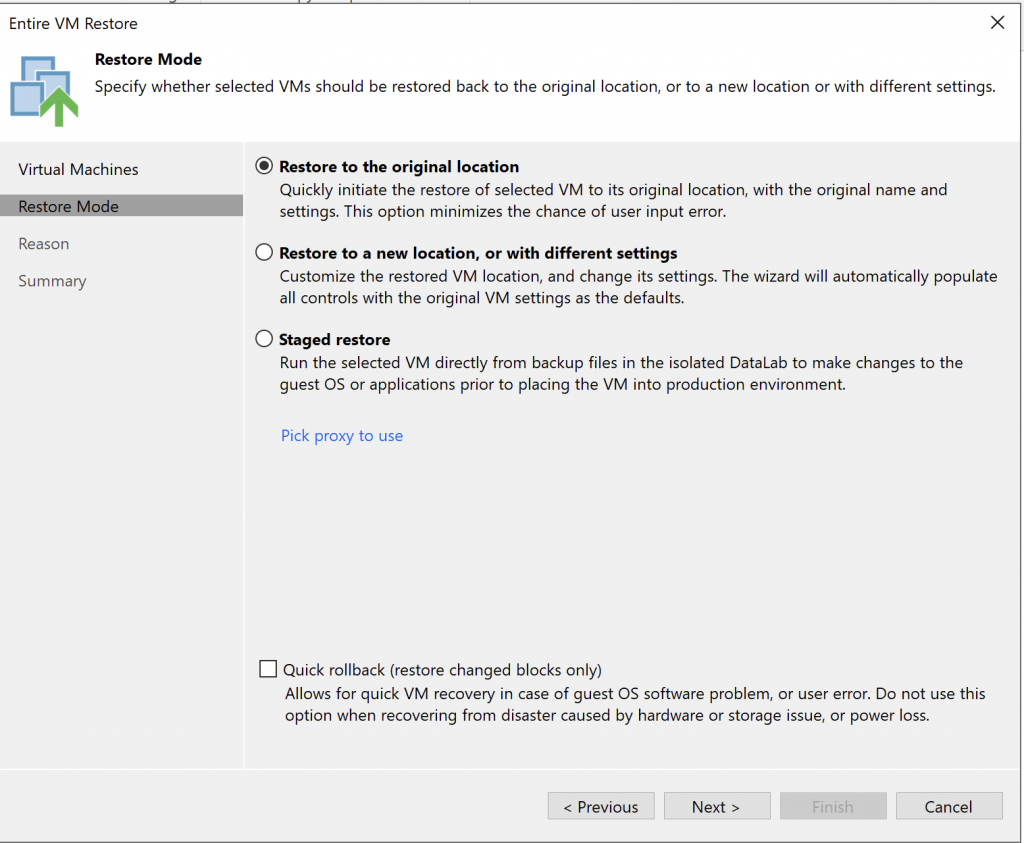
Pay attention here: we can overwrite the existing machine or deploy a new one on a host and/or storage. The last option is especially useful for a “lab” run before restoring.
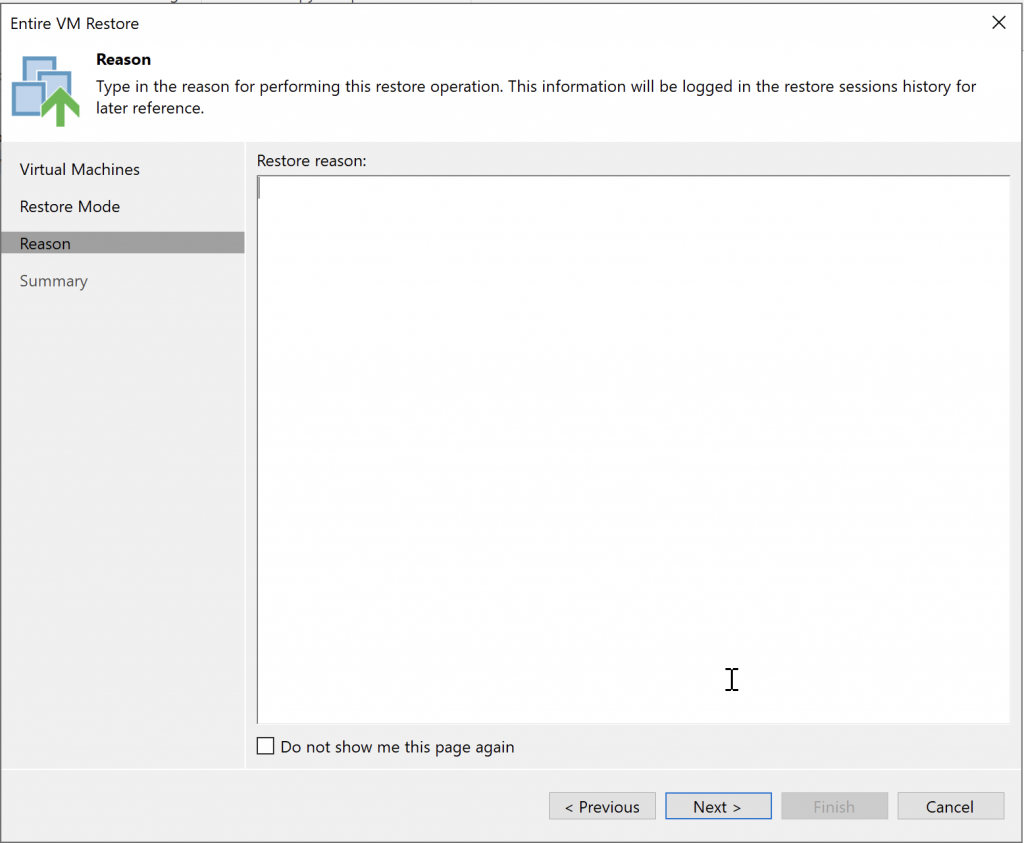
Reason…
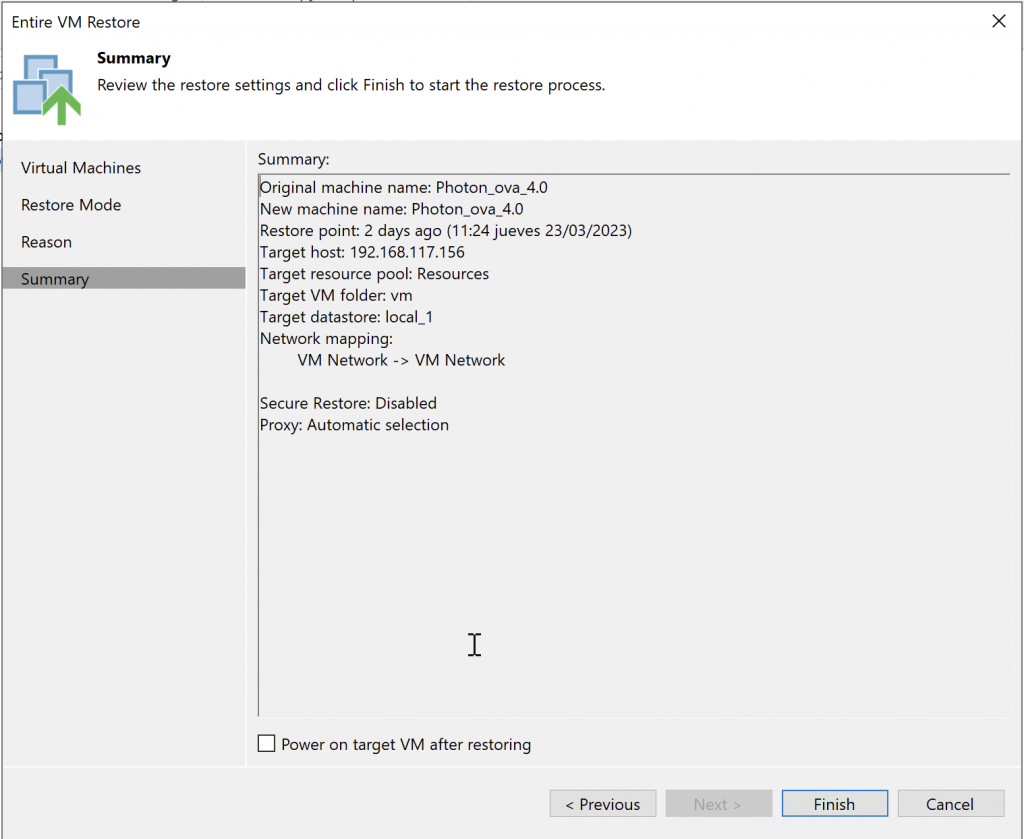
Summary
As you can see in vSphere, the machine is not there yet.
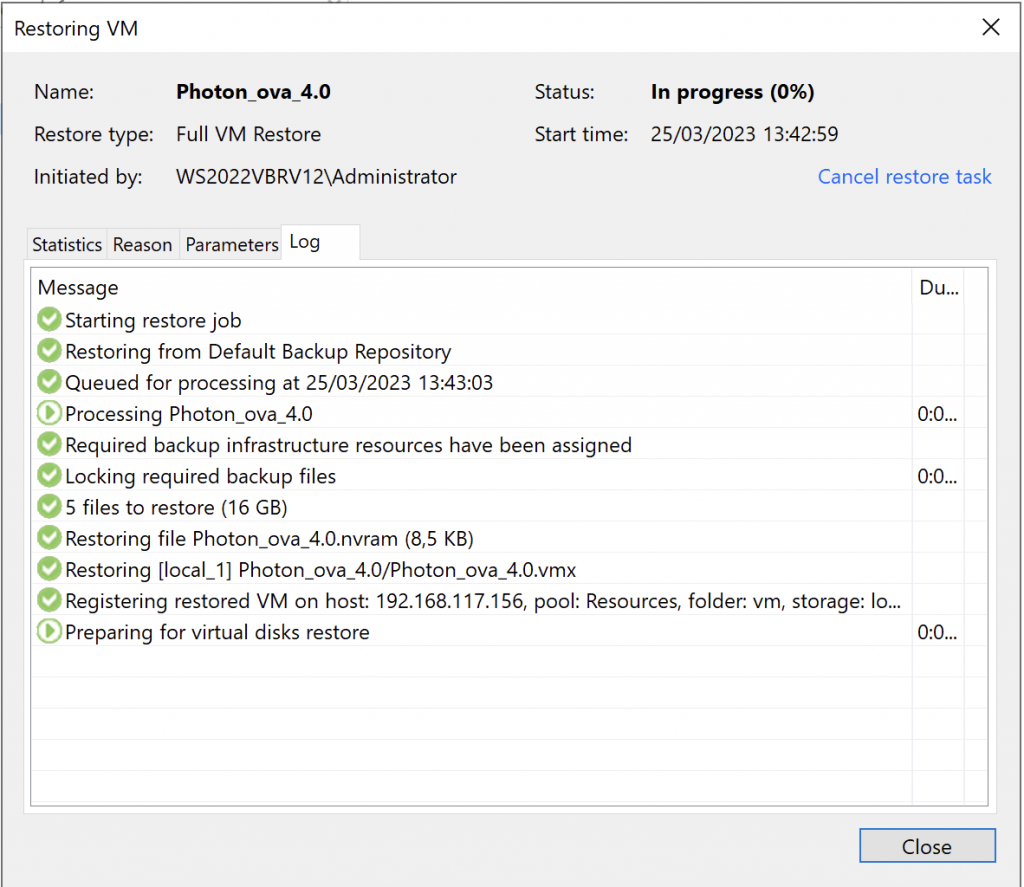
The process has started.
Our virtual machine now appears in vSphere and is registered.
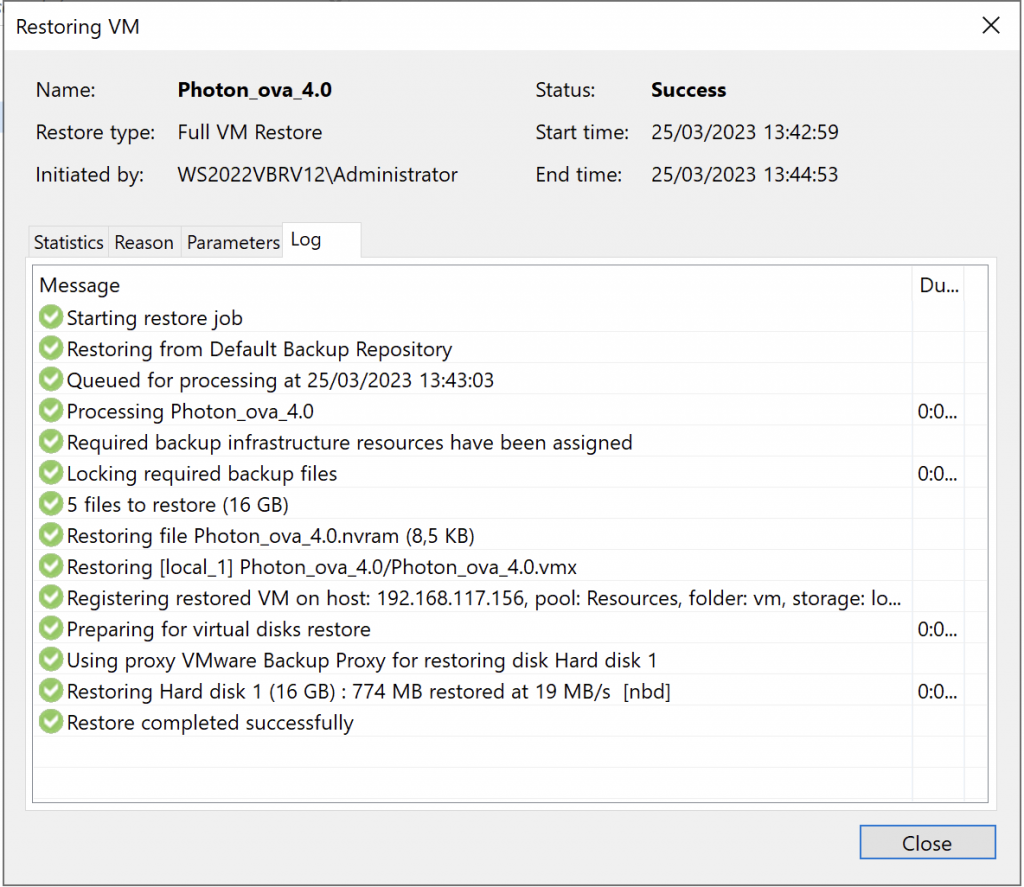
Done!
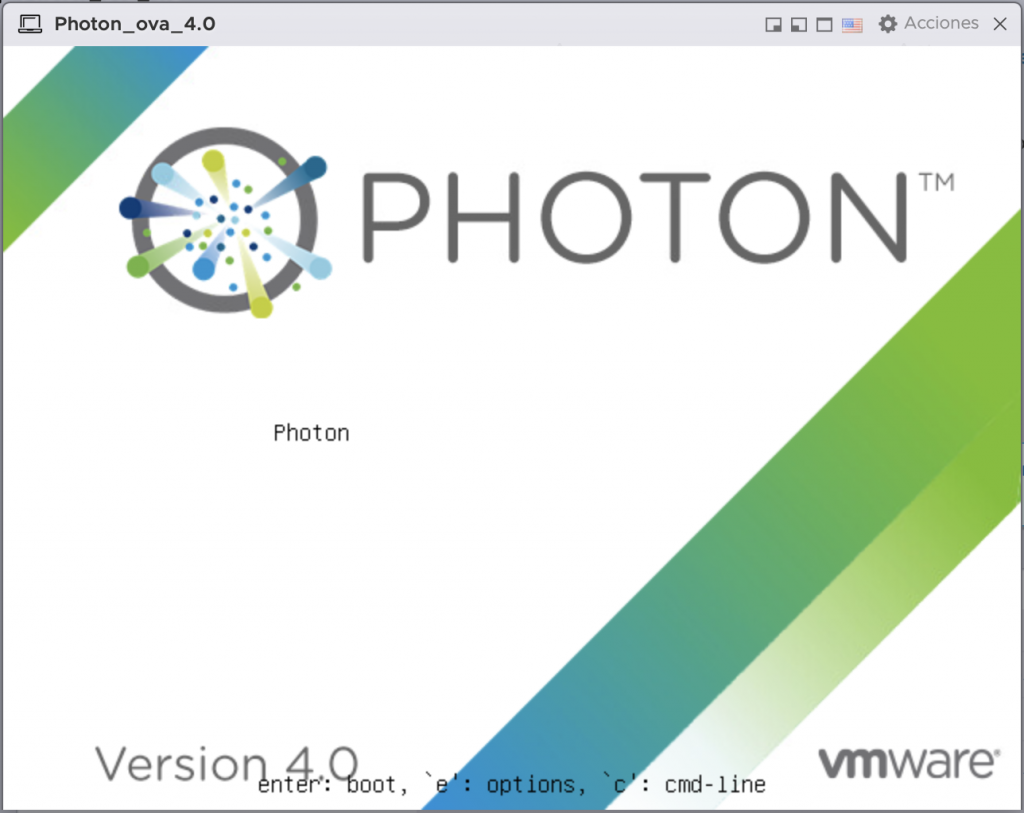
Now let’s start it!

The process is complete—simple and reliable.

We’ll look at more options later, such as Secure Restore, Staged Restore, and others.

Regards.