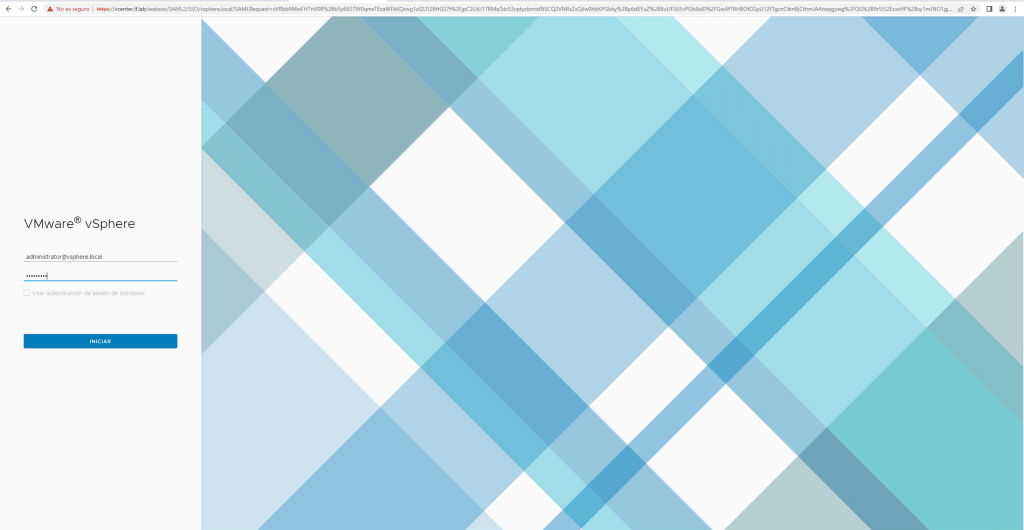
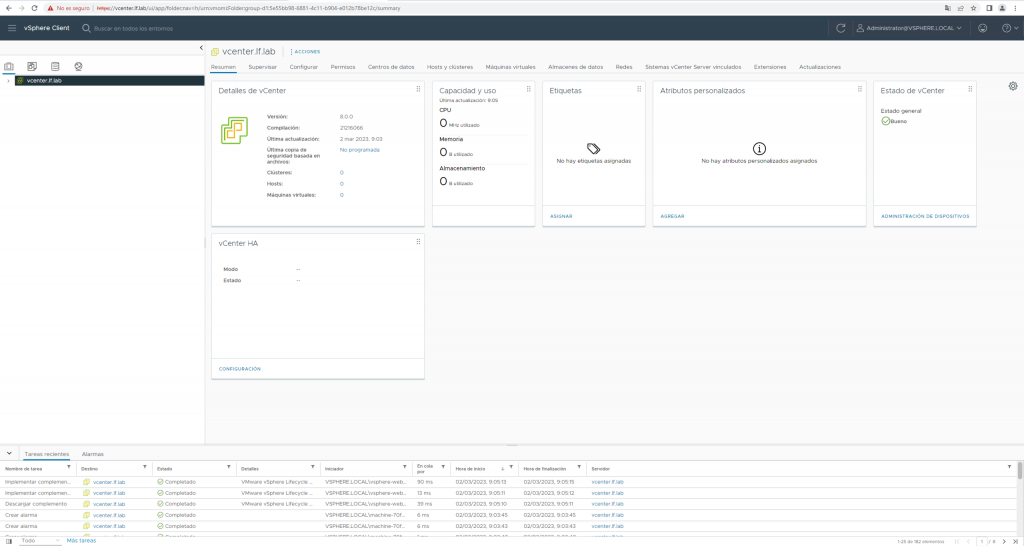
Installing vCenter 8: A Screenshot Walkthrough

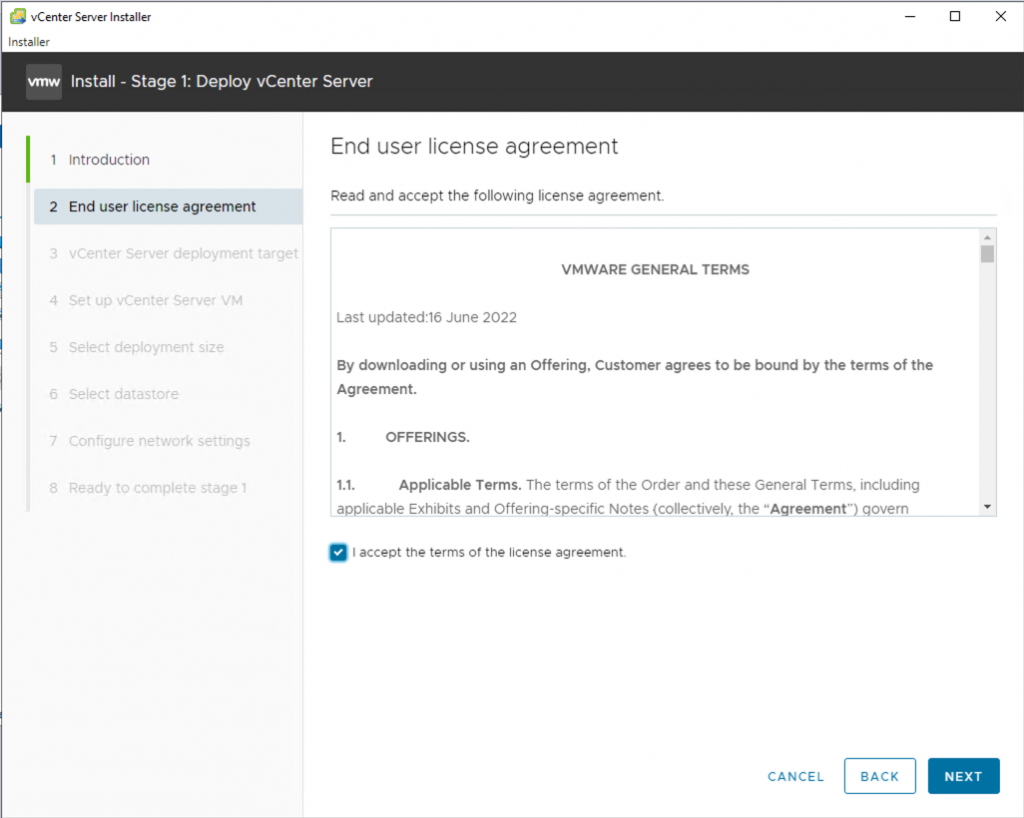
After downloading and opening the vCenter ISO, run the installation executable from Windows with the GUI.
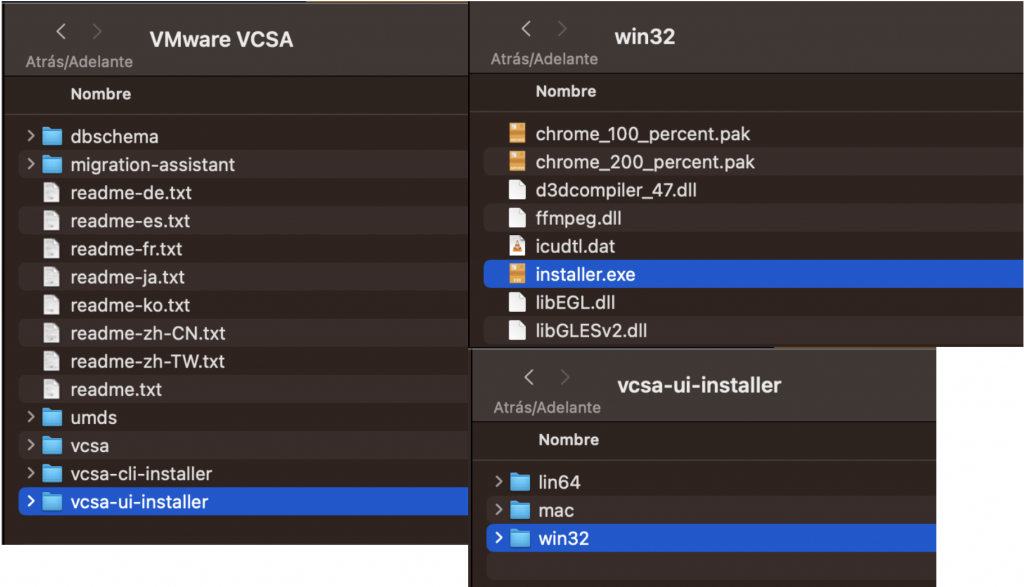
Let’s get started:
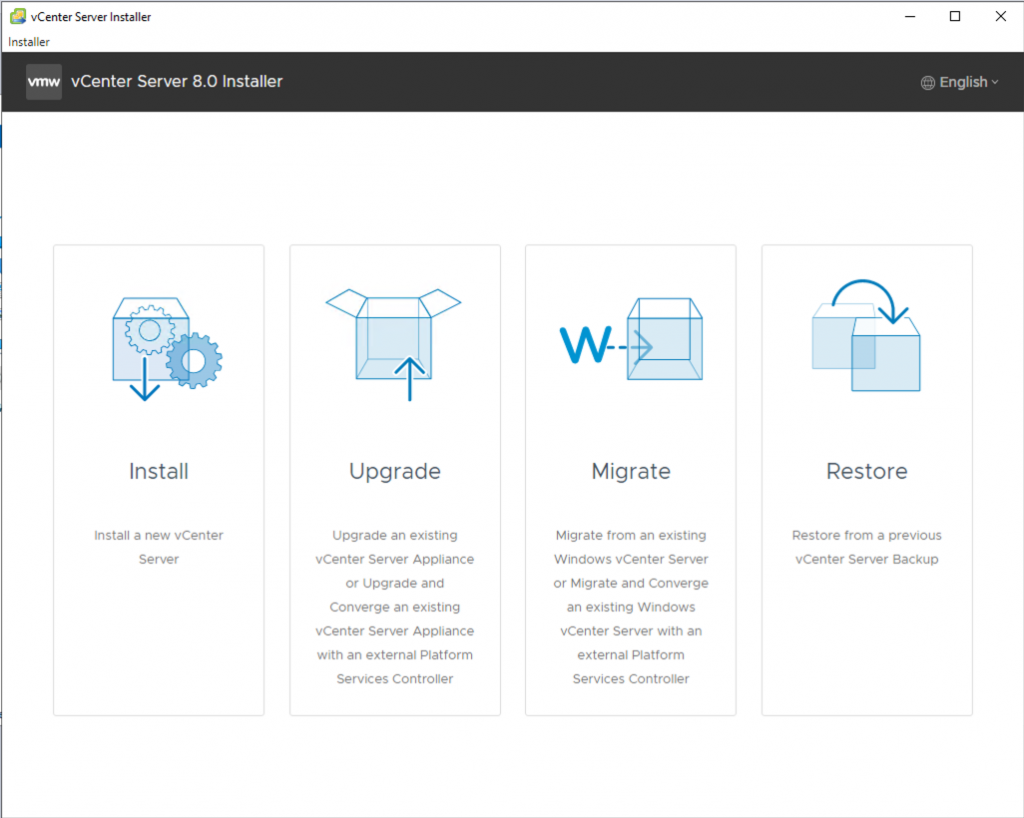
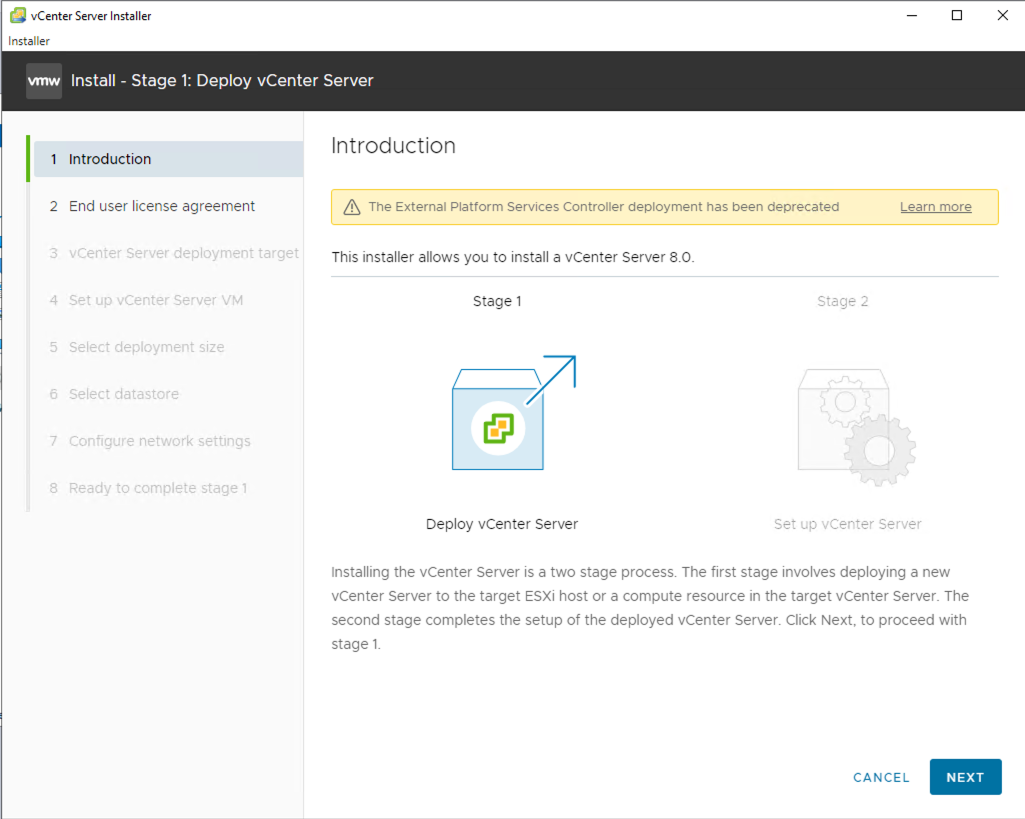
Install
You can now deploy it only as an appliance. Continue.
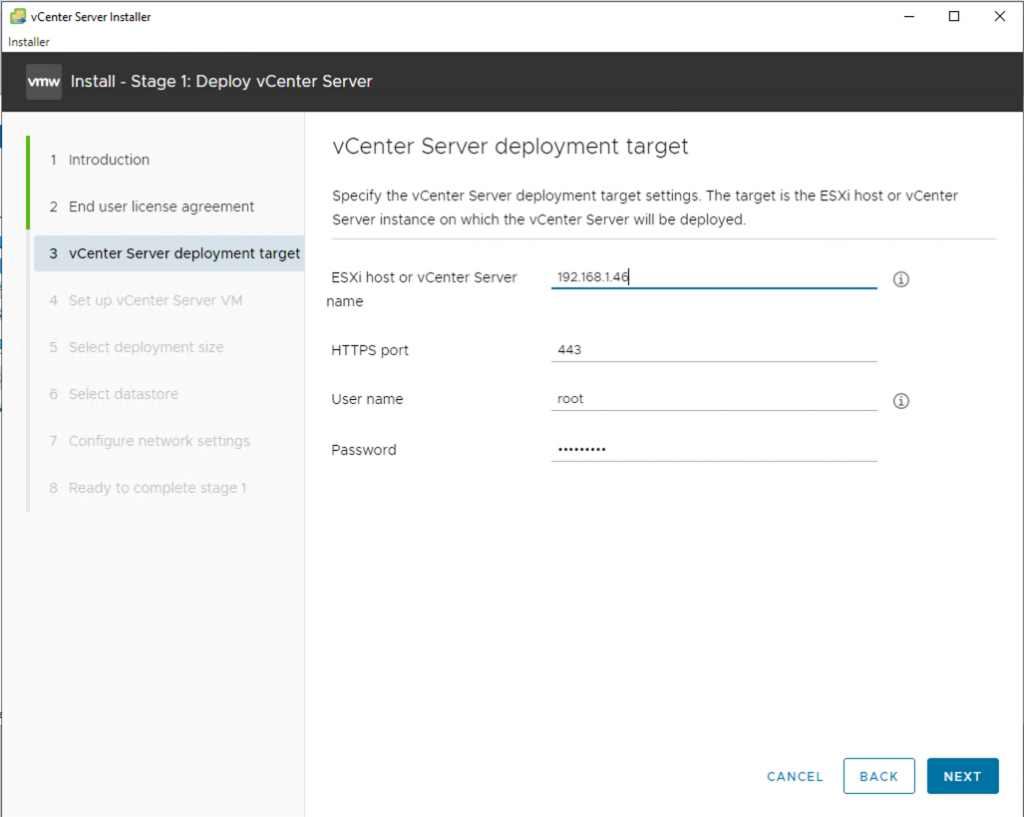
Choose where to deploy the appliance: the ESXi server.
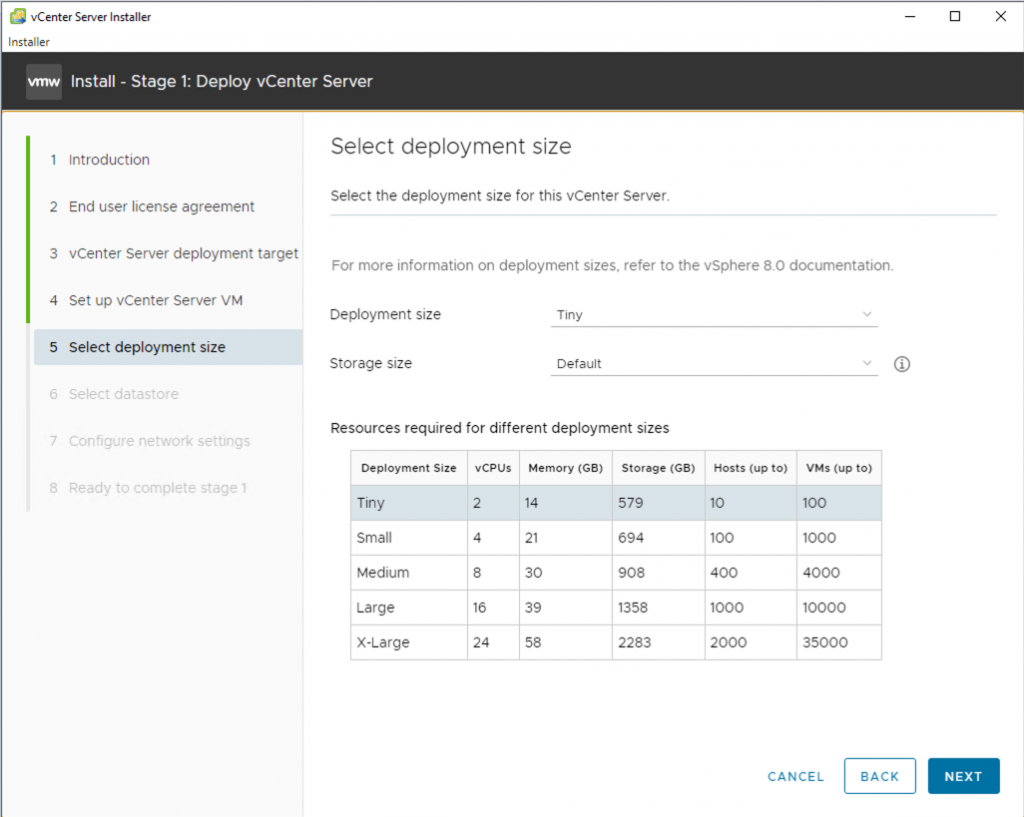
Choose the deployment size that matches your environment. Mine is very small, so I selected Tiny.
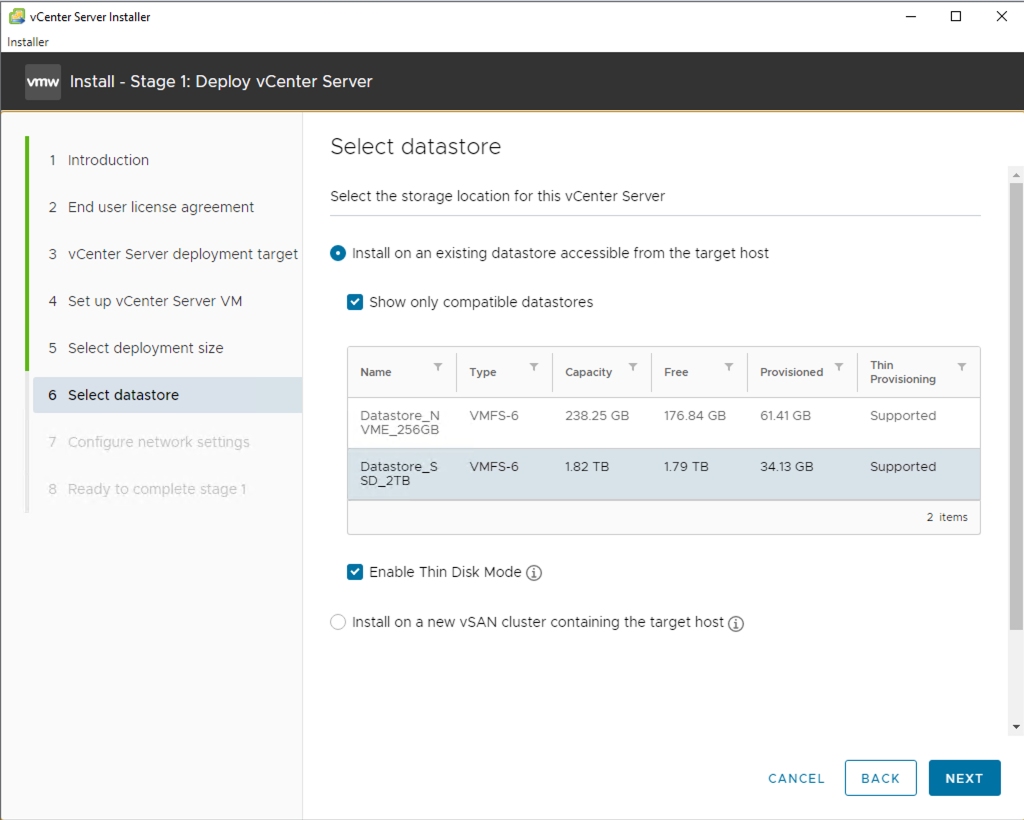
Select the datastore for deployment. In our case, we’ll use thin provisioning for the disks.
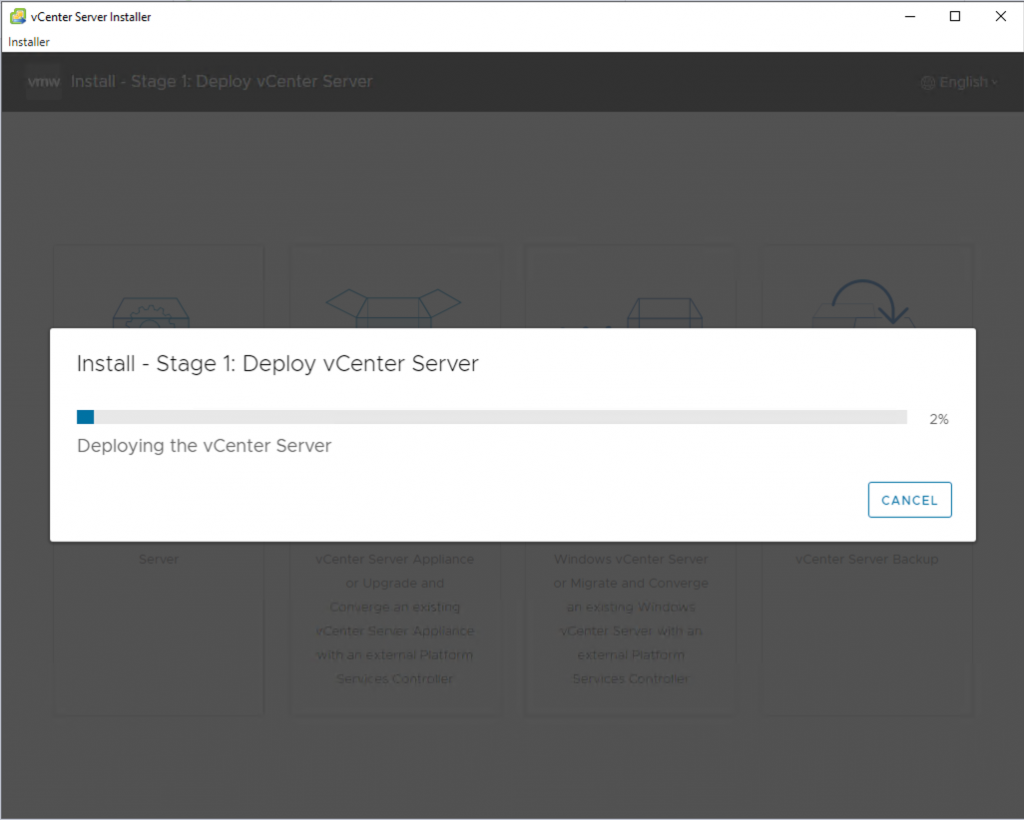
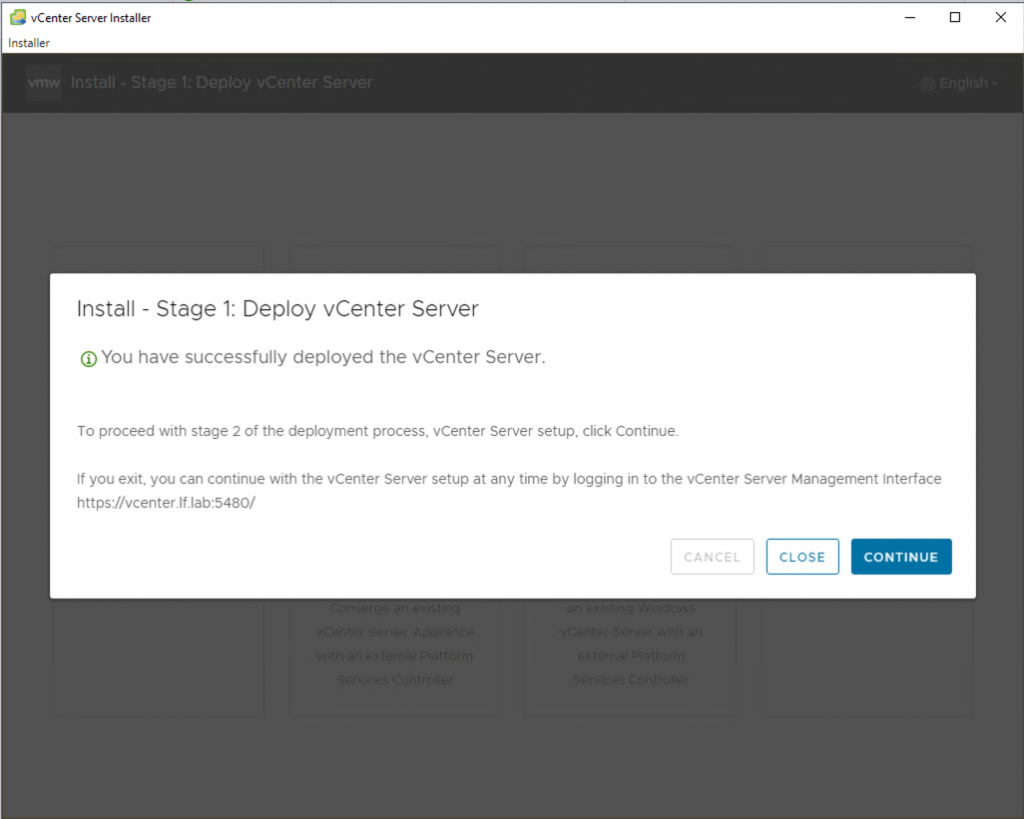
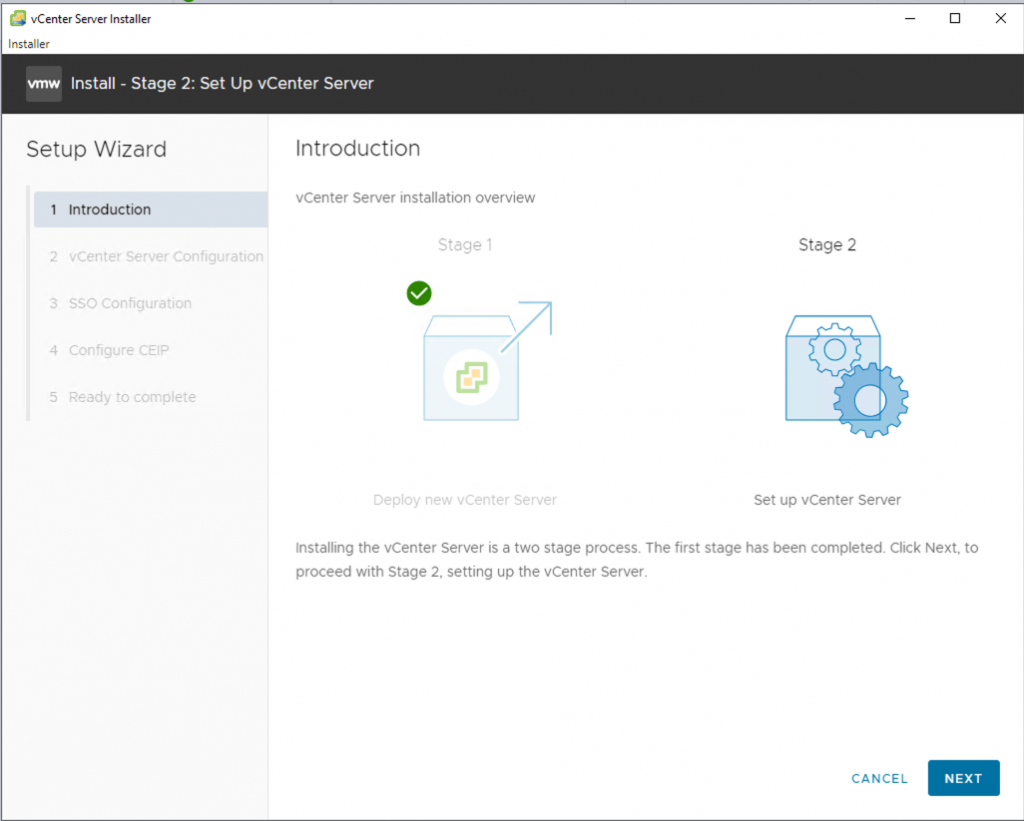
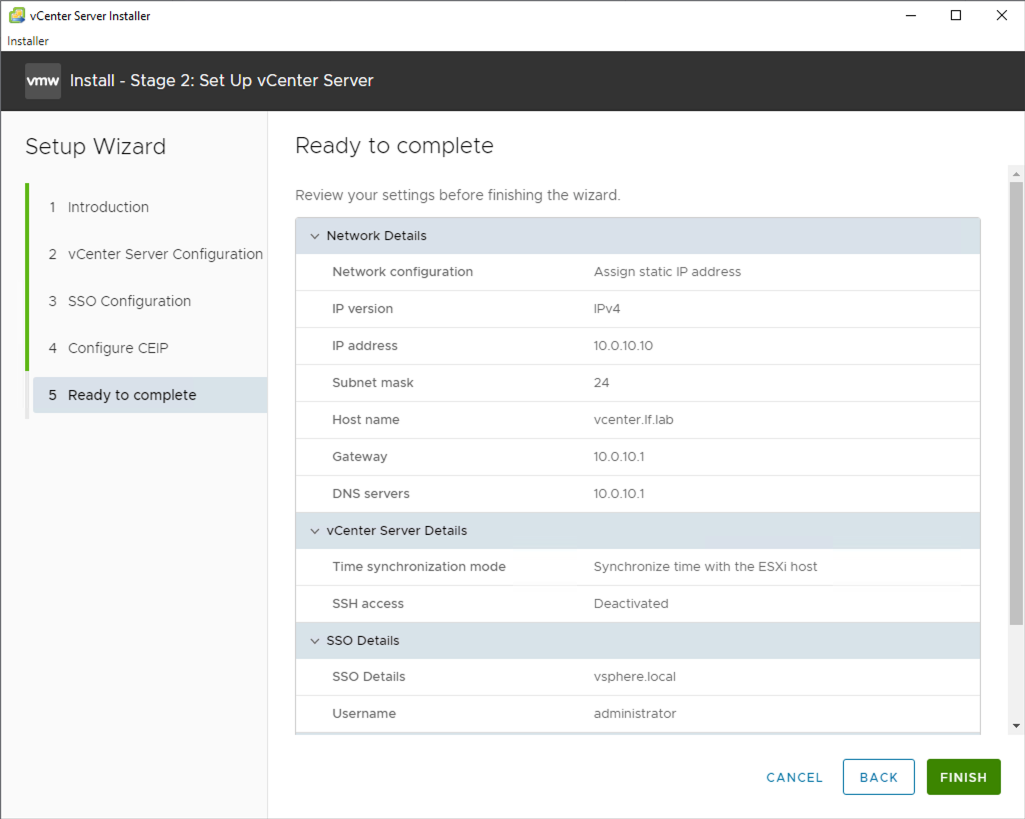
Let’s move on to the second part of the installation.
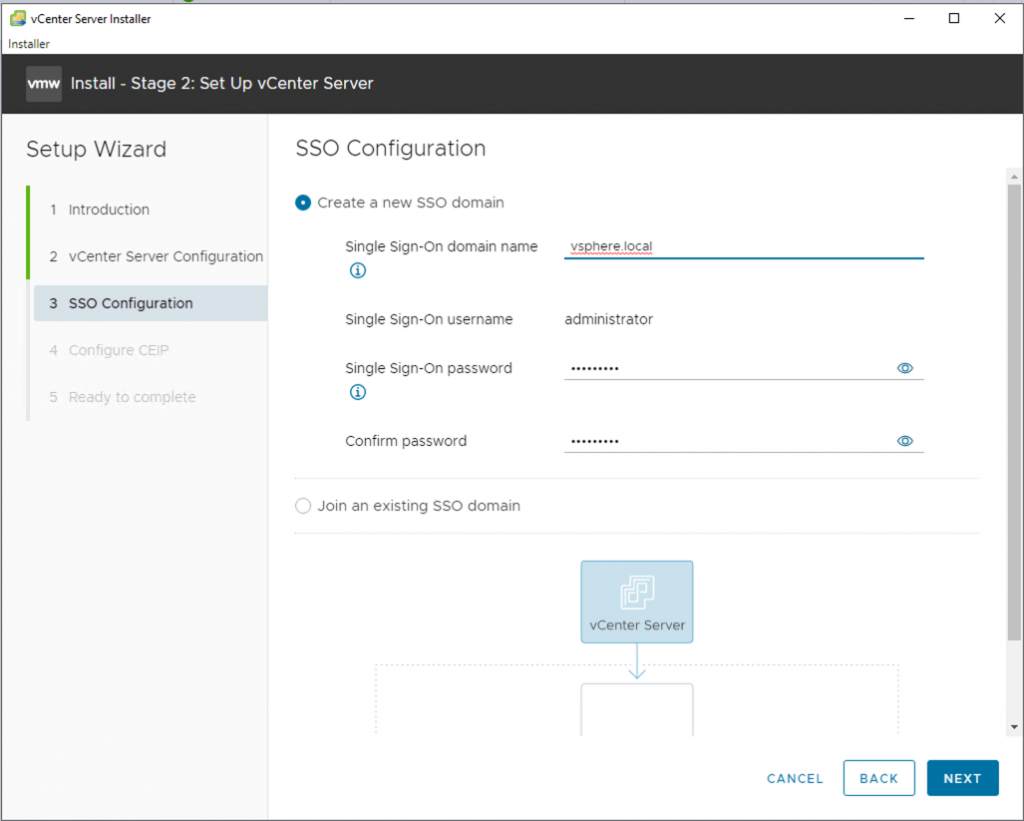
If you’re deploying a single appliance, this is fine. If you’re adding multiple appliances for centralized management, create an SSO domain.
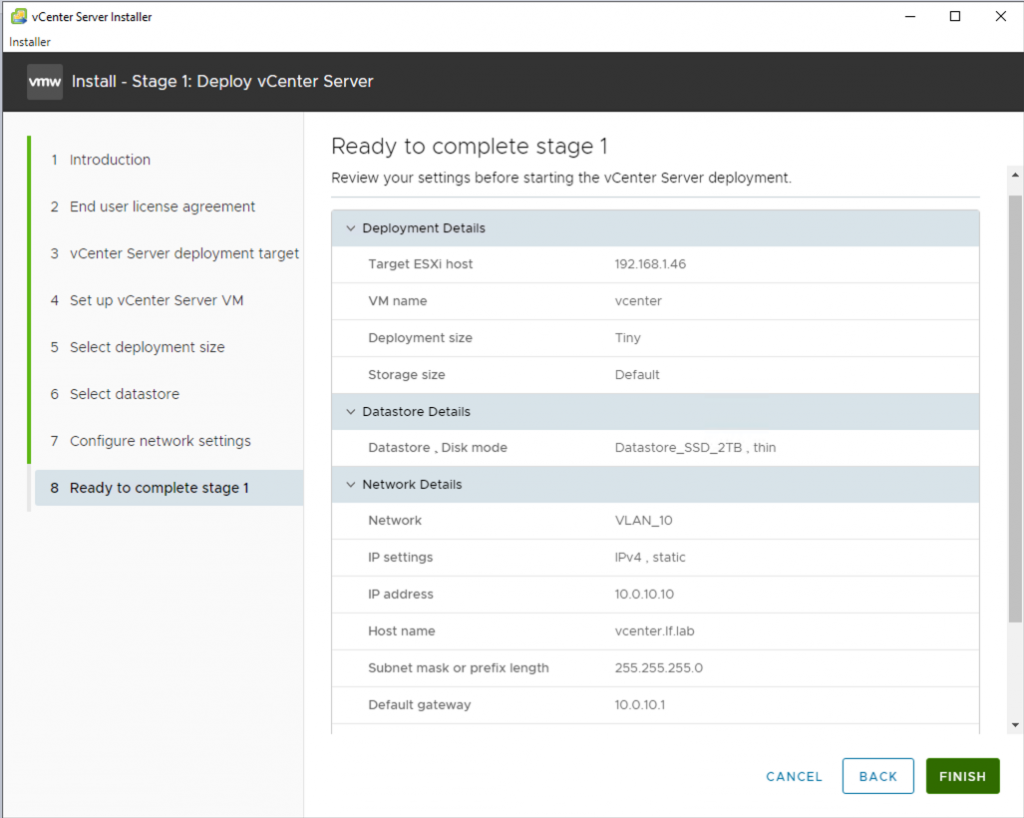
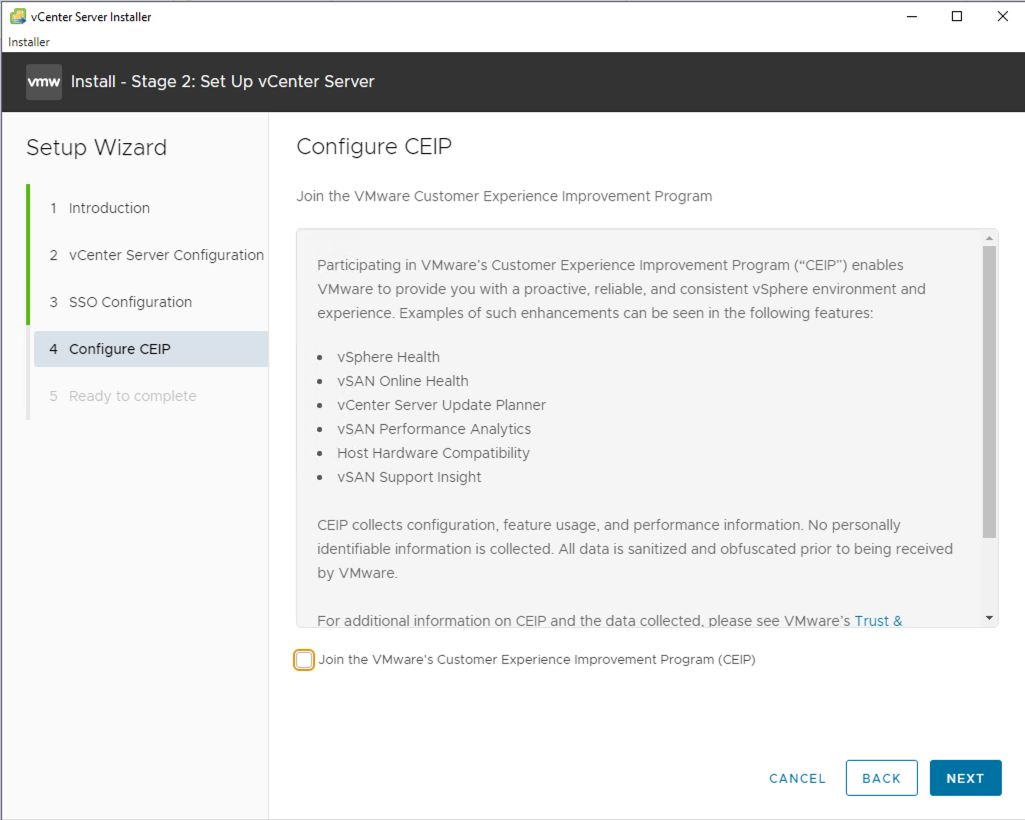
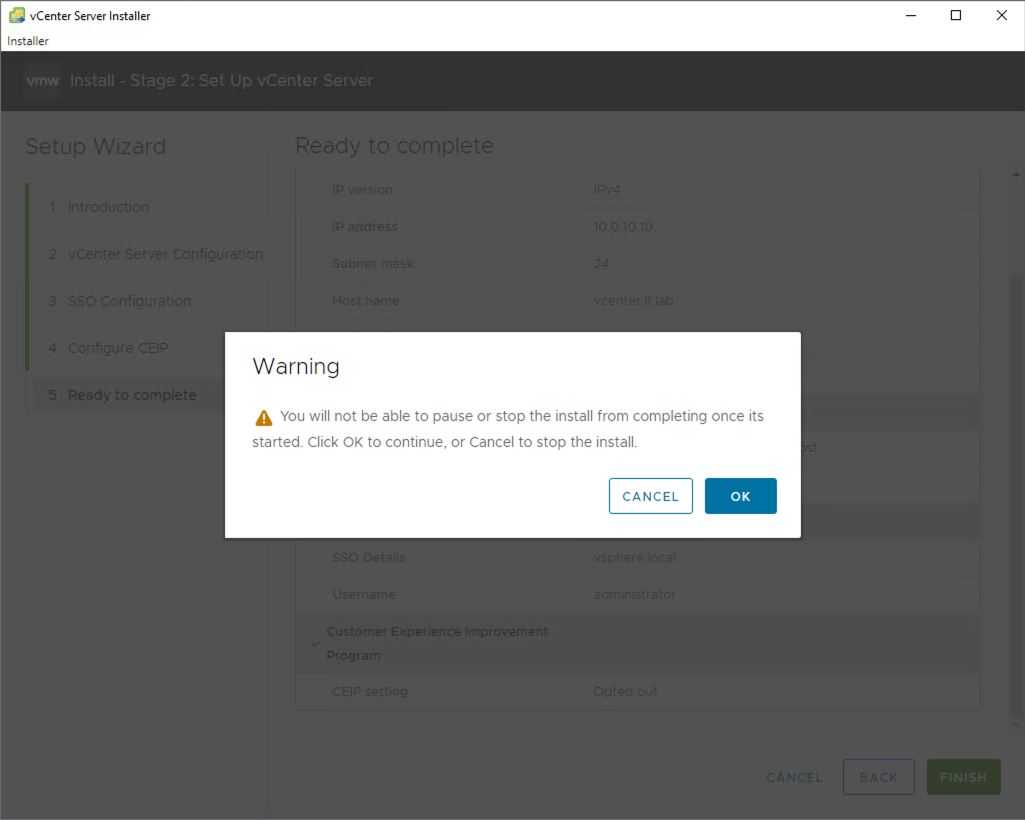
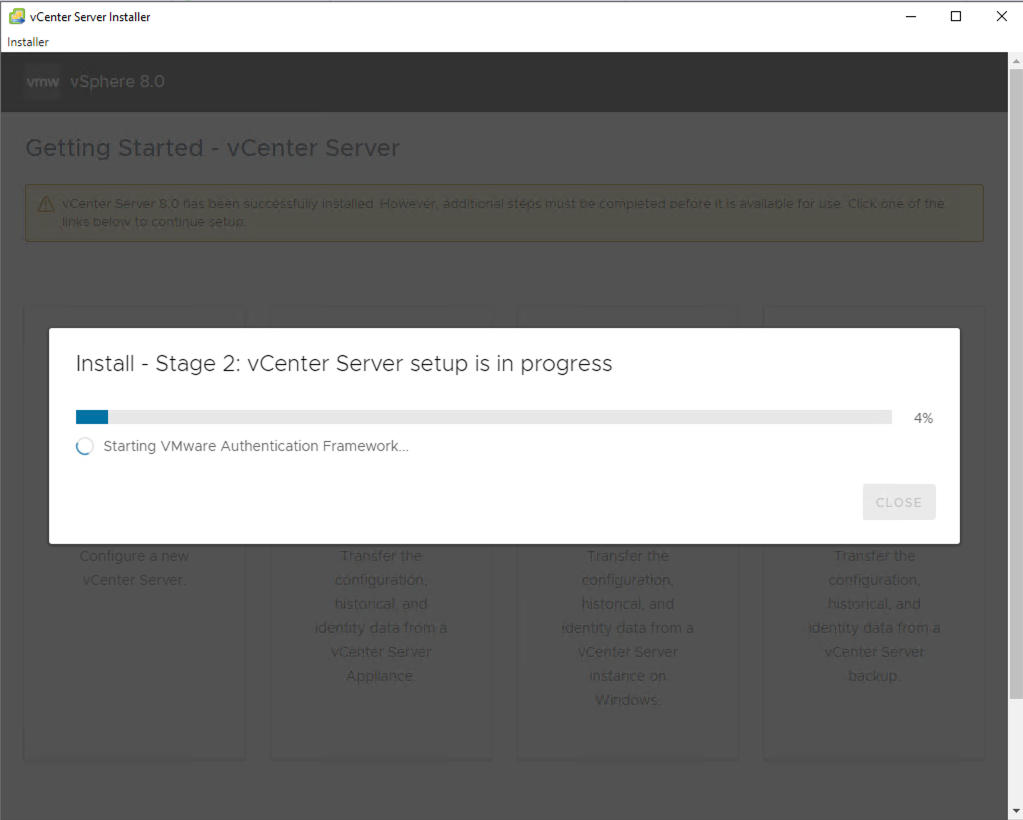
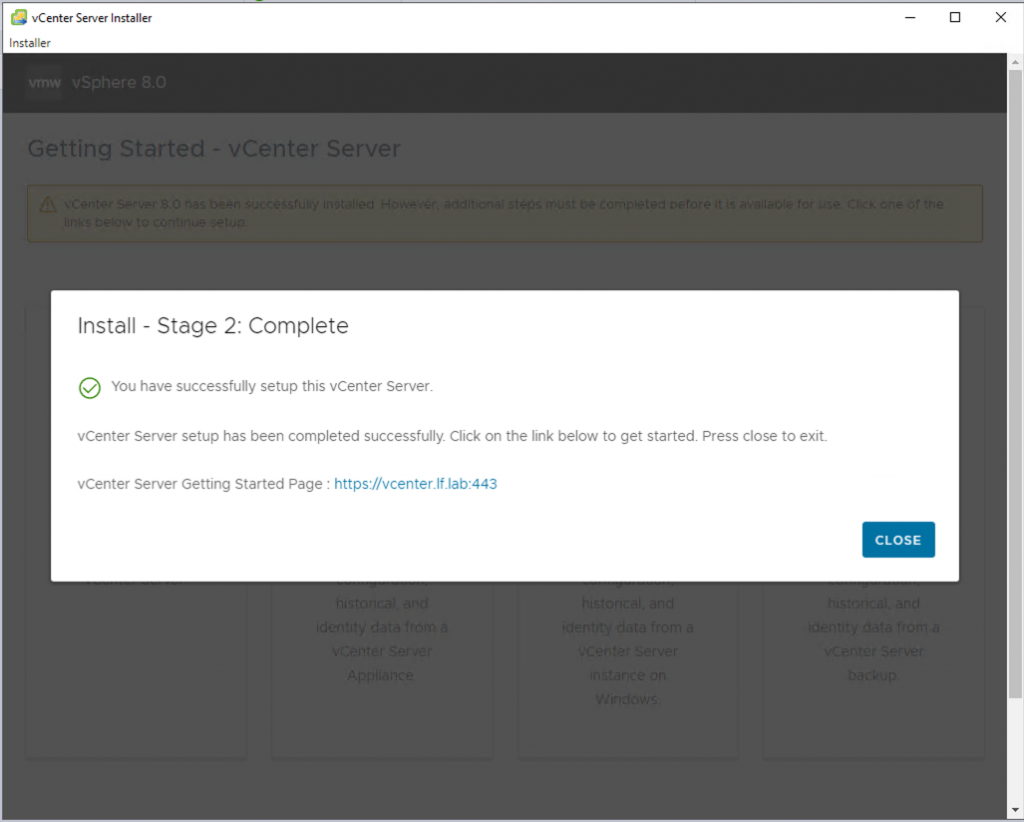
Everything is ready.
Connect, and then continue by creating your datacenter, cluster, and other settings…