
We’ve deployed and installed our first ESXi 8 host. Here’s the link to that post.Now we’ll configure the basics so we can start using it:
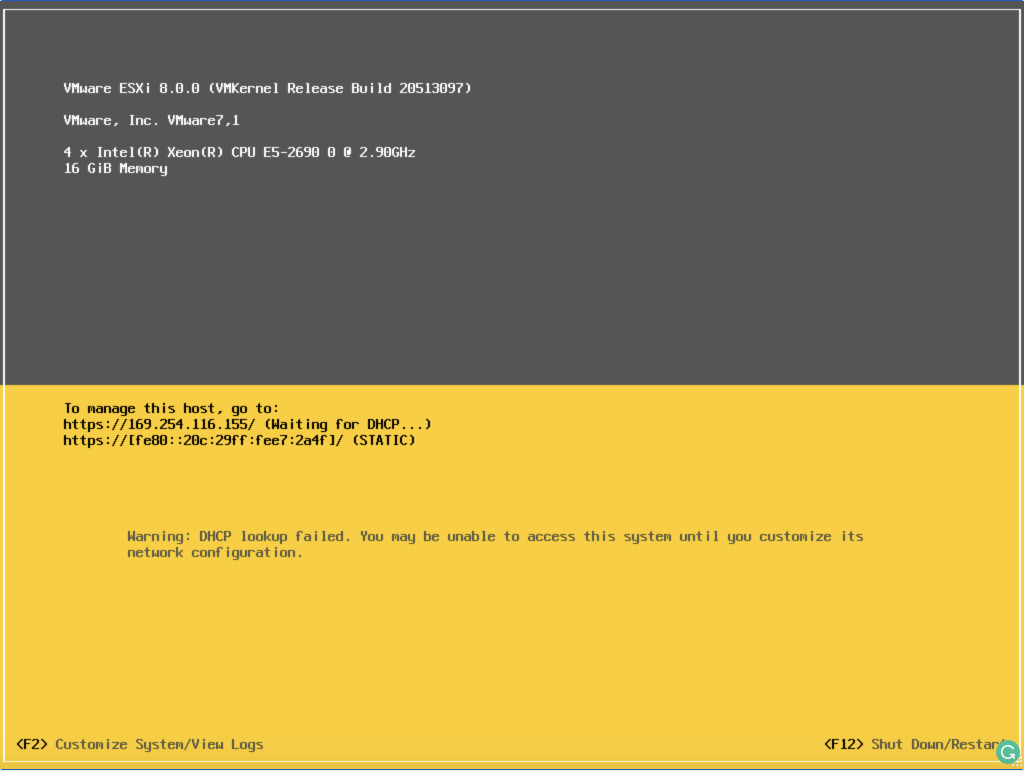
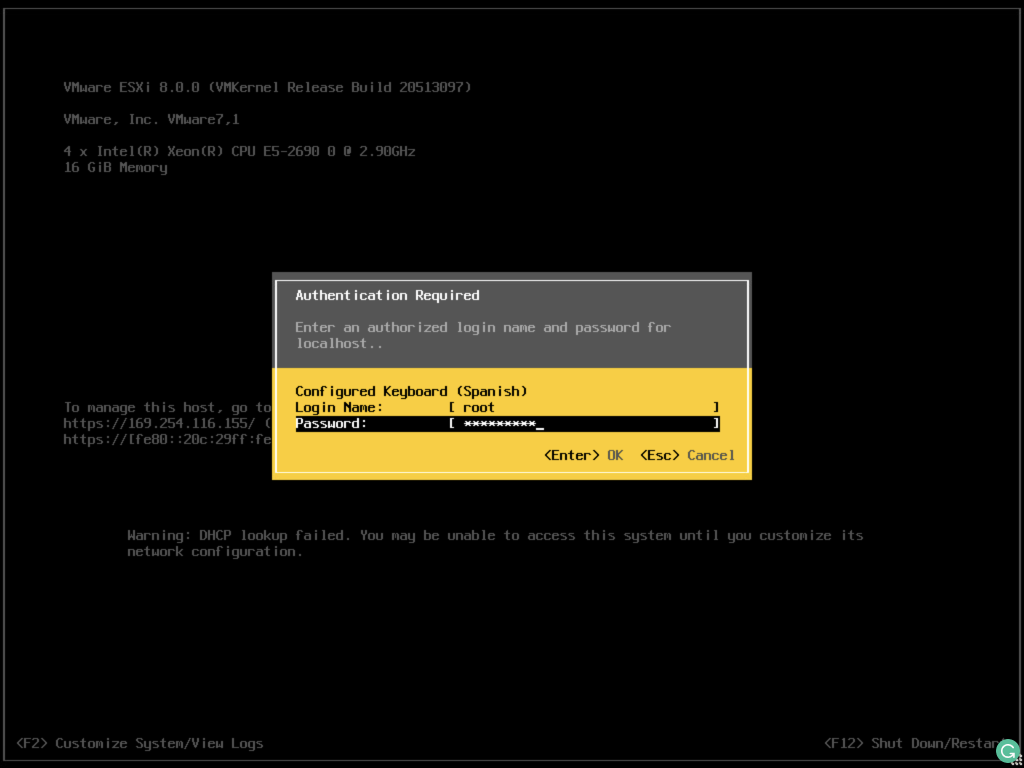
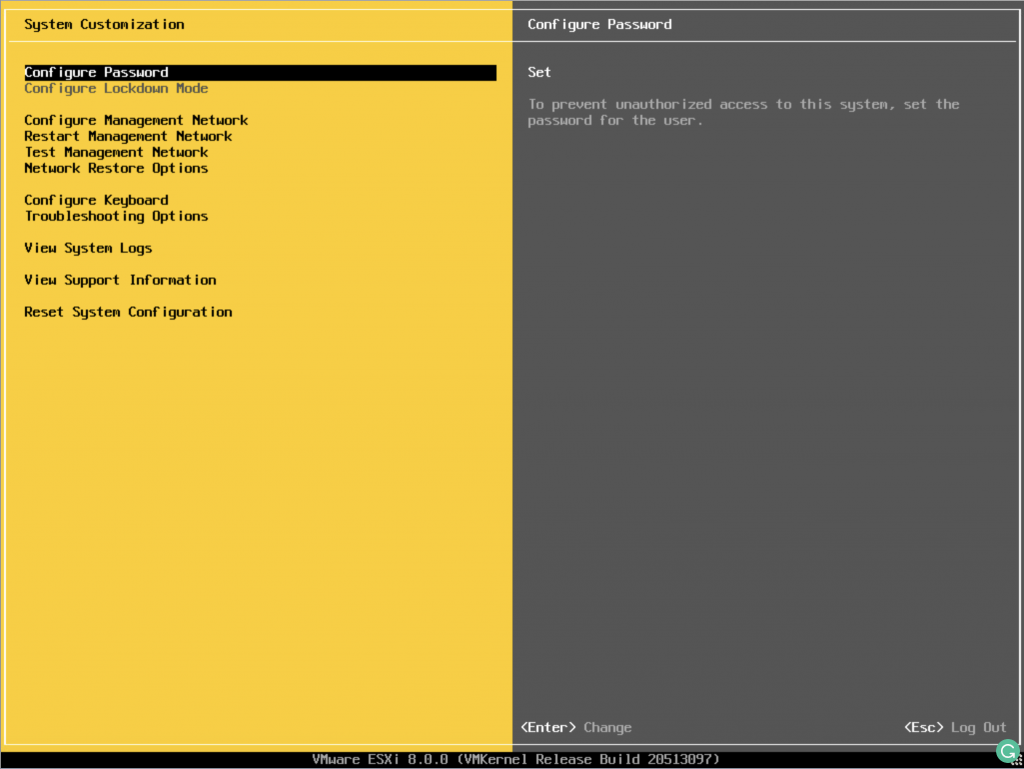
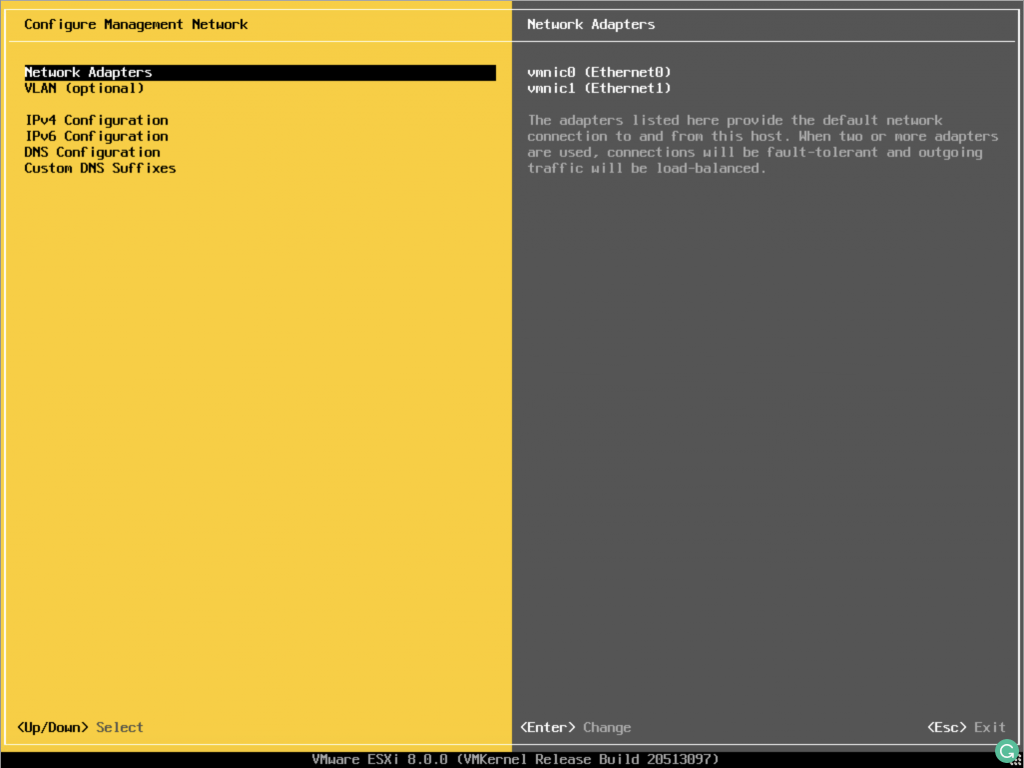
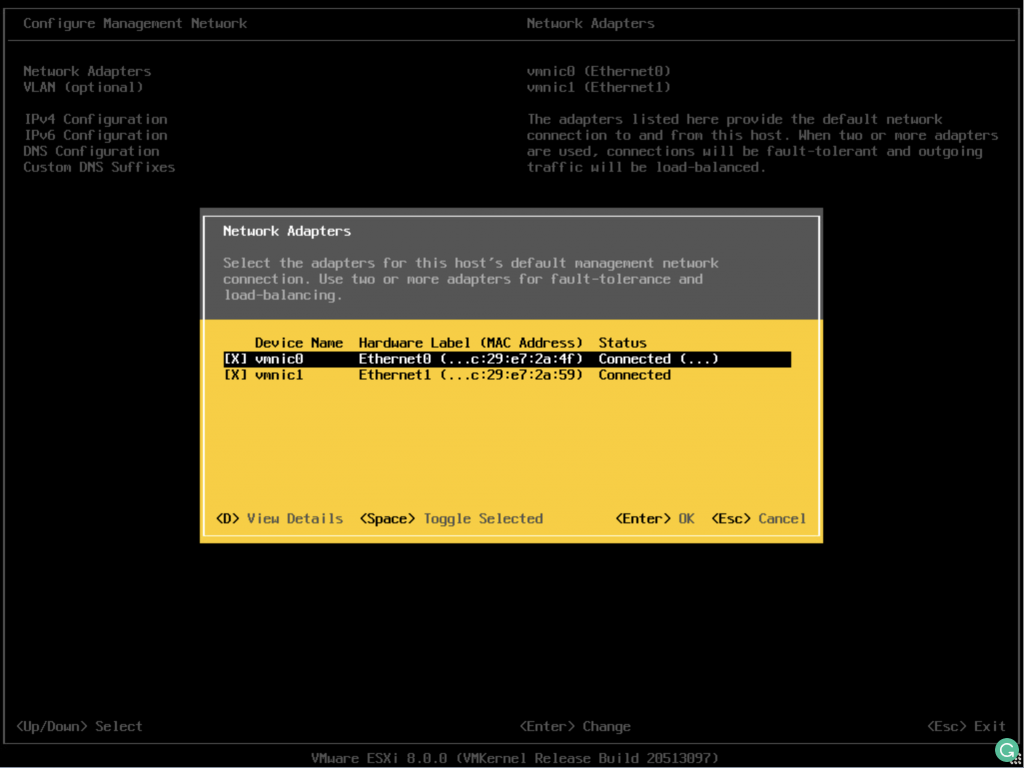
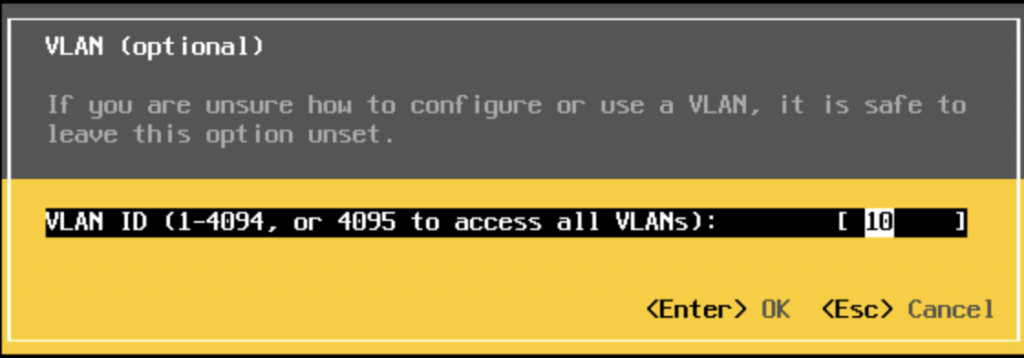
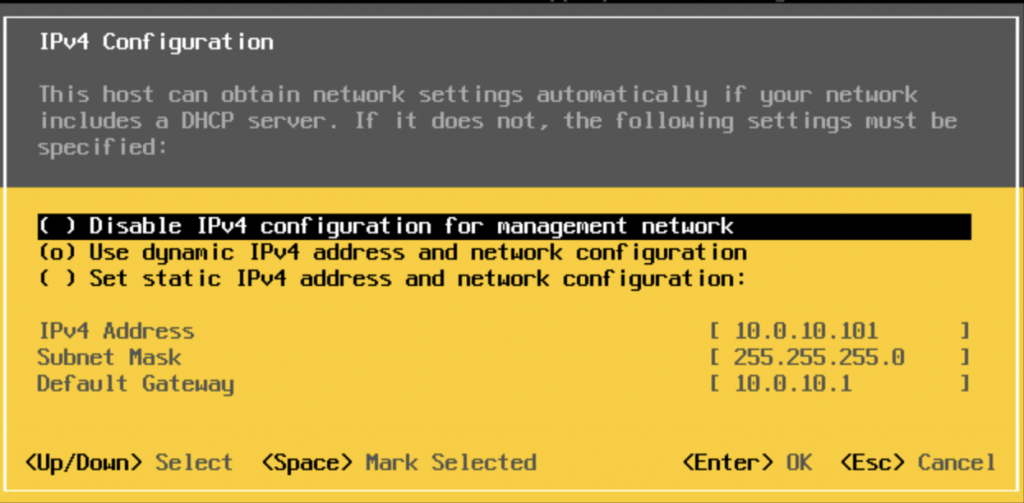
Return to the network menu. Under configuration, set a static IP address for the management interface.
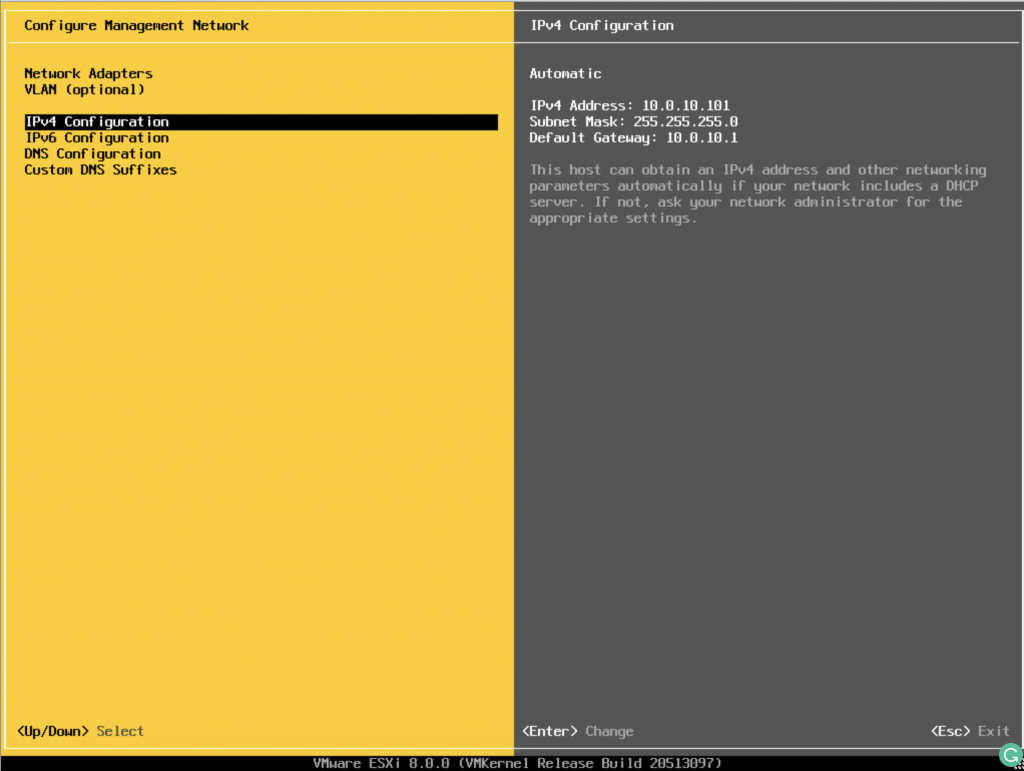
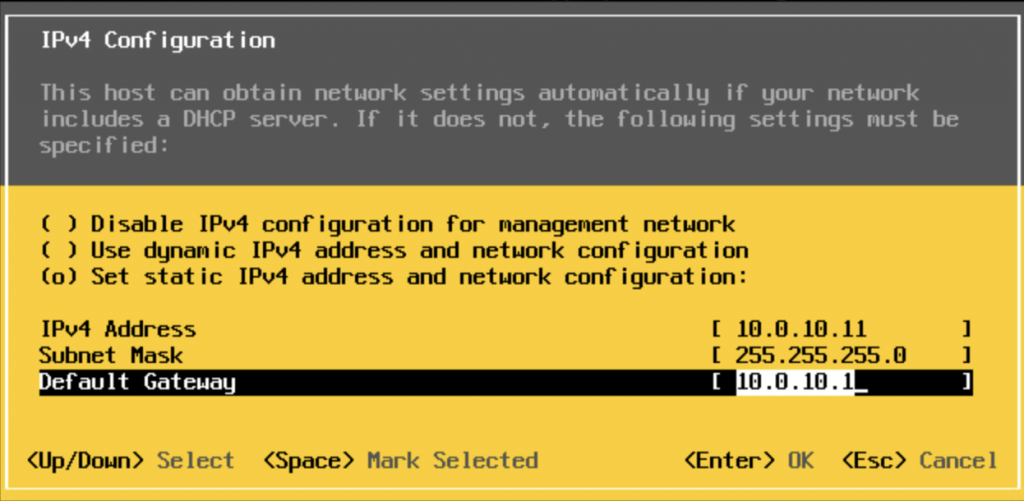
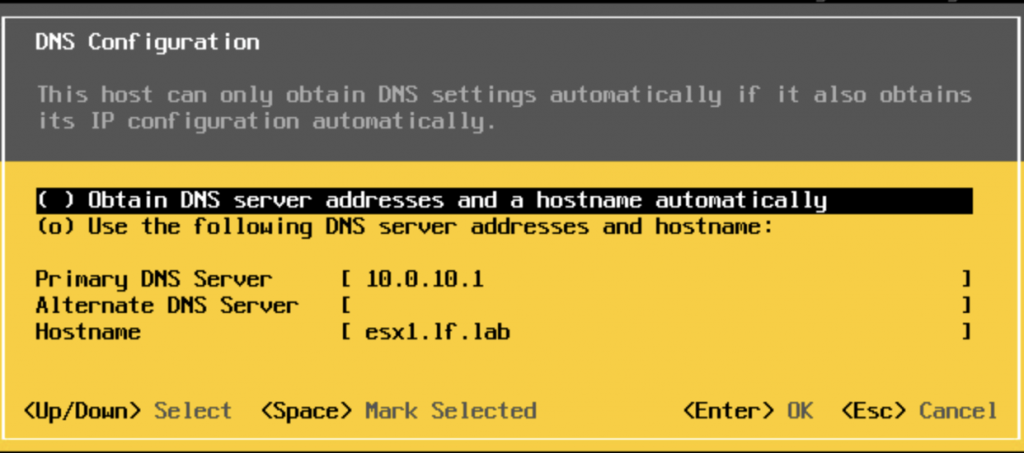
Stay in the network menu and configure DNS and the suffix. That’s it.
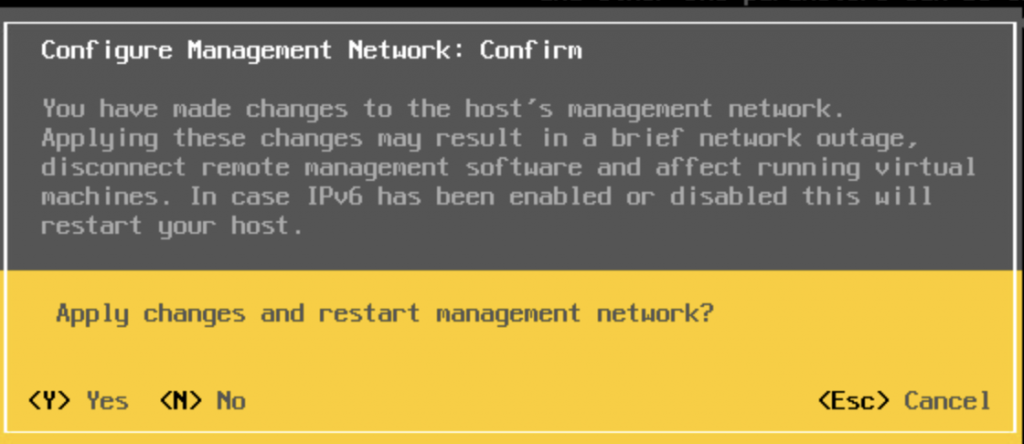
When the configuration is complete, press Esc to exit. It will ask if you want to save the settings.
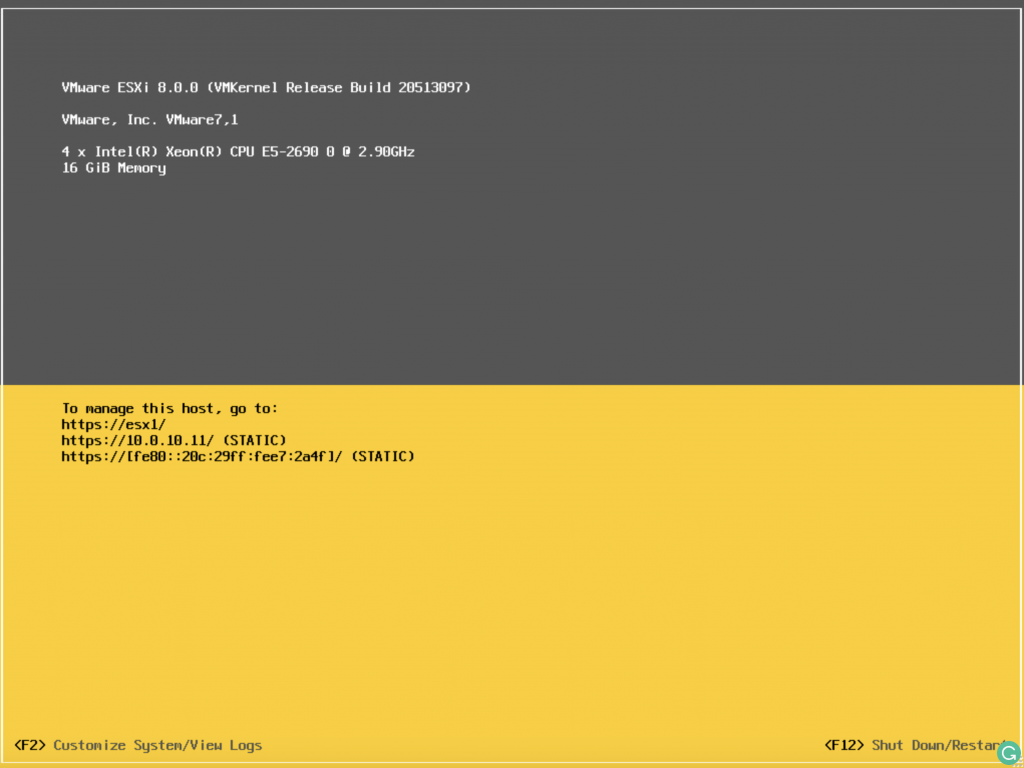
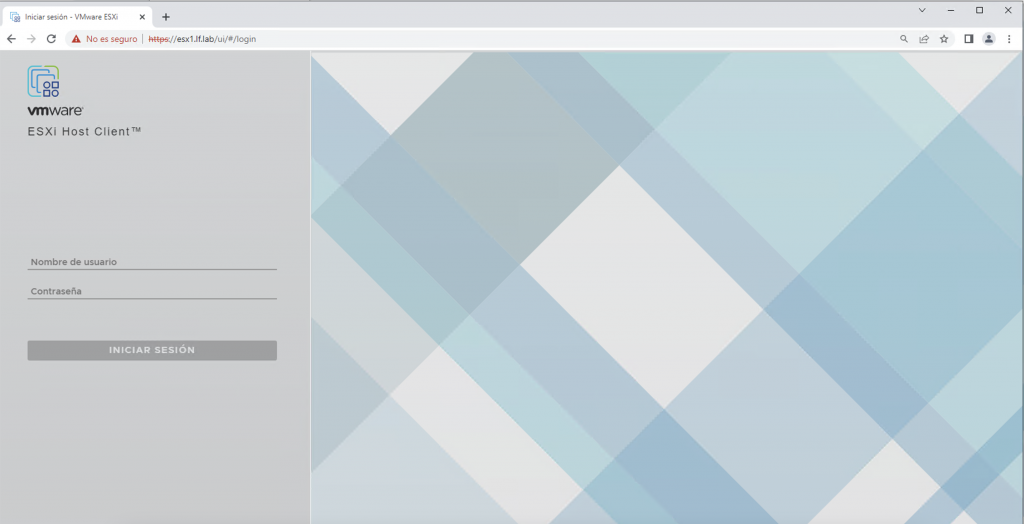
The network is configured. Now let’s open the web console to test it.
Next, we’ll cover the first host setup steps, the most important settings, and then vCenter and storage deployment.
Regards.