Adding Wasabi S3 Buckets to Veeam B&R v12

Here’s a screenshot walkthrough showing how to add Wasabi S3 storage to VBR v12.

Important: v12 supports backing up directly to cloud S3. You don’t need intermediate storage to upload backups to S3.
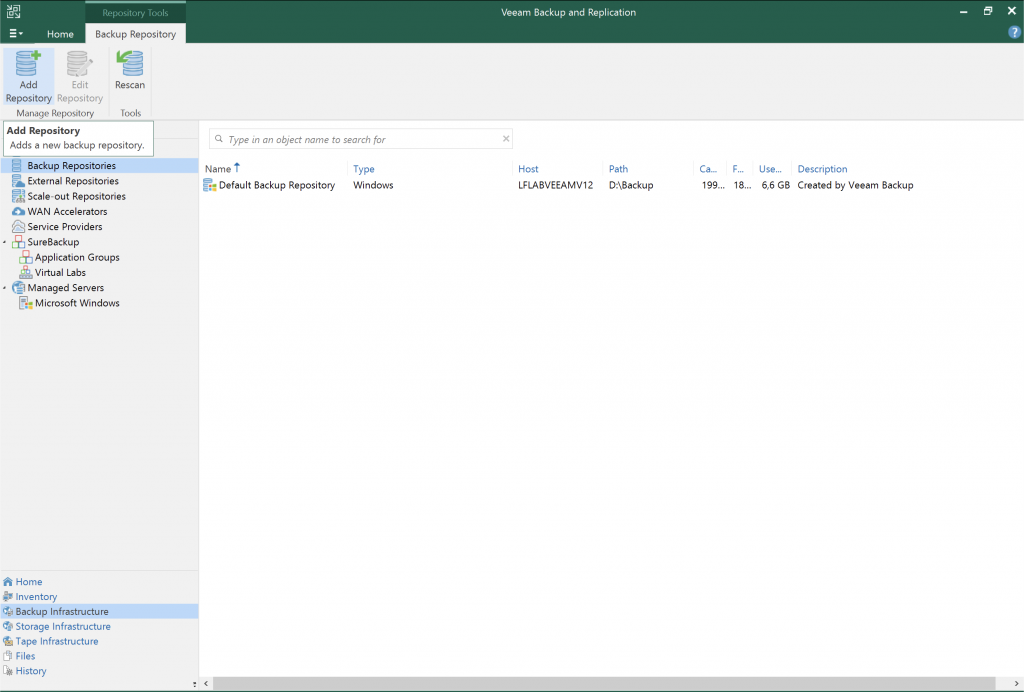
Backup Infrastructure > Backup Repositories > Add Repository
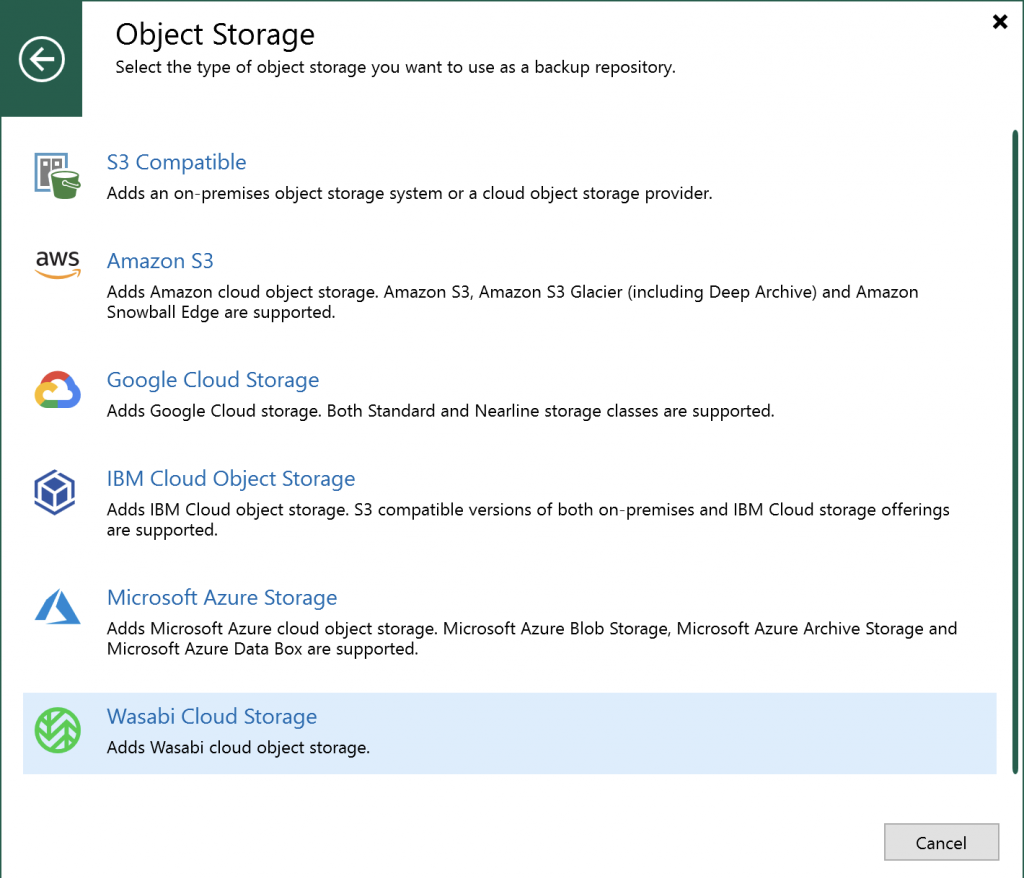
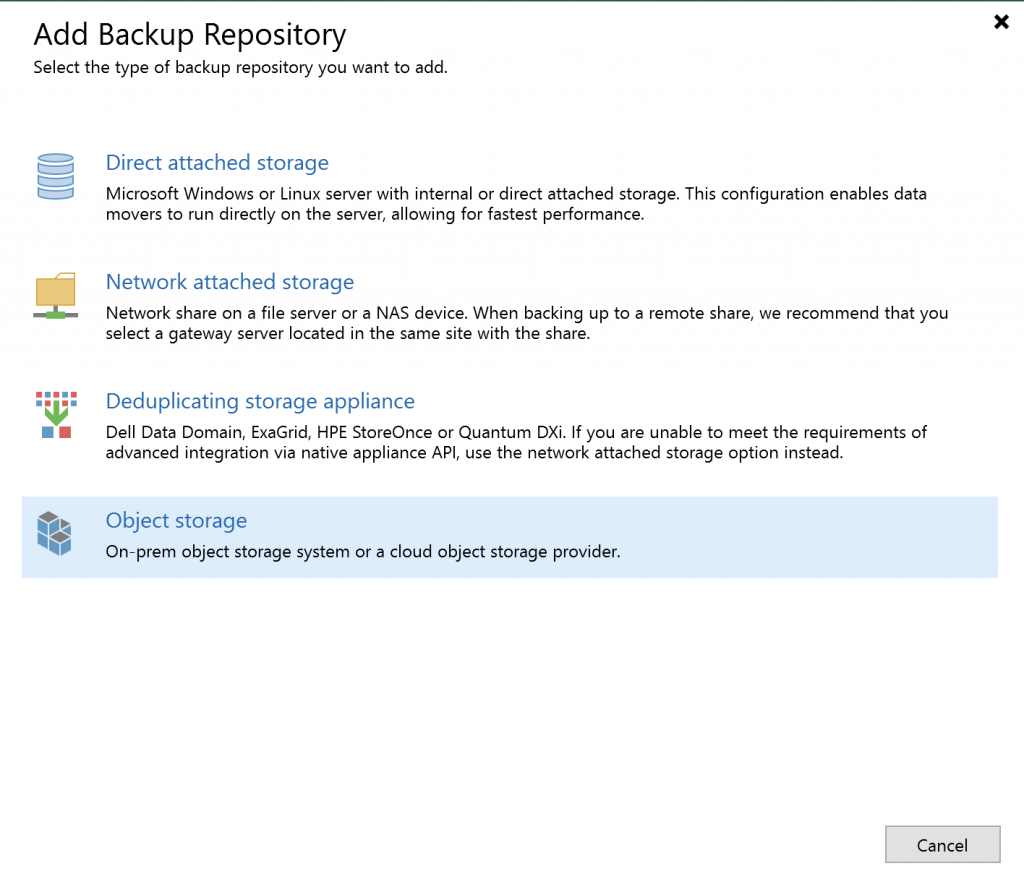
Object Storage
Wasabi Cloud Storage
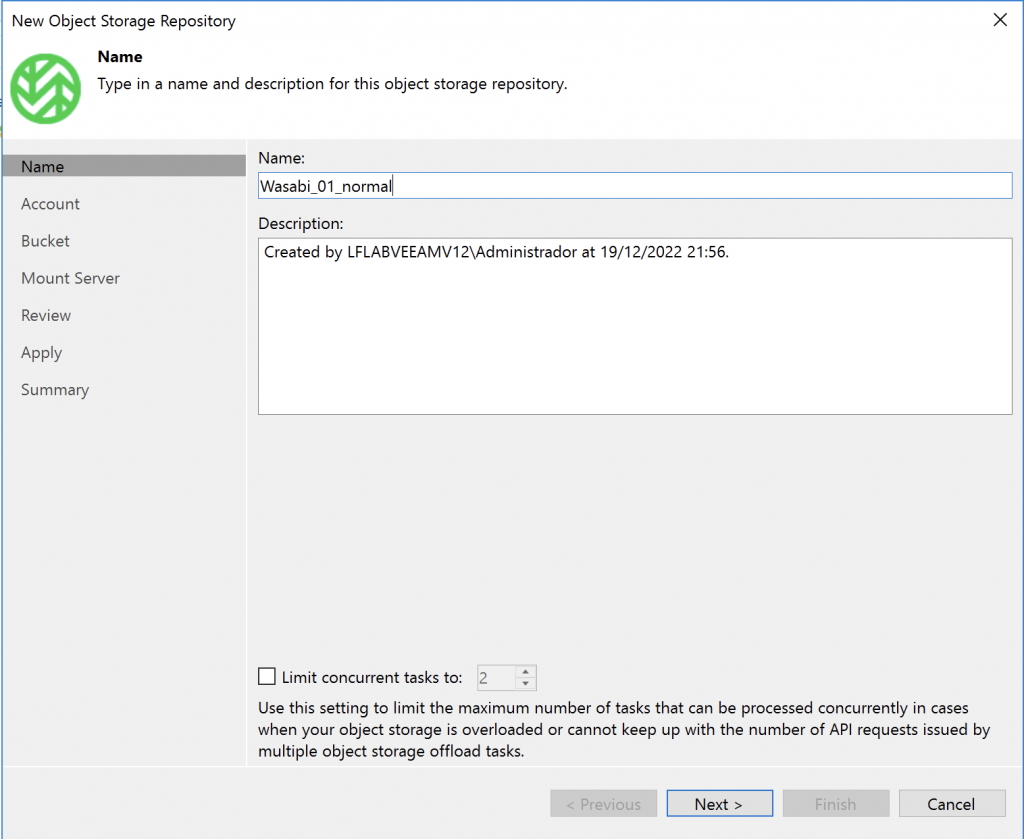
Give the repository a name.
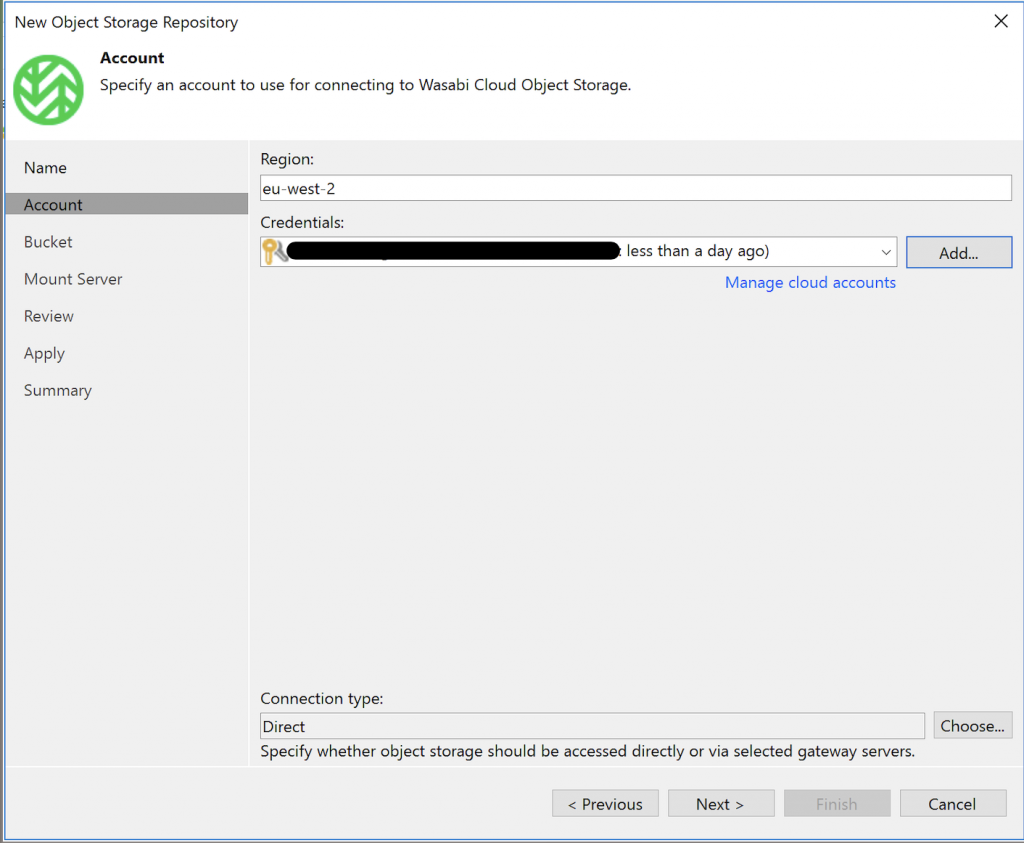
Select the region where you created the bucket. This is very important!
Enter or select your Wasabi credentials.
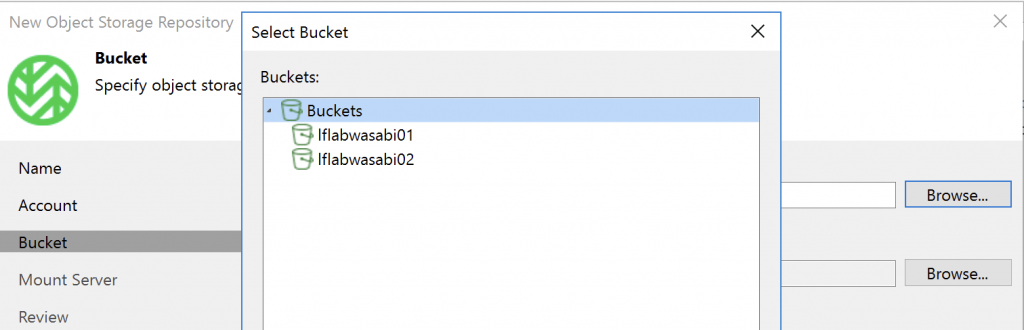
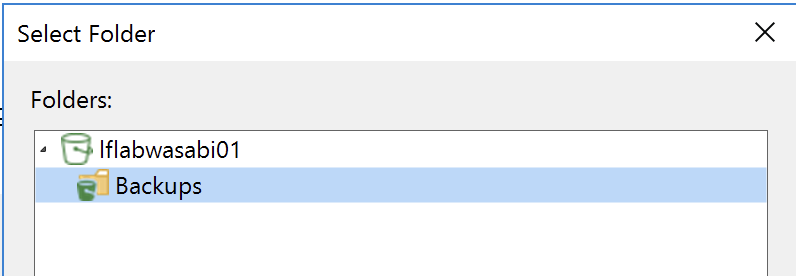
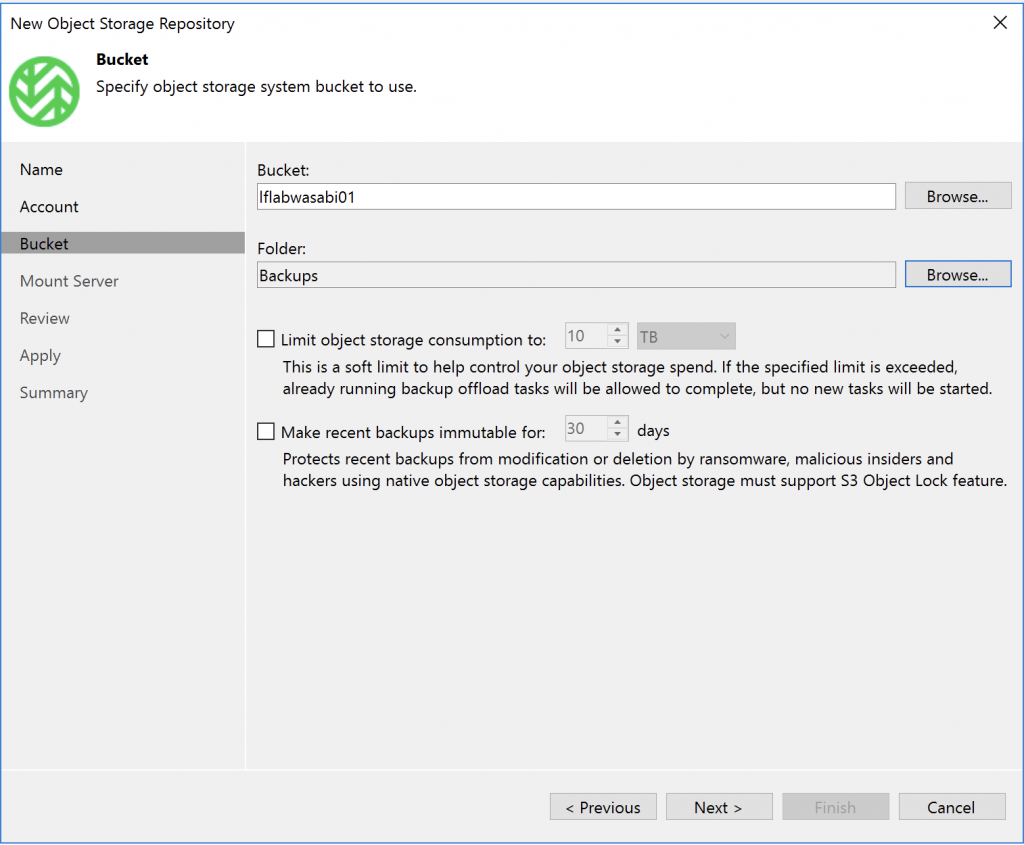
Our buckets appear. Select bucket 01.
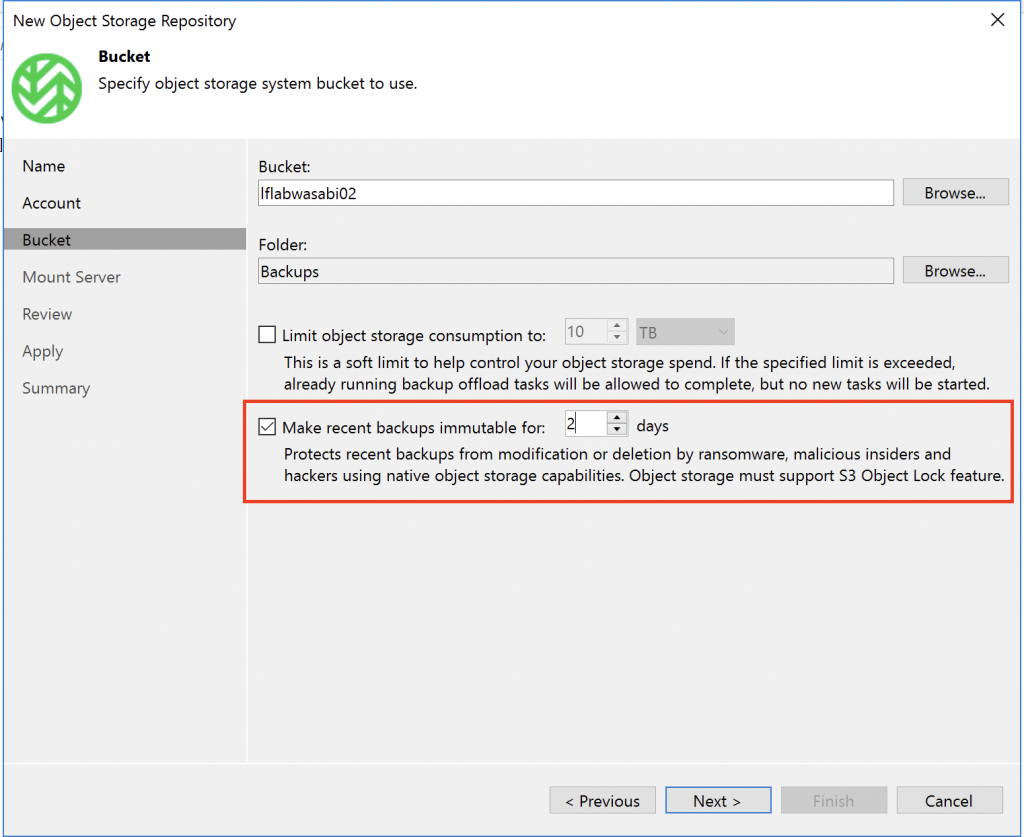
Create a folder inside the bucket.
Remember, this bucket does not have immutability enabled, so we’ll leave it as is.
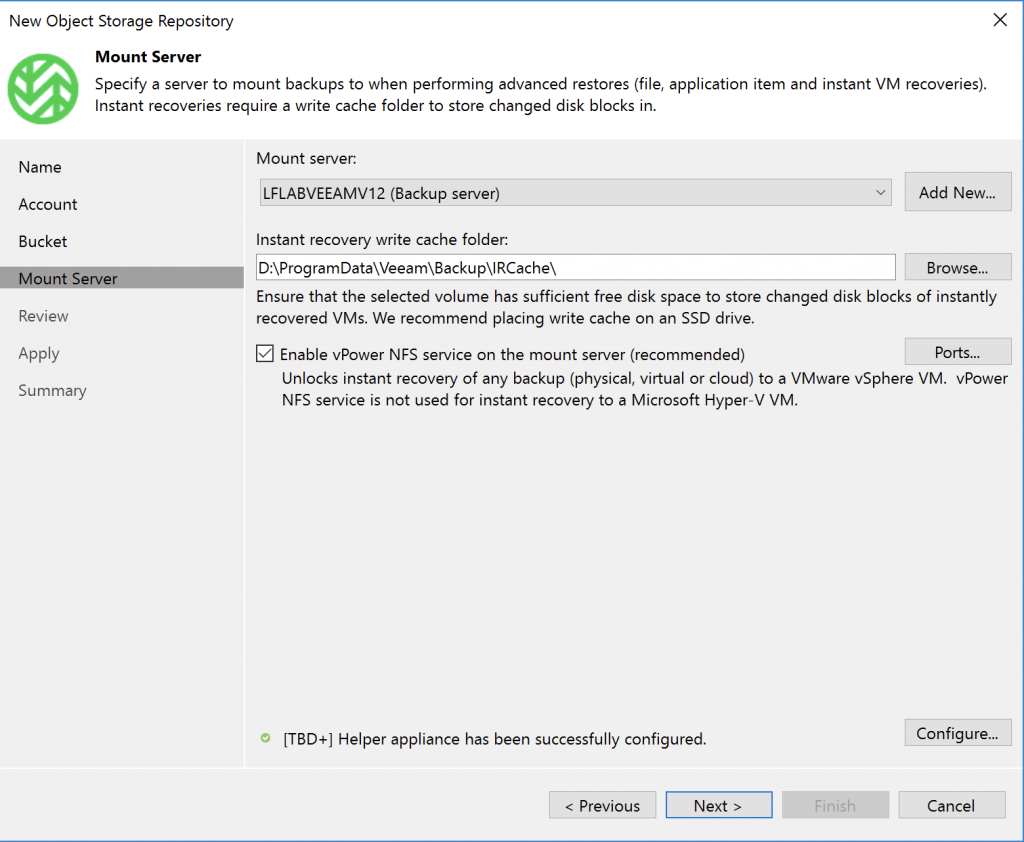
The usual options.
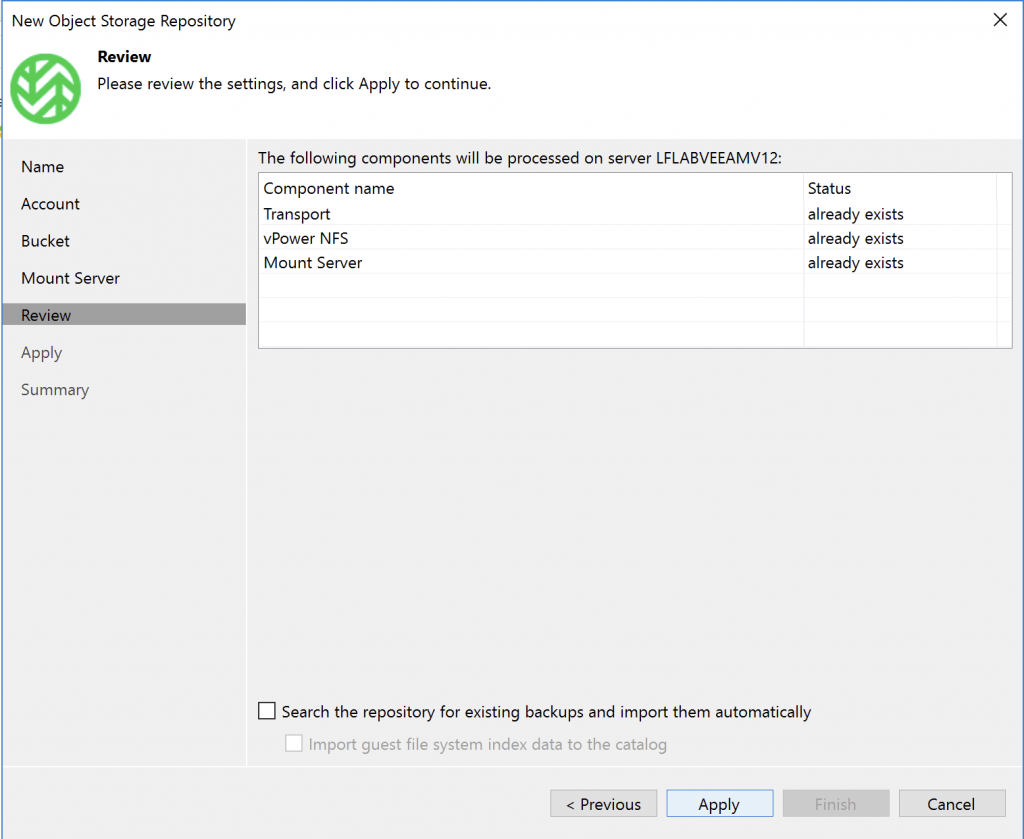
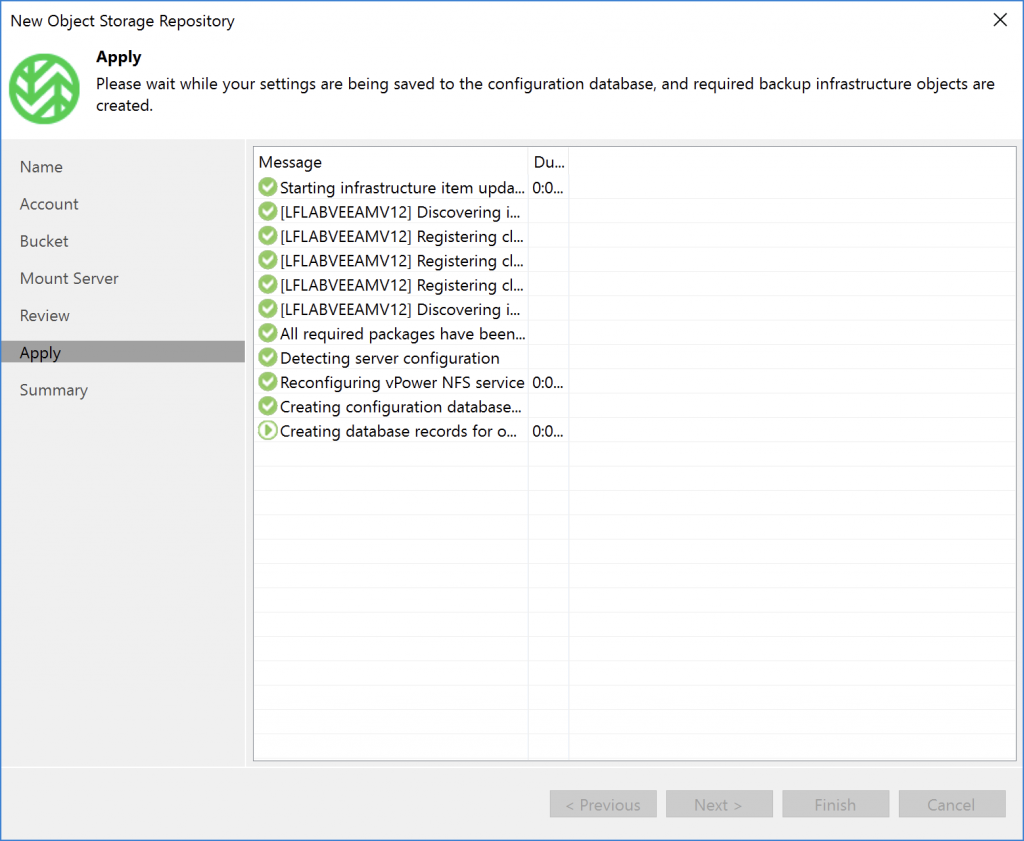
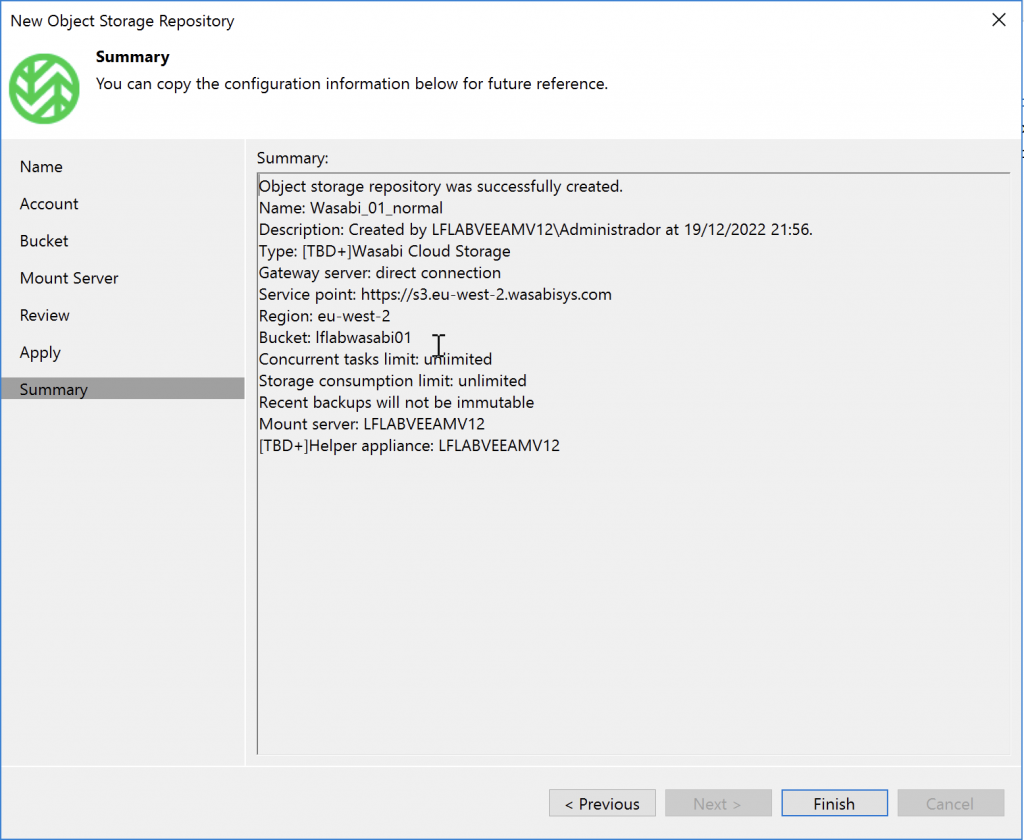
Review and apply the configuration.
…
Done!

For the immutable bucket, follow the same steps, then enable the option when prompted…
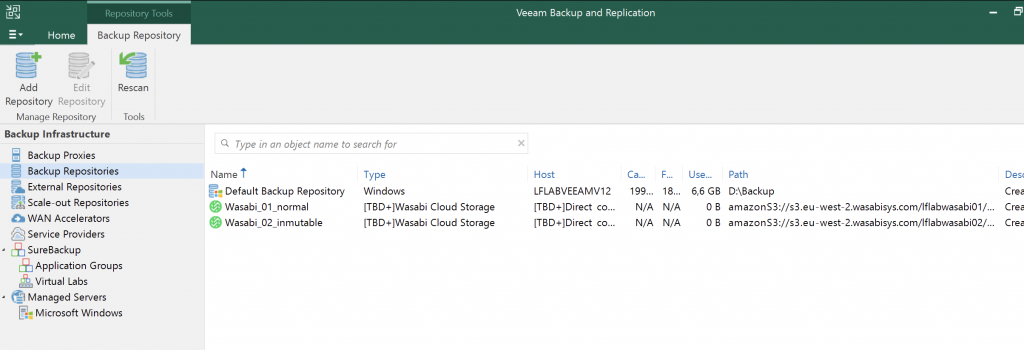
Our buckets are ready!

Now we can select them as backup destinations.