
I was lucky to get a TerraMaster NAS to test in my lab.
In this post, I’ll show you how it arrived, what it looks like inside and out, its basic specifications, and finally a few photos of my current setup and my impressions.
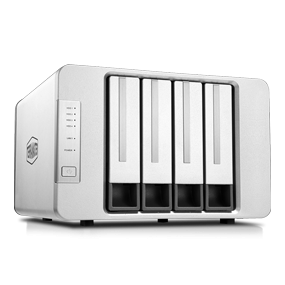
The four-bay F4-423 is designed for users who need high-performance storage. This performance lets users handle demanding workloads, while multiple enterprise-grade backup options help protect data and reduce the risk of data loss.
It is a high-performance storage solution that provides expanded virtual storage and a database for SMB users. It uses a quad-core Intel Celeron N5095 processor running at 2.0 GHz, with a maximum turbo frequency of 2.9 GHz. It includes integrated GPU graphics and AES-NI hardware encryption. It also has two 2.5 GbE network interfaces and 4 GB of dual-channel DDR4 memory (expandable to 32 GB). In addition, it has two built-in M.2 NVMe slots, which accelerate SSD caching and double the storage efficiency of your RAID.
Let’s look at a photo of the box and how it comes out:
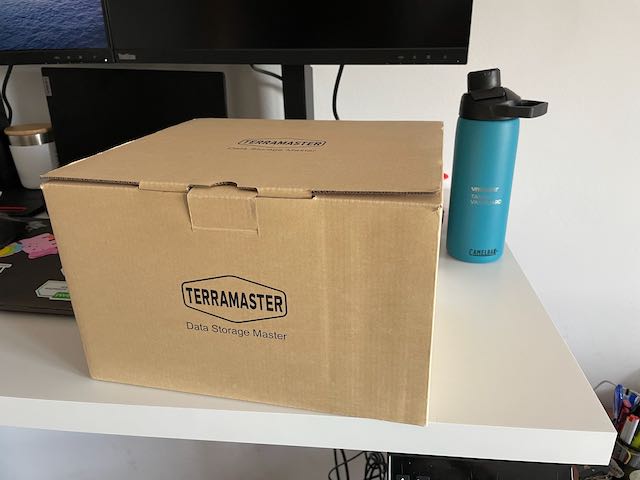
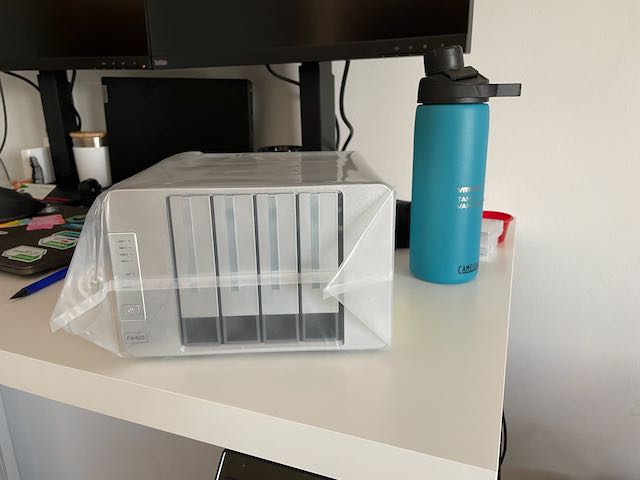
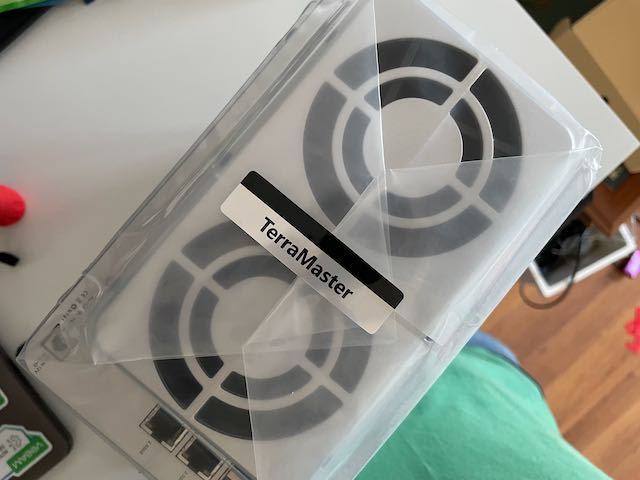
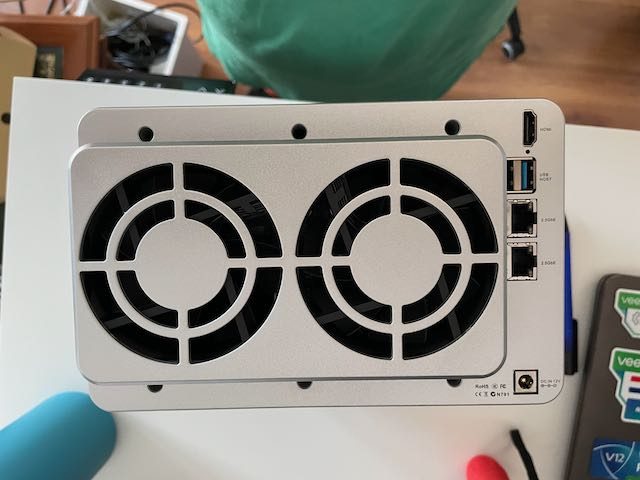
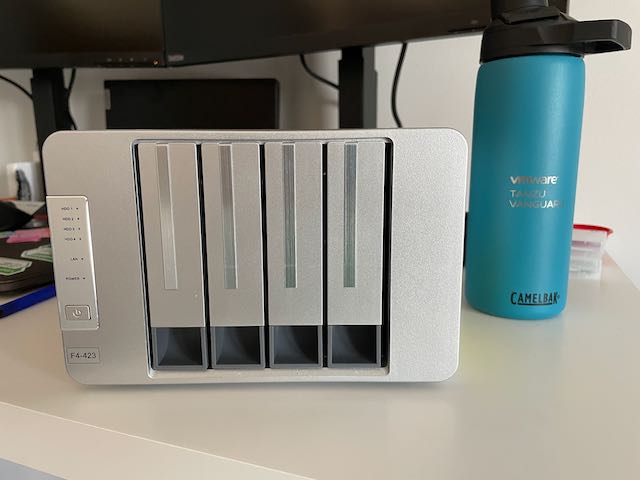
My first impression is very positive: a robust product with a clean, simple, and elegant finish.
I was pleasantly surprised by the connectivity: USB 3.0, two 2.5 Gb Ethernet ports, and HDMI, which we’ll use later to view the system and explore the internals of this little device.
Here’s an initial photo of the inside, showing the two M.2 NVMe expansion slots on the board, followed by a closer look at the rear ports.
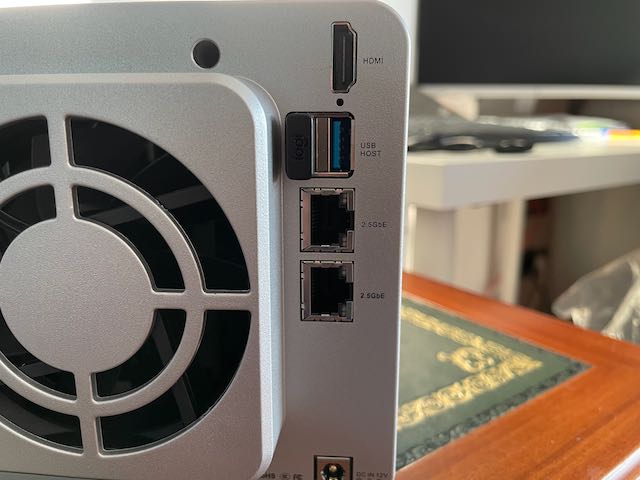
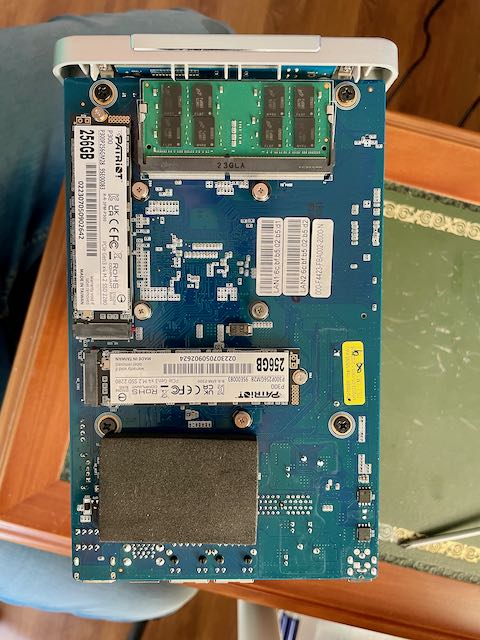
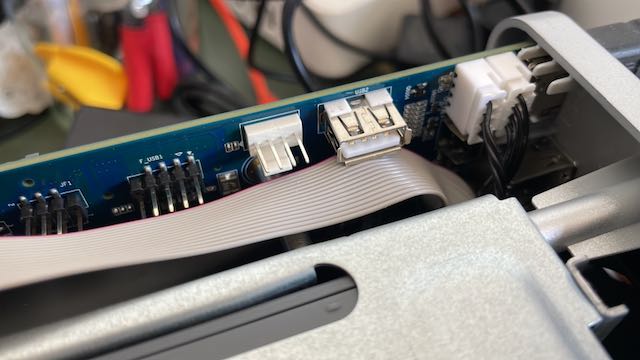
With this network capacity, four 3.5- or 2.5-inch bays, two M.2 NVMe expansion slots, and RAM expandable to two 16 GB DDR4 SO-DIMMs, it’s a very capable unit that’s easy to expand.
If you’re interested in taking a look or buying one, you can click here.
We’ll keep testing this great unit, from its own operating system, TOS, to installing other systems and integrating it into the homelab.
Regards.