
In the previous post, we saw how to create a replica in Veeam B&R v12.
Now I’ll briefly show you how to bring that replica into production if needed, and we’ll discuss a few use cases.
Let’s go!
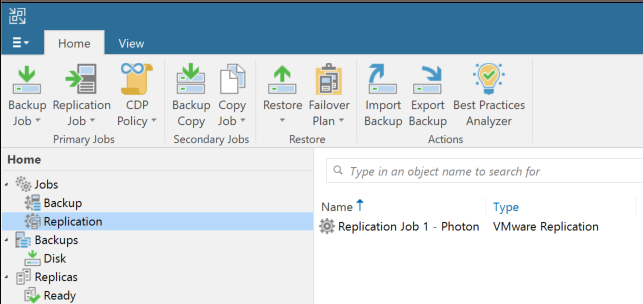
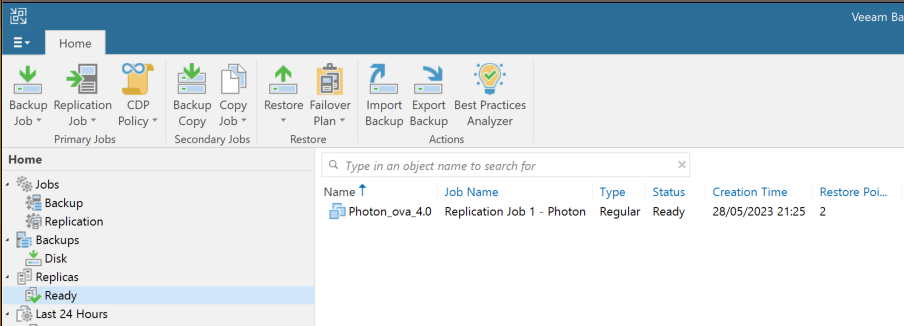
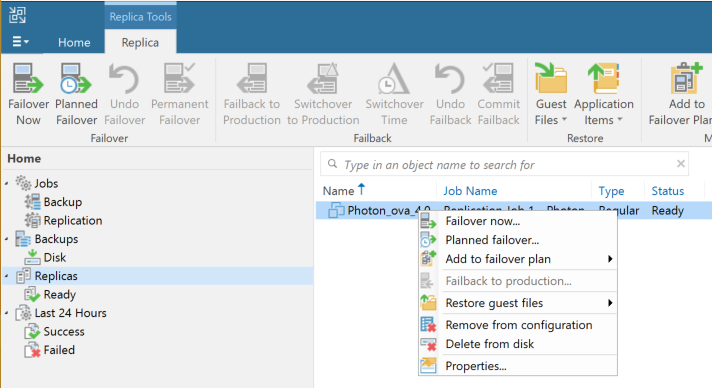
Let’s briefly explain the two features I use most.
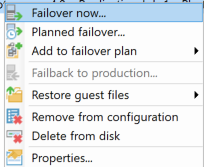
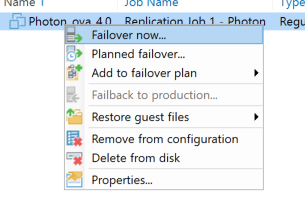
Failover now ->: Veeam starts the replica on the host we configured. This is the usual option if production is lost or stopped.
Planned failover ->: Safely shuts down the source and starts the replica without data loss, although there is an outage while the source powers off and the replica powers on.
You can use it to test replicas or run a VM on another host if you don’t have vMotion or something similar.
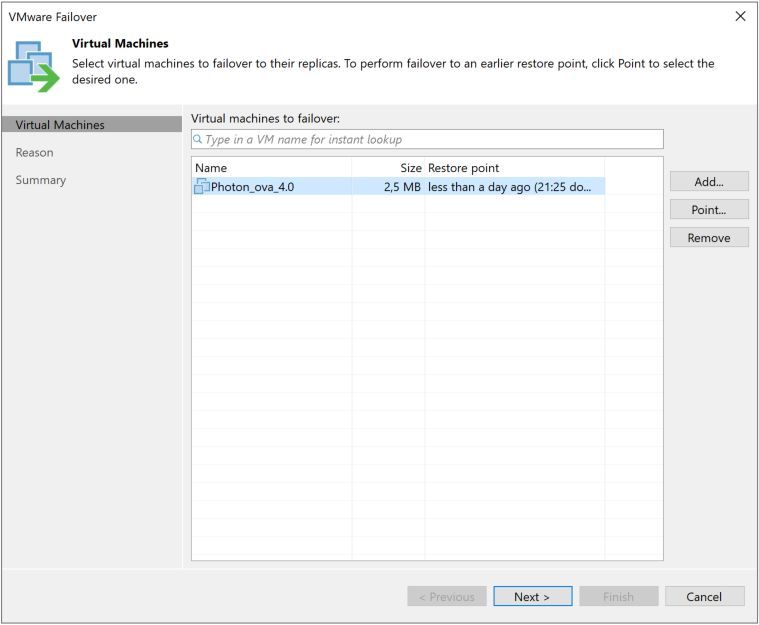
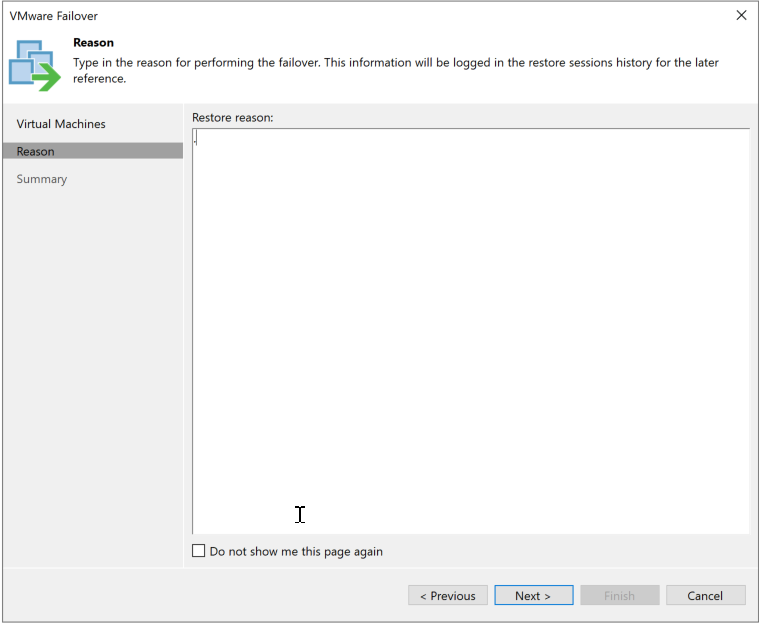
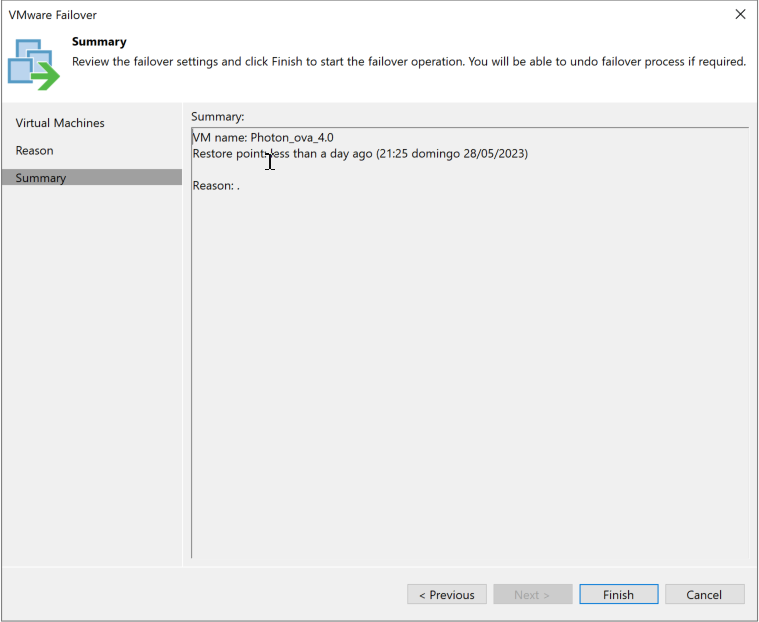
In our example, we’ll simulate a production outage, so choose “Failover now” and continue.
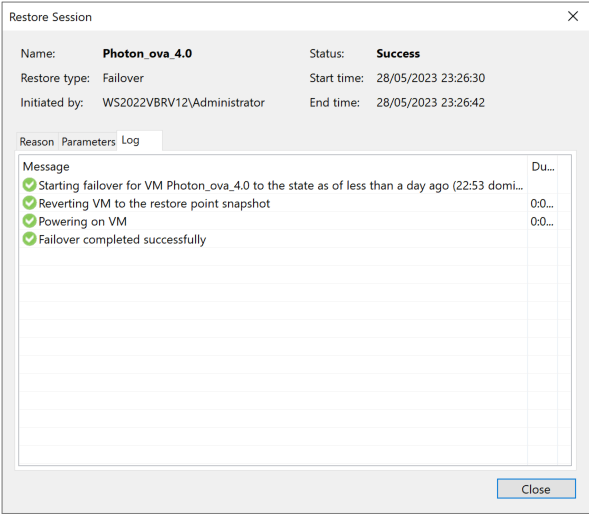
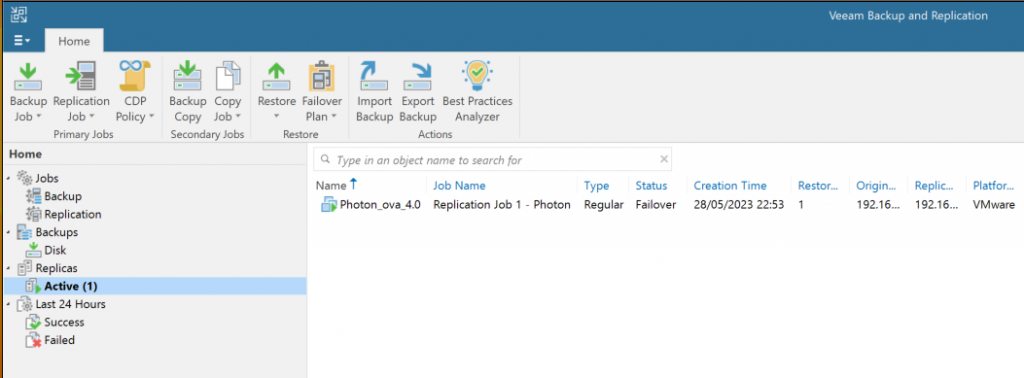
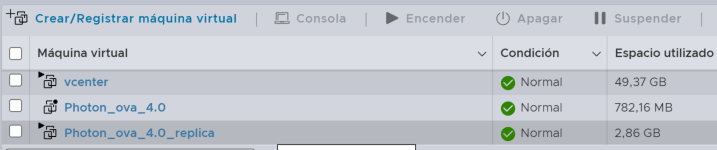
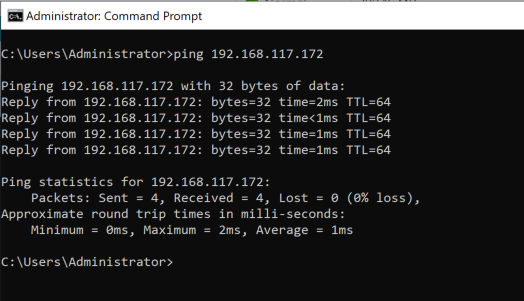
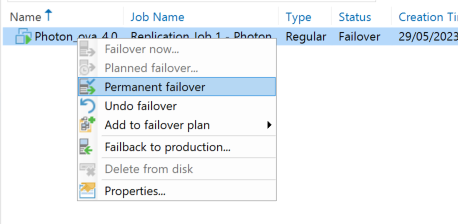
Once the machine is running as a replica, these are the final options:
Permanent failover: the replica remains as the VM.
Undo failover: discard all changes made to the replica and power it off.
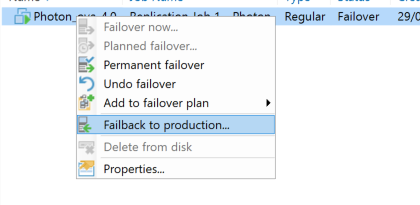
Failback to production: copy changes made to the replica back to the production VM, then power off the replica and start the “original.”
If we lost the source machine or its storage, Permanent Failover is the better option. If we only lost connectivity to the storage array, we can use Failback to Production once connectivity is restored, copy over the changes, and continue as usual.
Let’s run Failback to Production to restore the original setup, copy changes from the replica back to production, and resume normal operations.
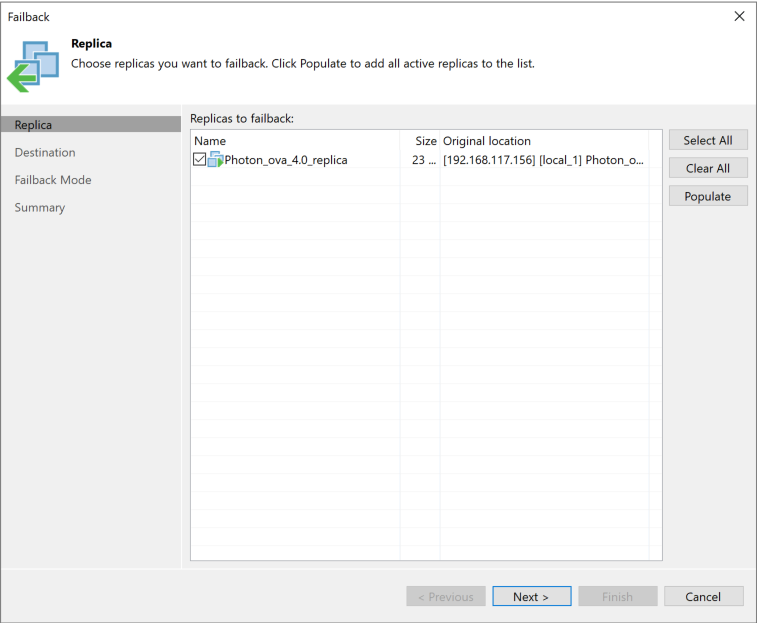
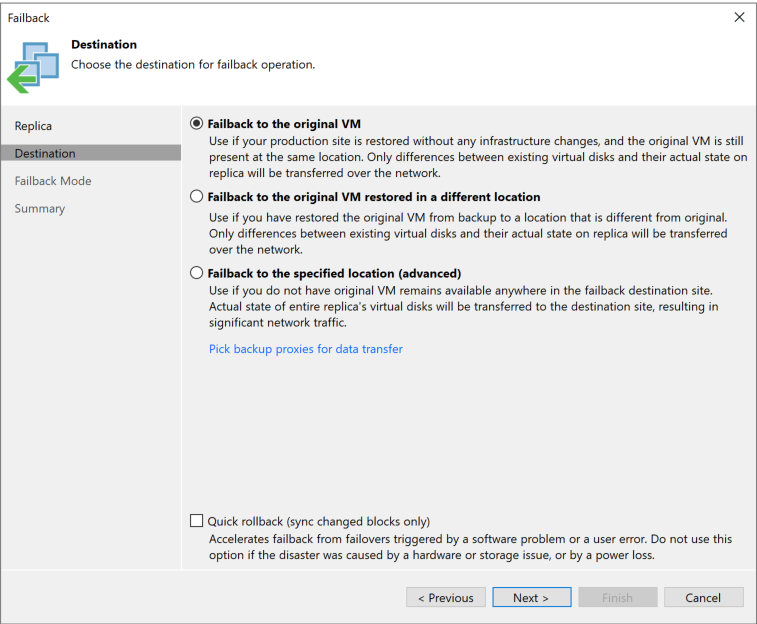
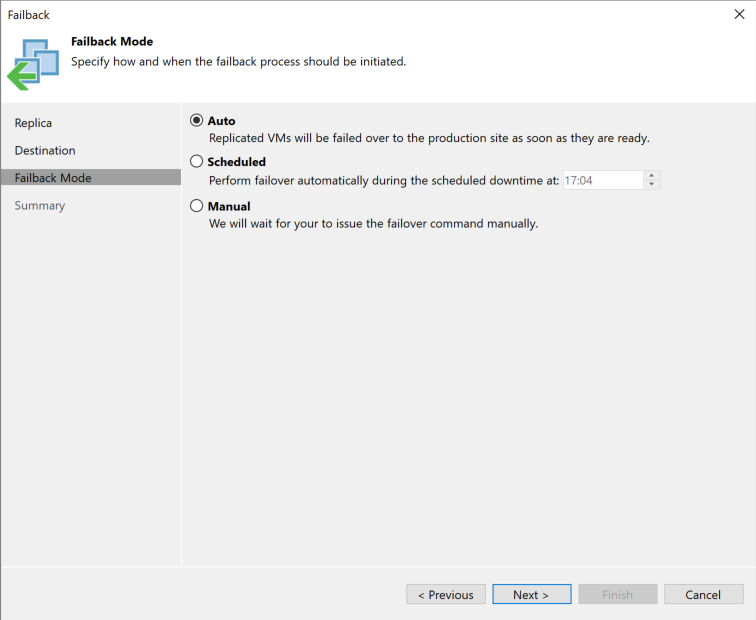
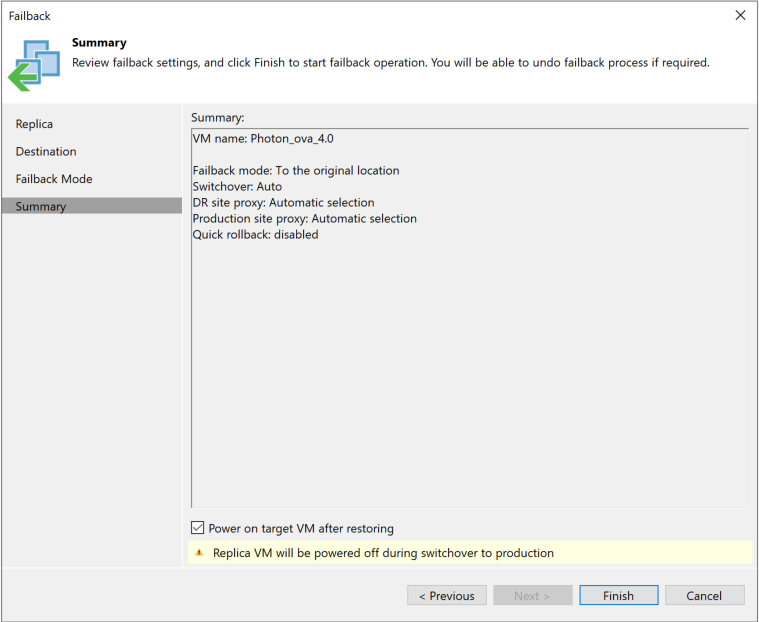
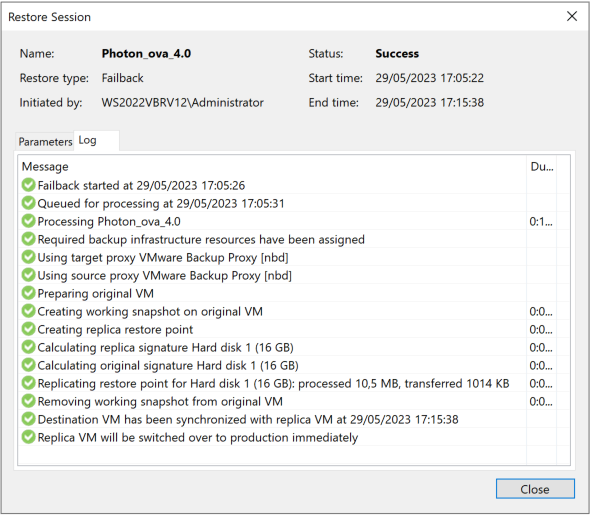
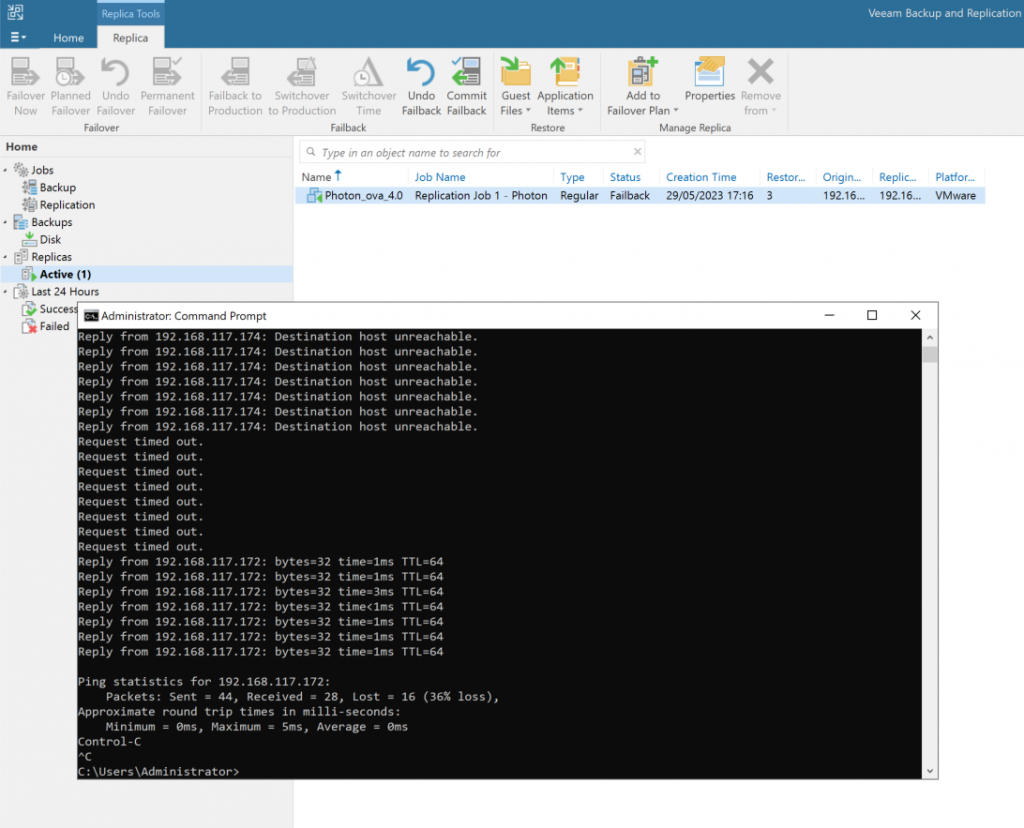
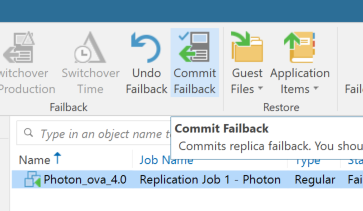
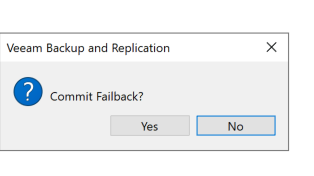
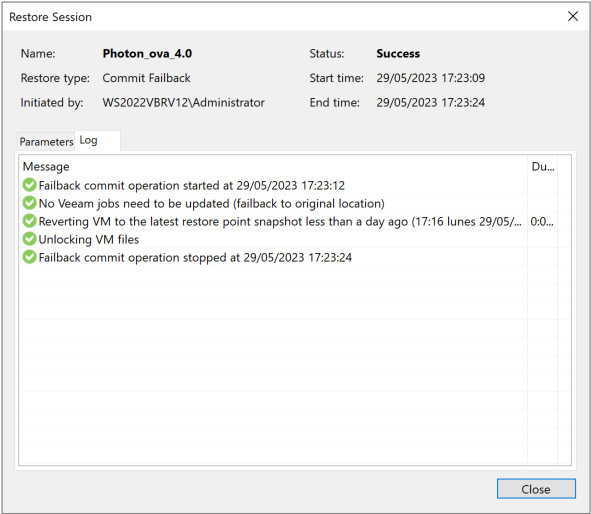
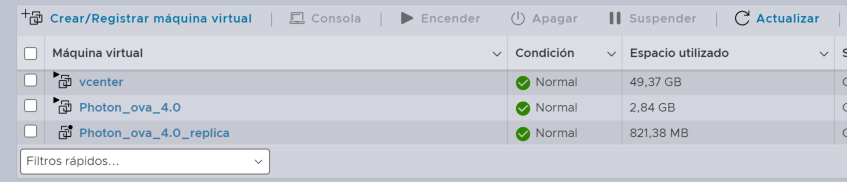
As a final step, after failing back the replica to production, we need to commit the operation. This completes the process, applies all changes, and returns the machines to their production and replica states.
Regards.