
Hi,
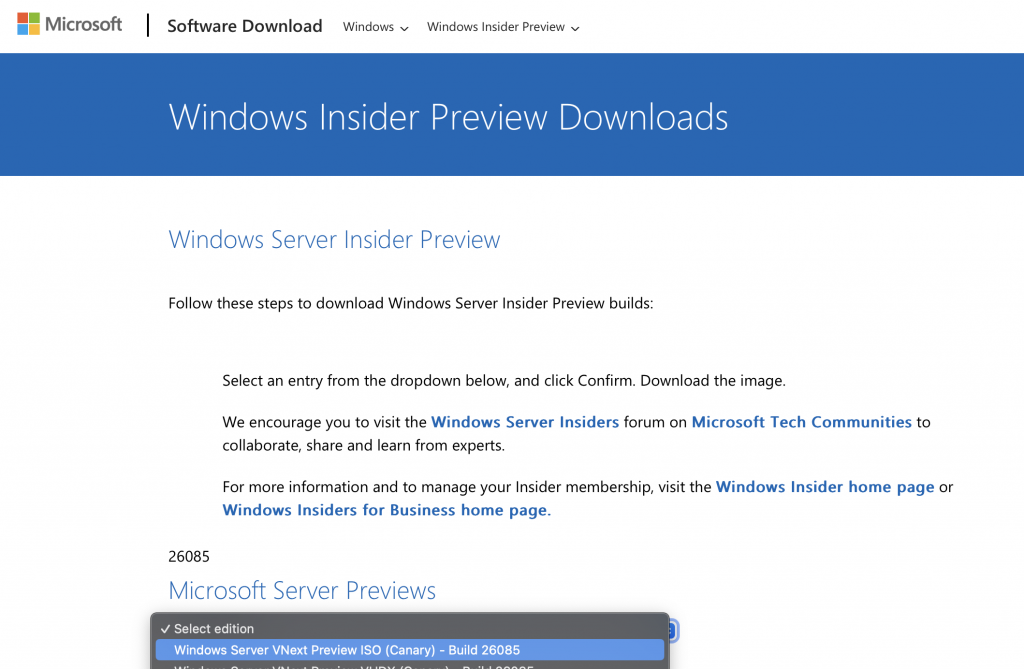
Here’s the Microsoft Insider link where you can download the Windows Server 2025 preview.
https://www.microsoft.com/en-us/software-download/windowsinsiderpreviewserver
To download it, sign up as an Insider and follow the steps to get access to the Windows Server 2025 download.
Once you have it, download it as shown.
Now let’s go through the Windows Server 2025 installation with screenshots…
Go!
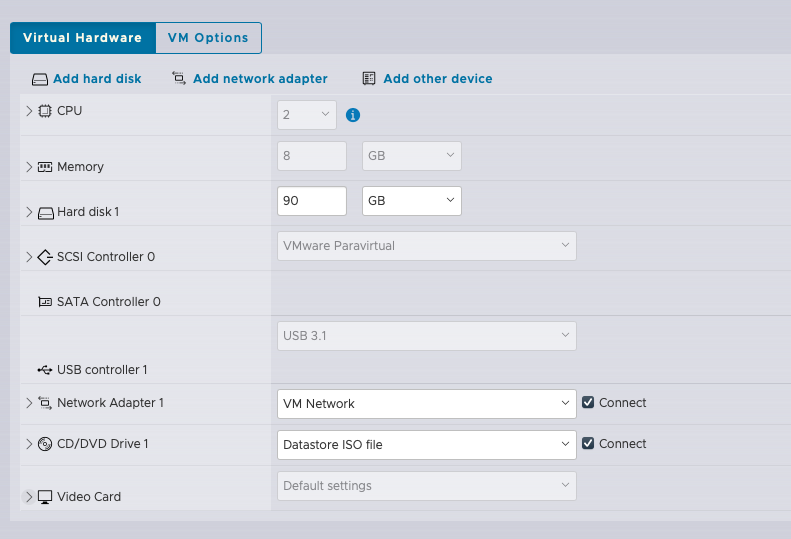

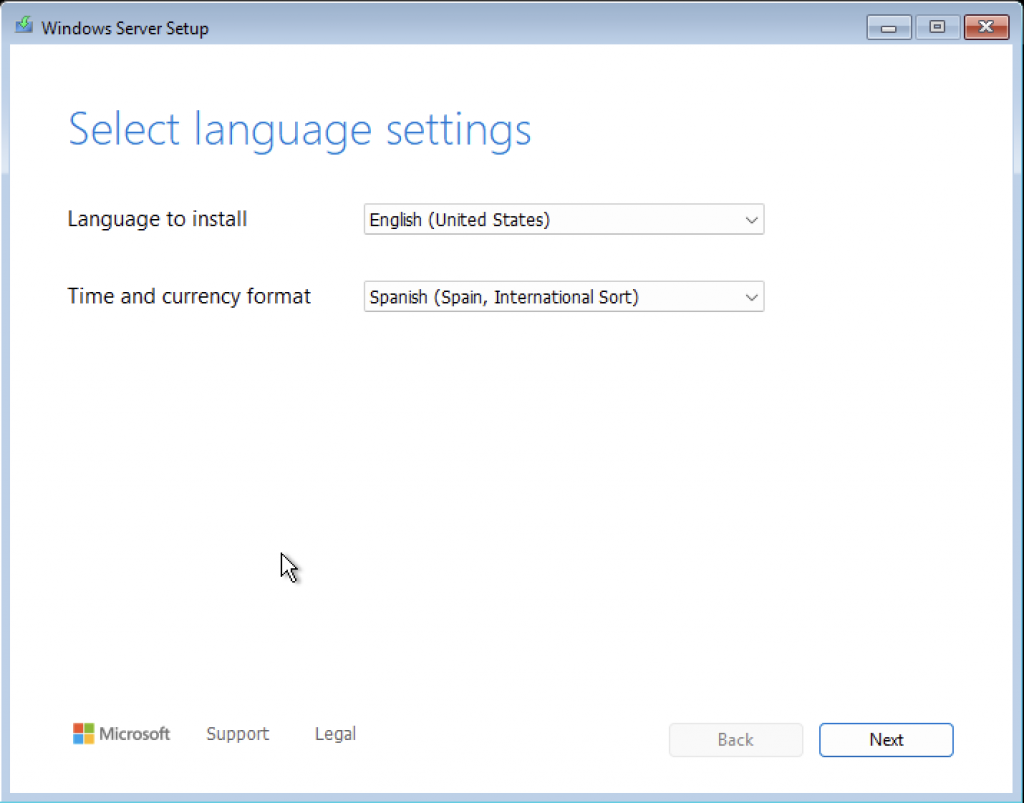
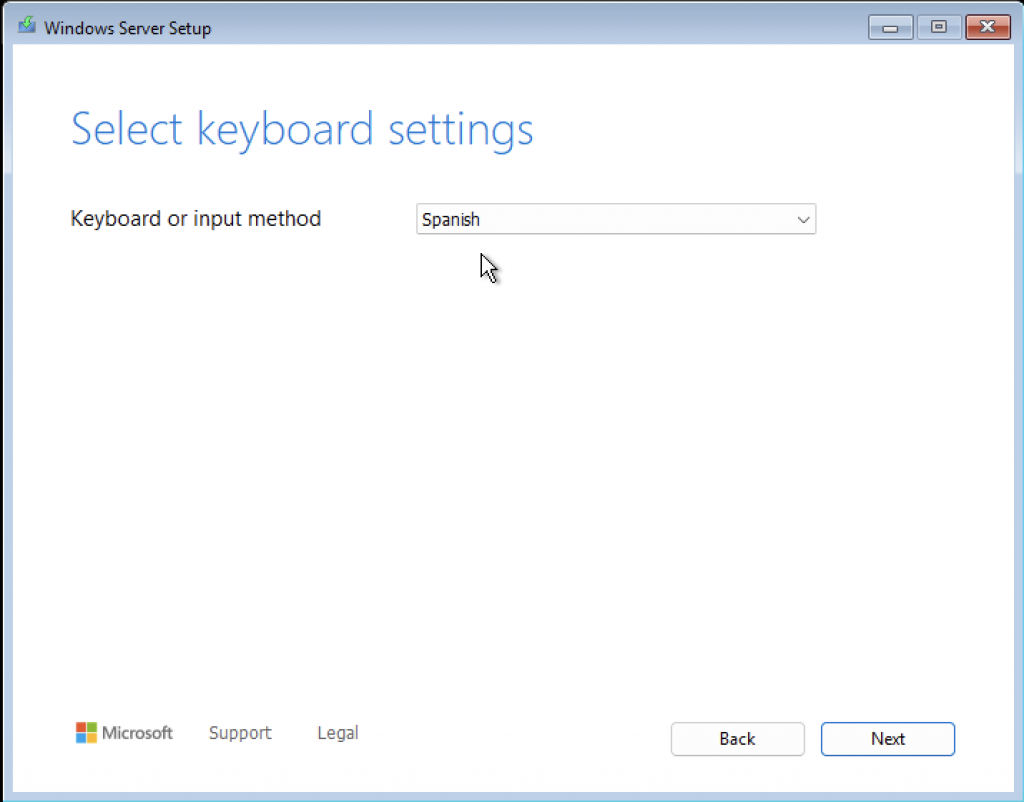
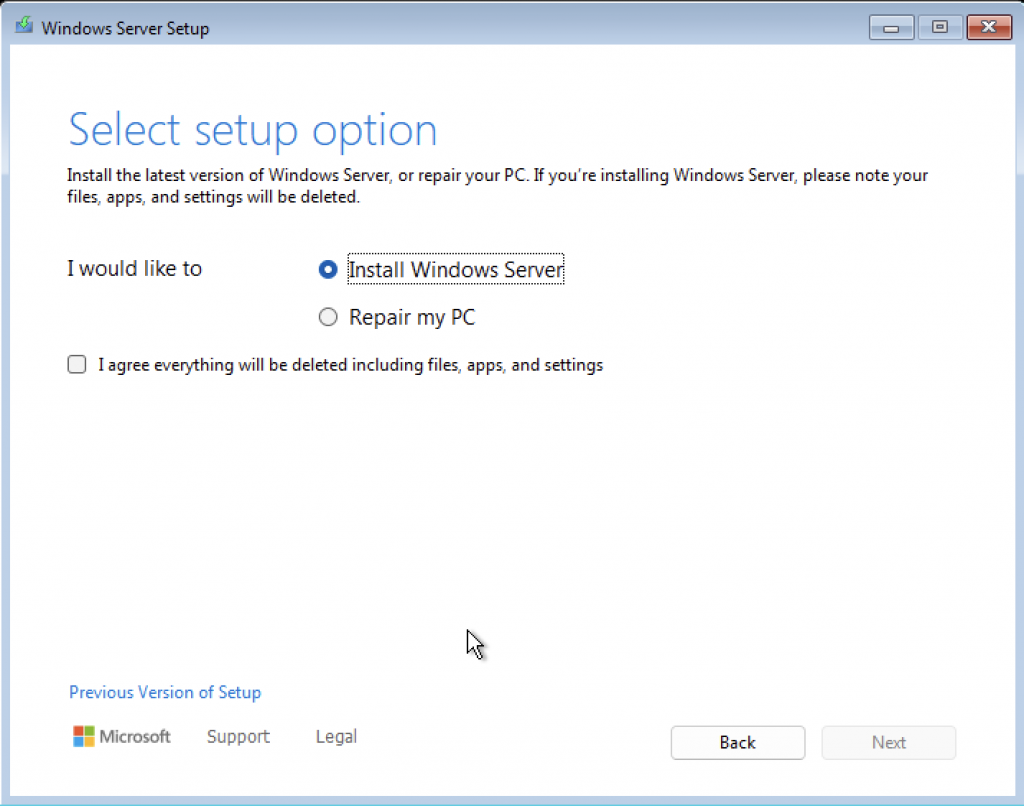
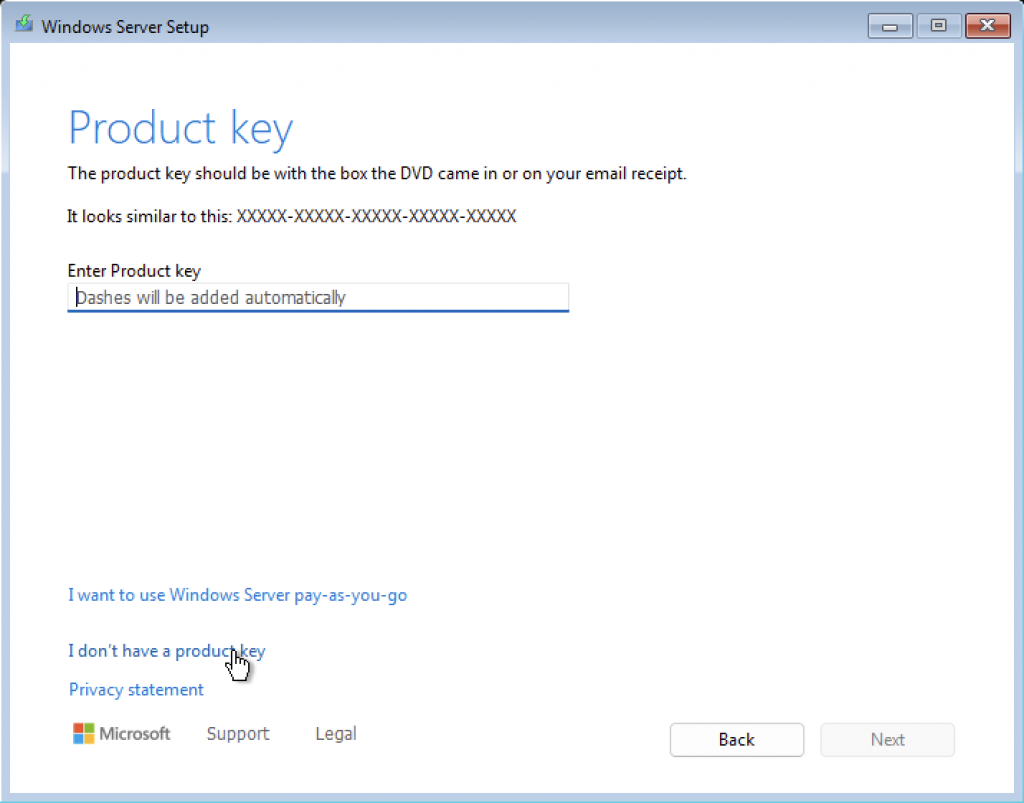
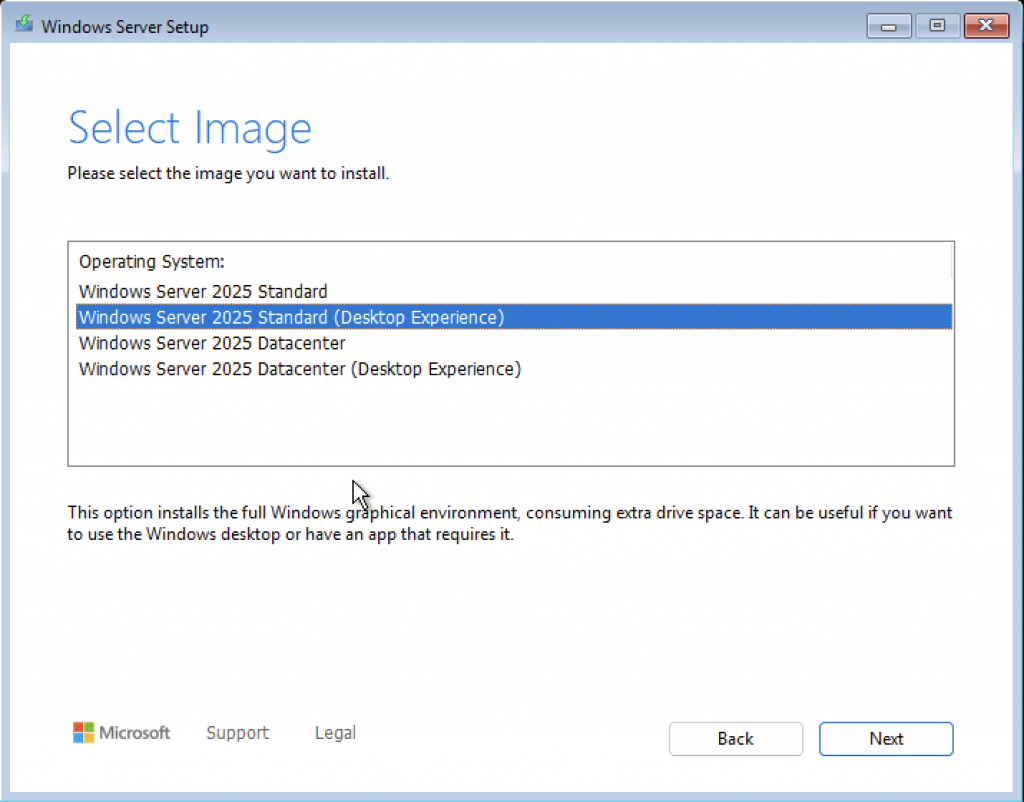
I want the desktop GUI, the full system!
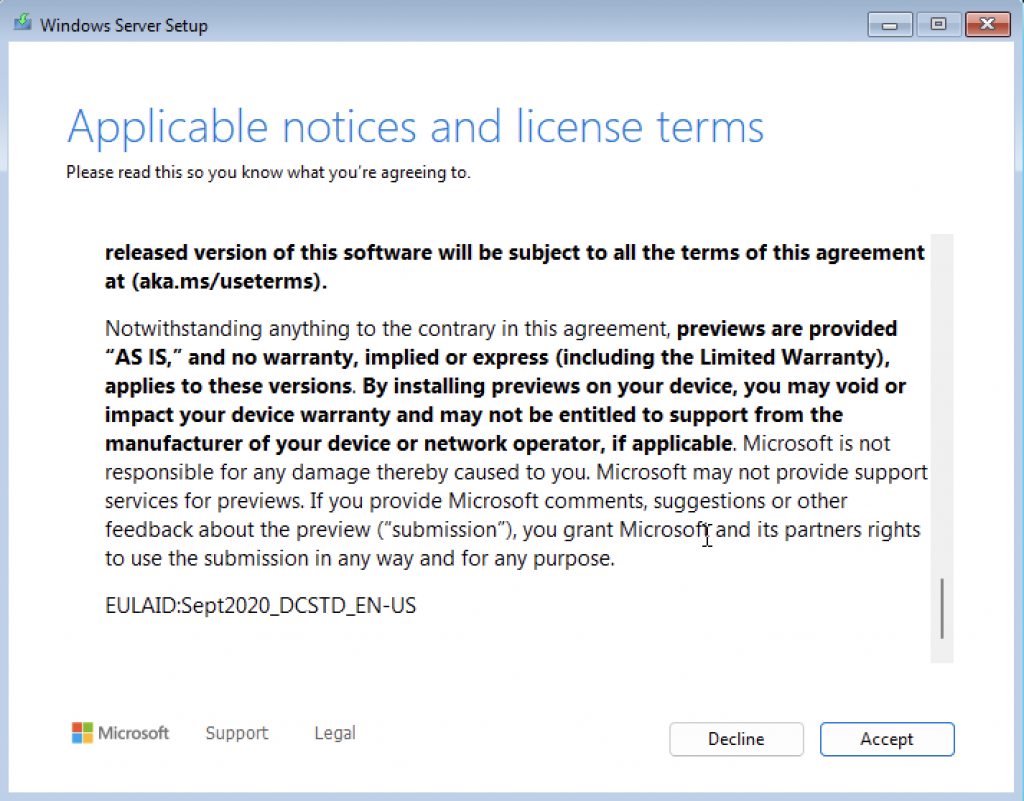
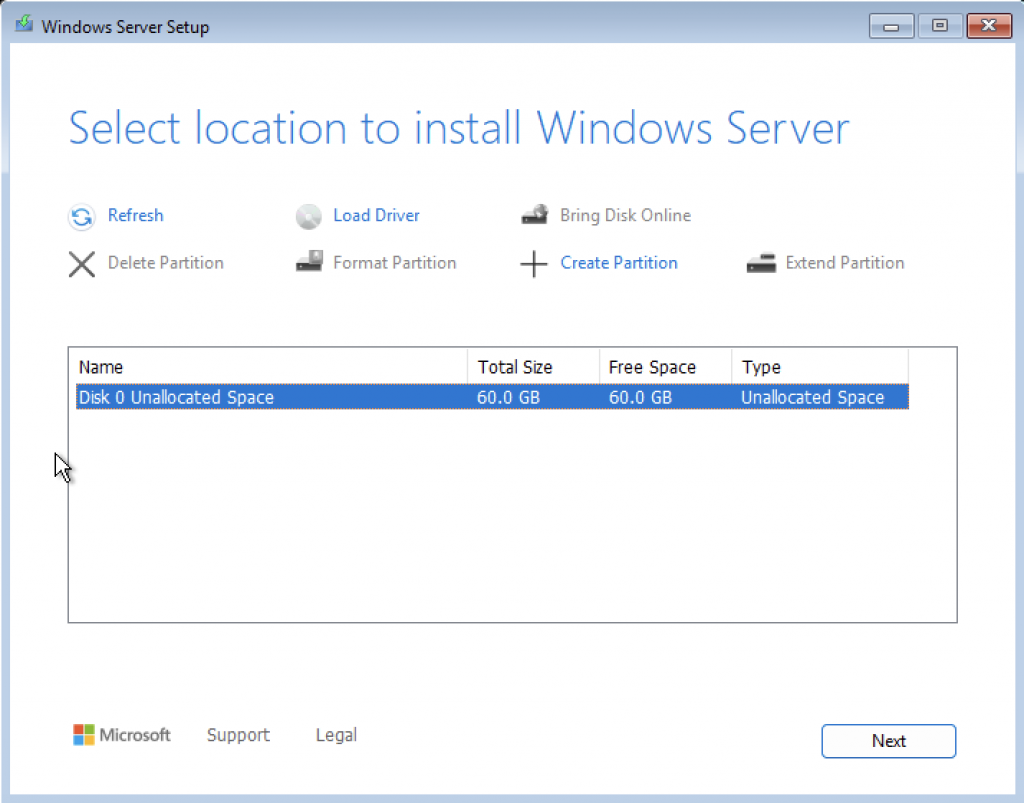
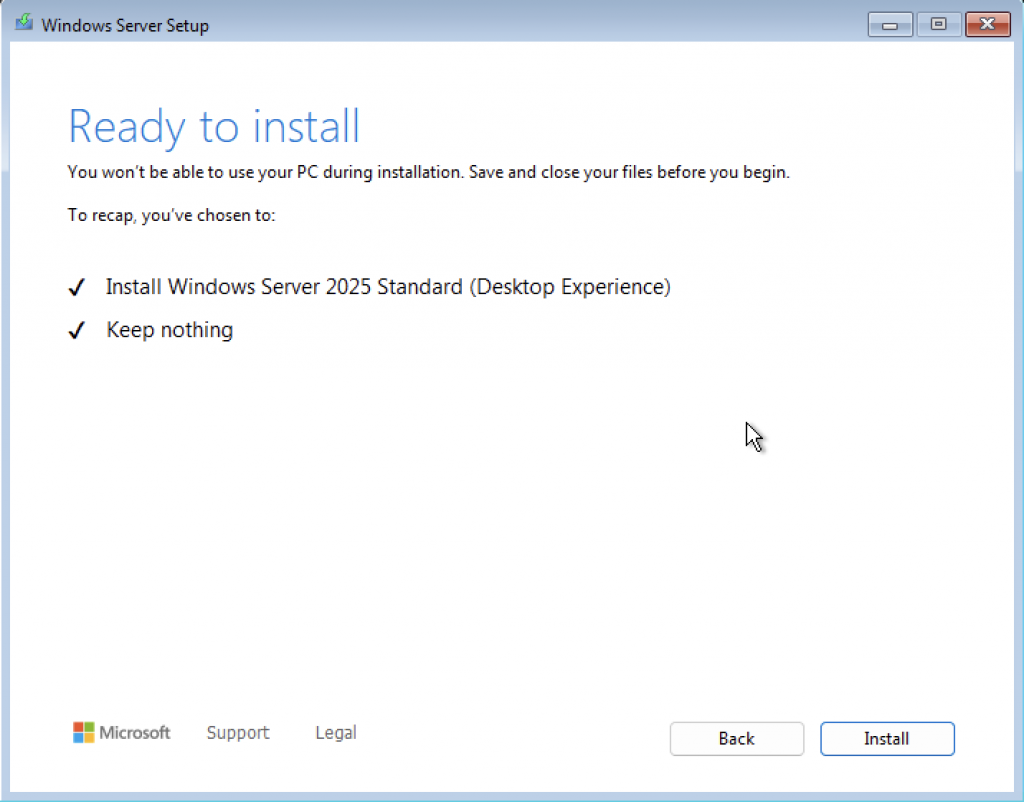
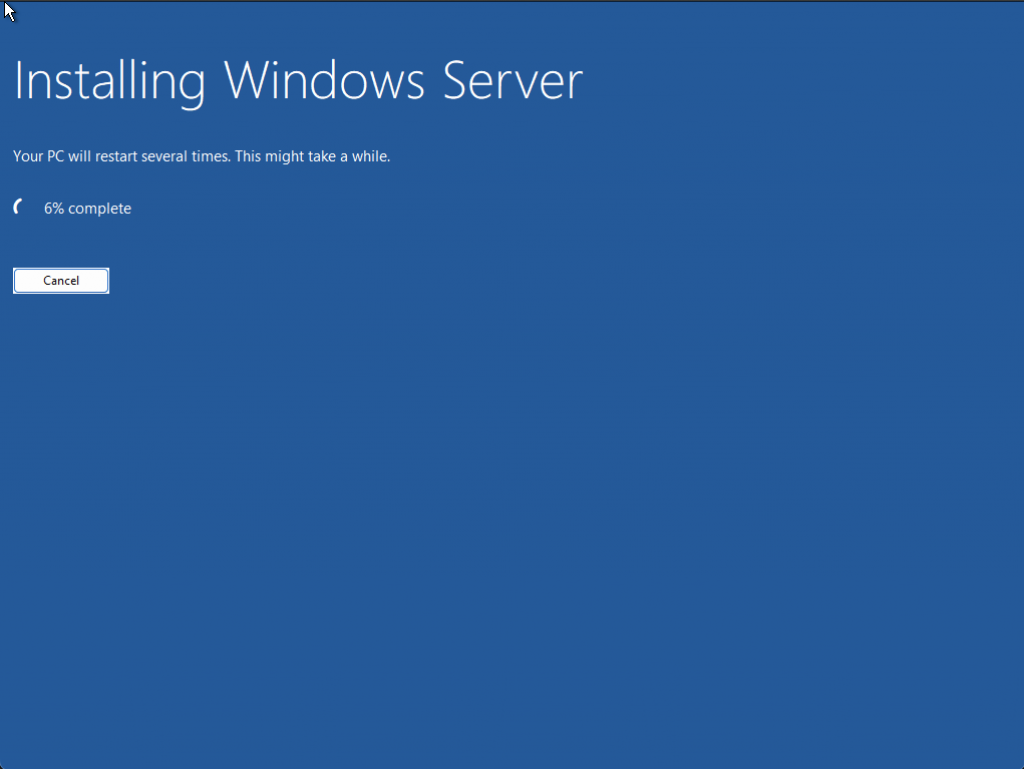

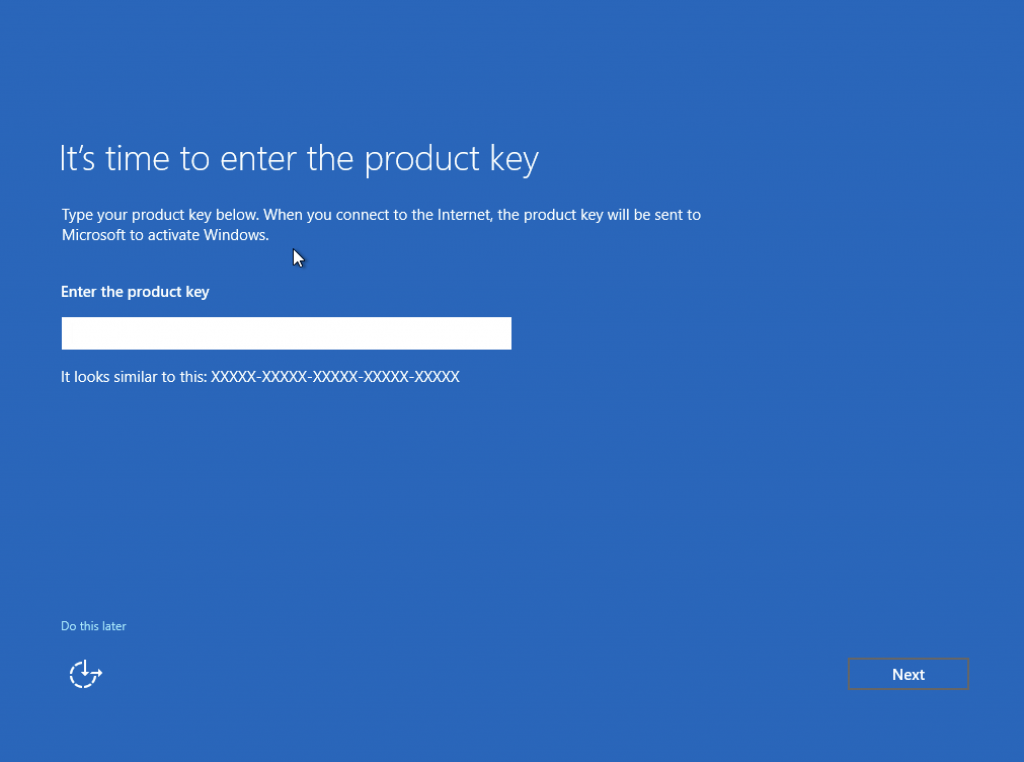
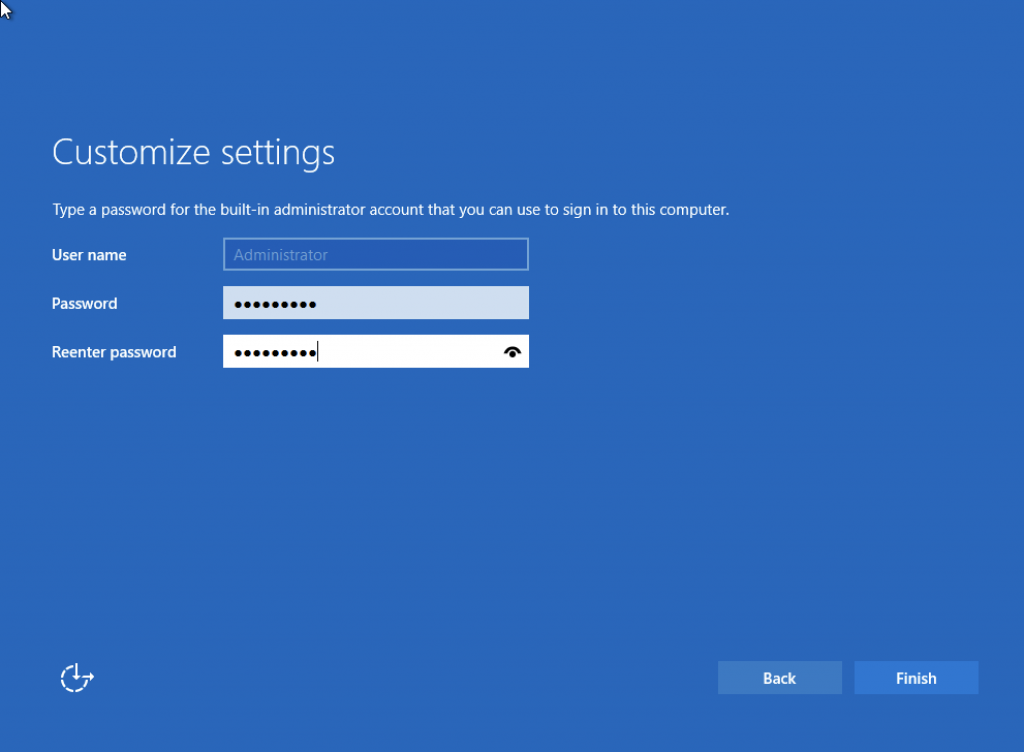

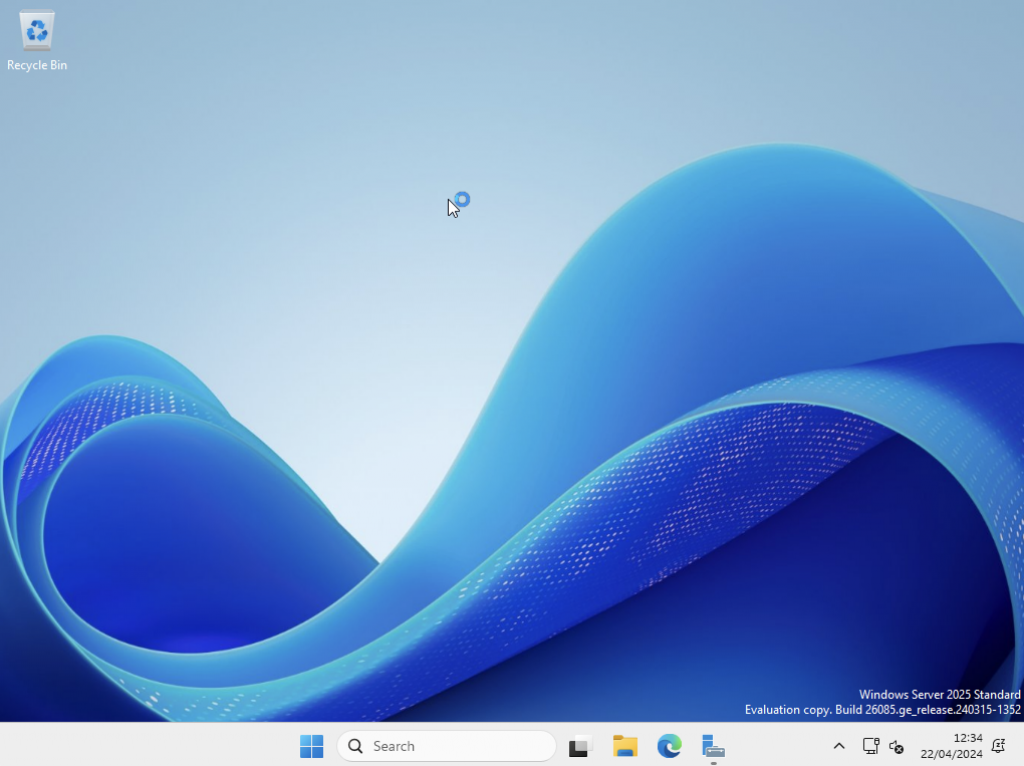
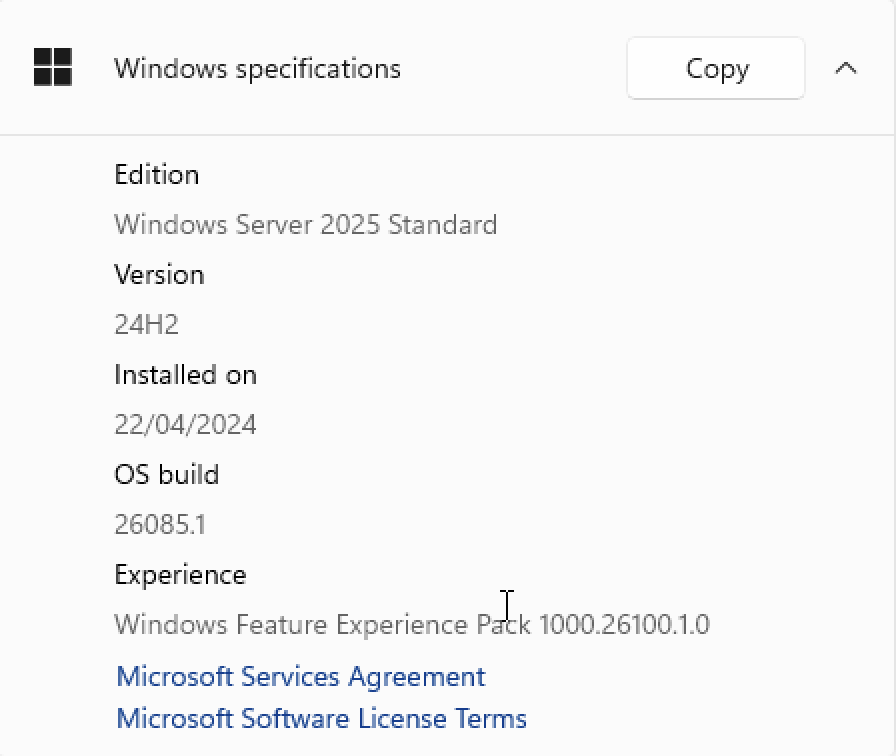
It’s installed! Now here are a few screenshots of the interesting features it includes, such as the roles and features we can deploy.
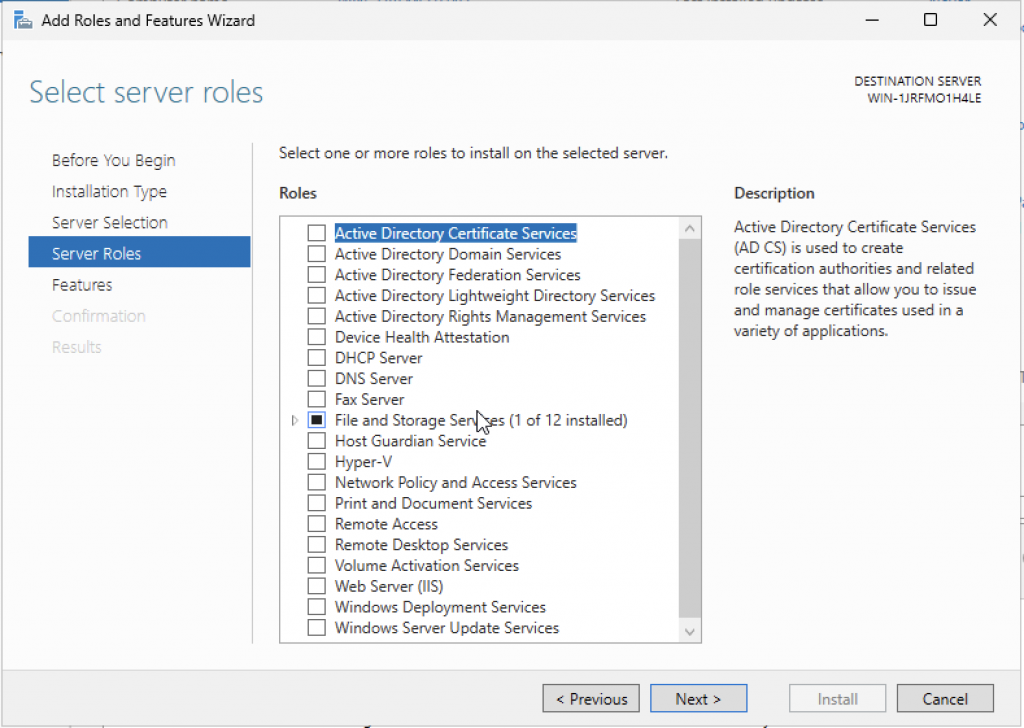
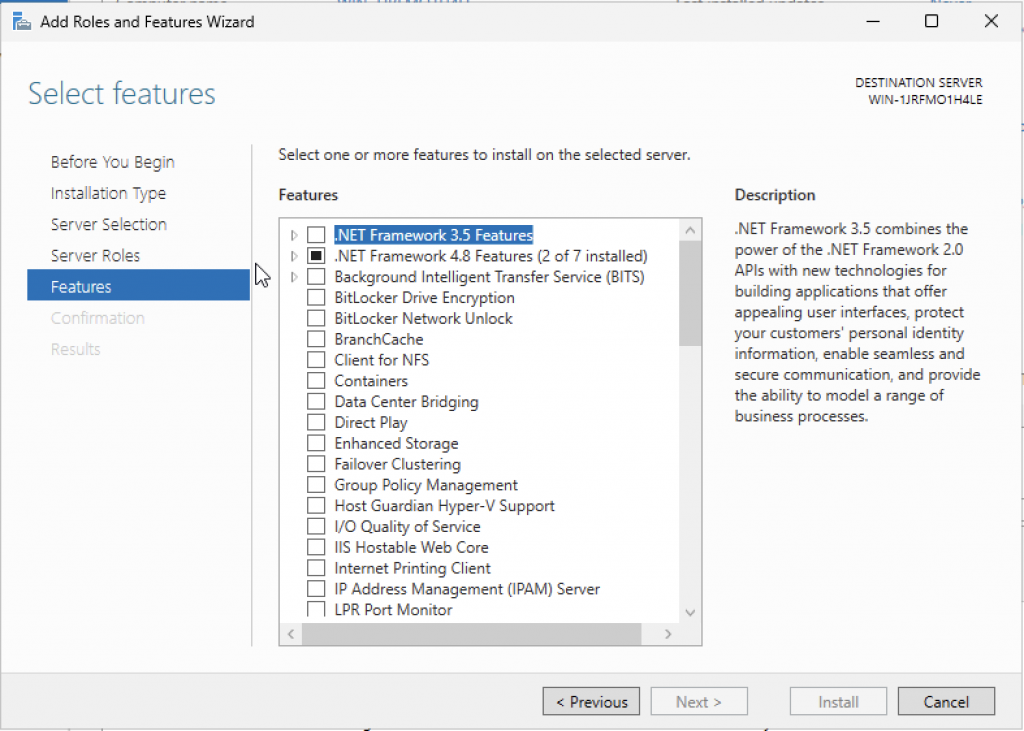
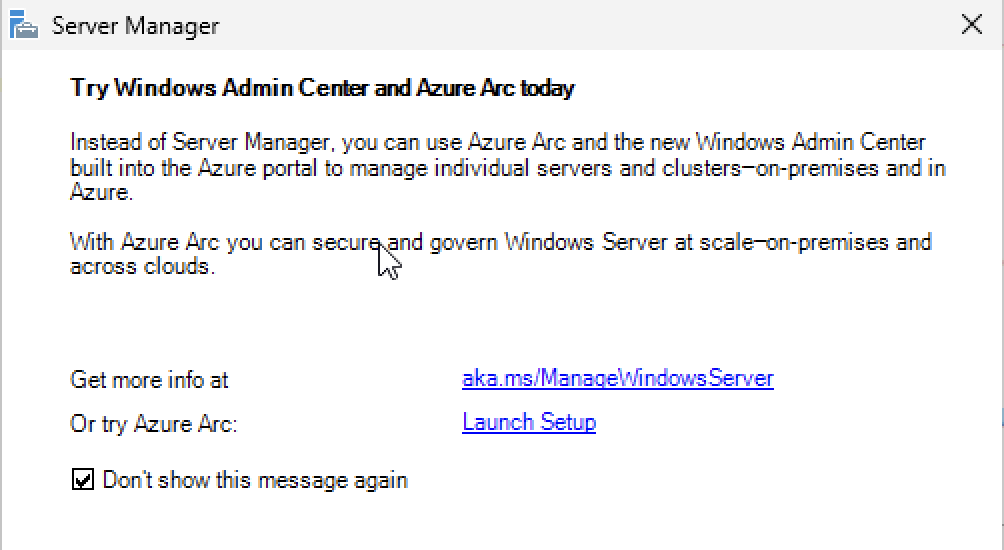
This is gaining momentum and looks promising!
https://www.microsoft.com/en-us/software-download/windowsinsiderpreviewserver
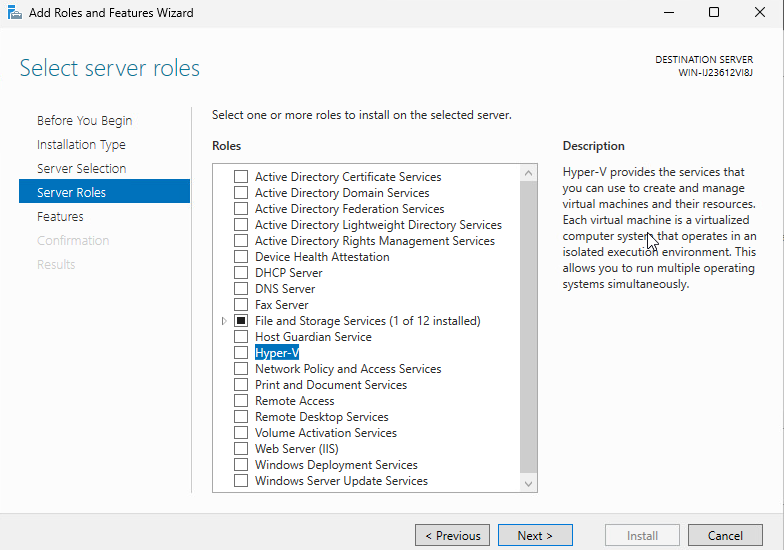
One last interesting detail: Hyper-V is already in the server’s Add Roles menu. It’s no longer a separate command or an add-on feature; it’s integrated.
Regards.