
In a previous post, we saw how to deploy the packaged Ubuntu VHL, which applies the default hardening and script settings, including stronger user permissions.
If you want to install Ubuntu Server yourself and then apply the hardening, here are screenshots of a standard installation followed by the script.
Let’s get to it —
Install Ubuntu Server:
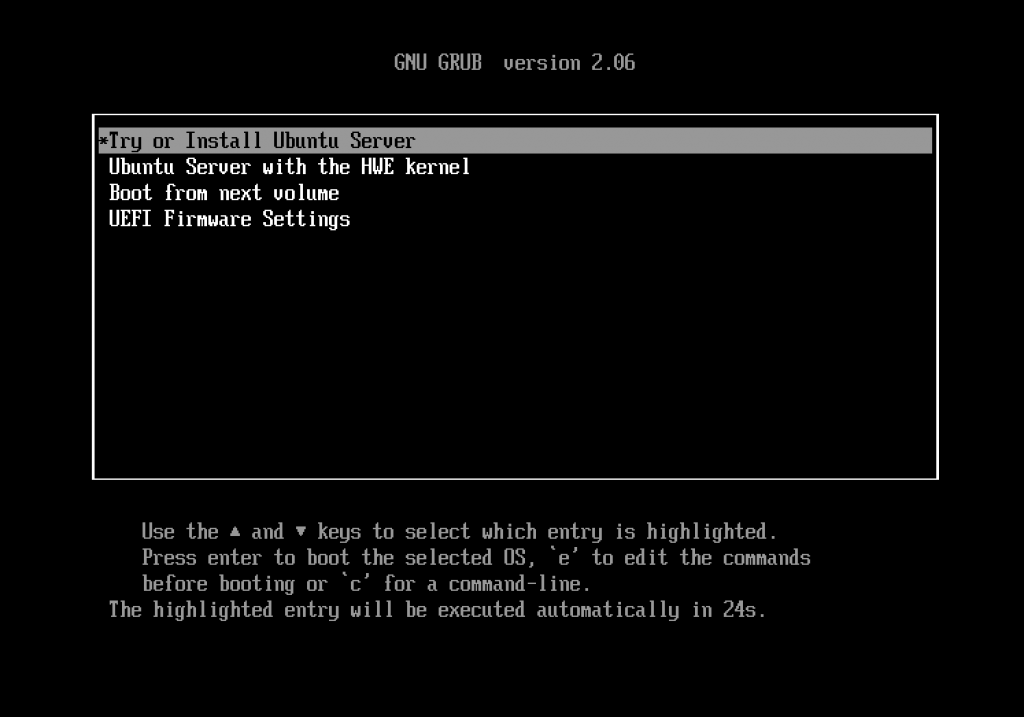
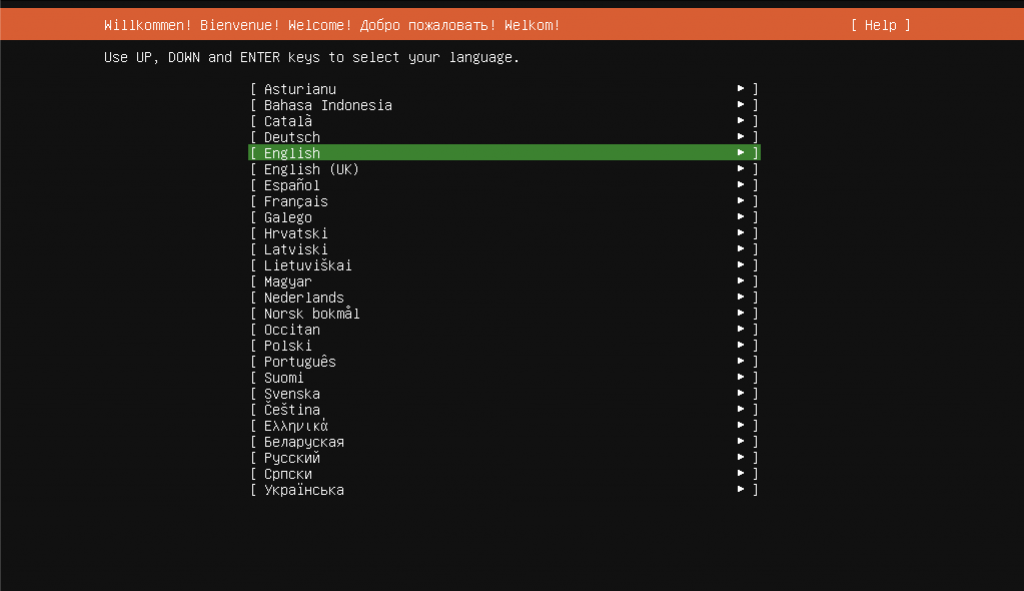
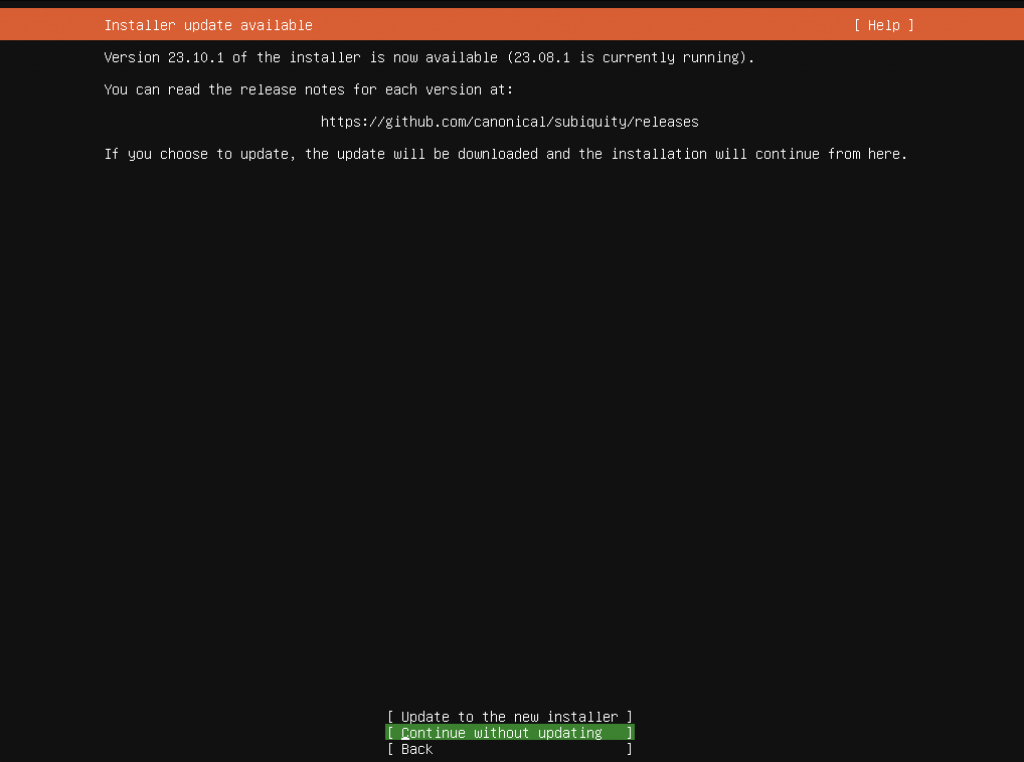
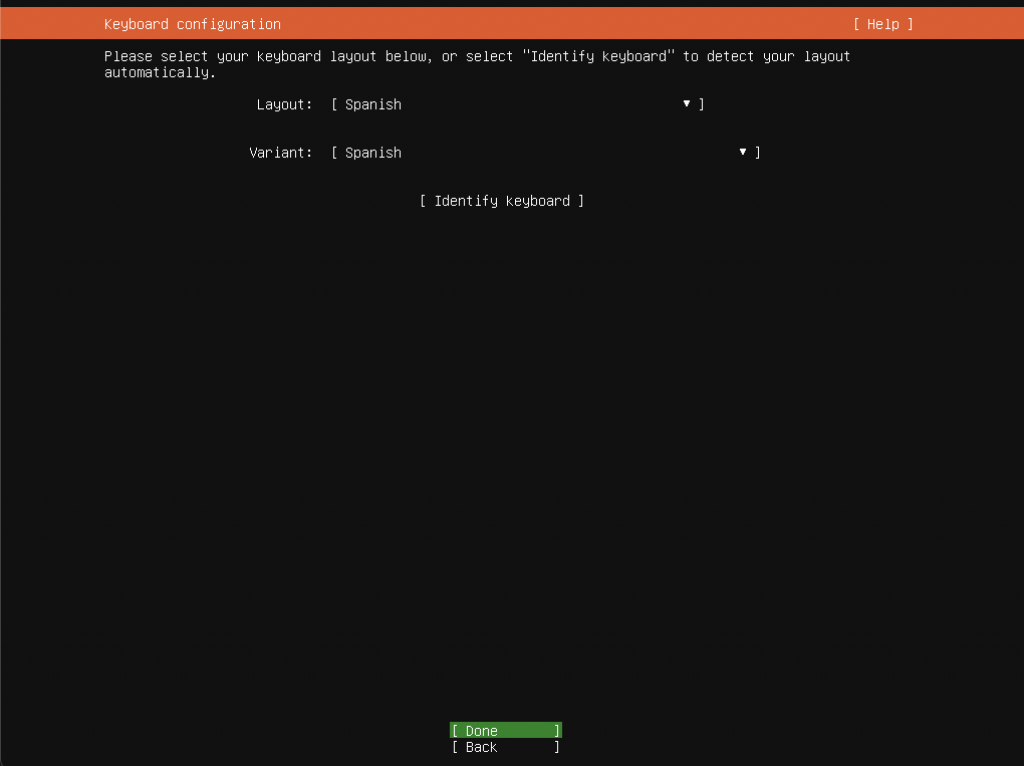
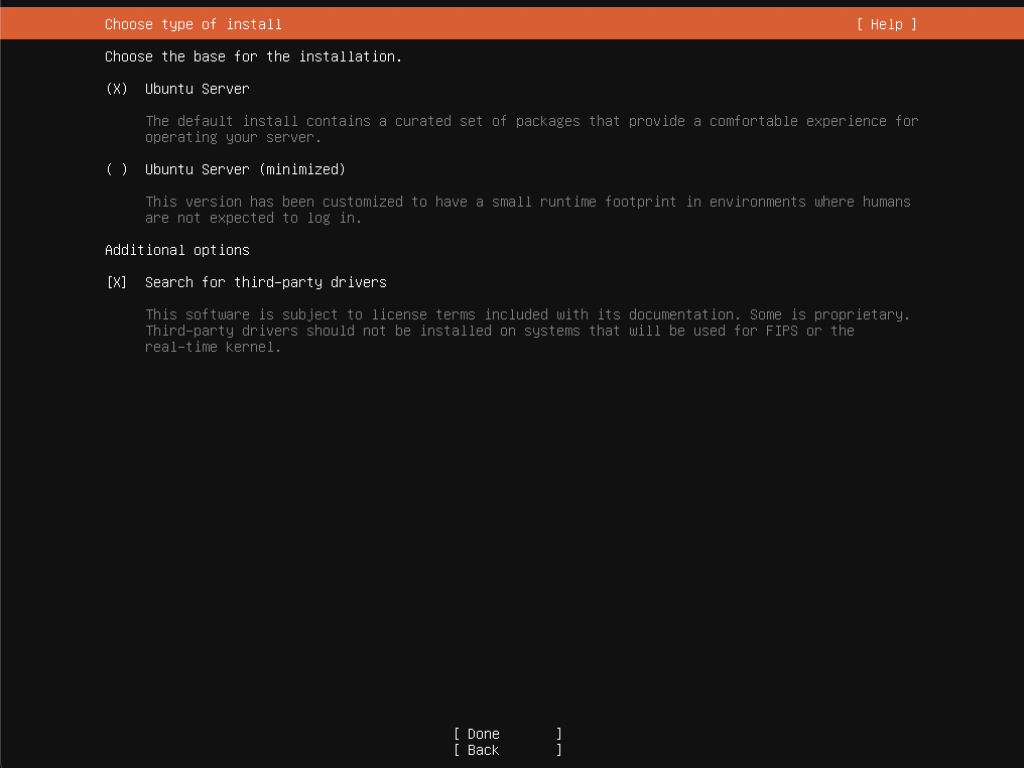
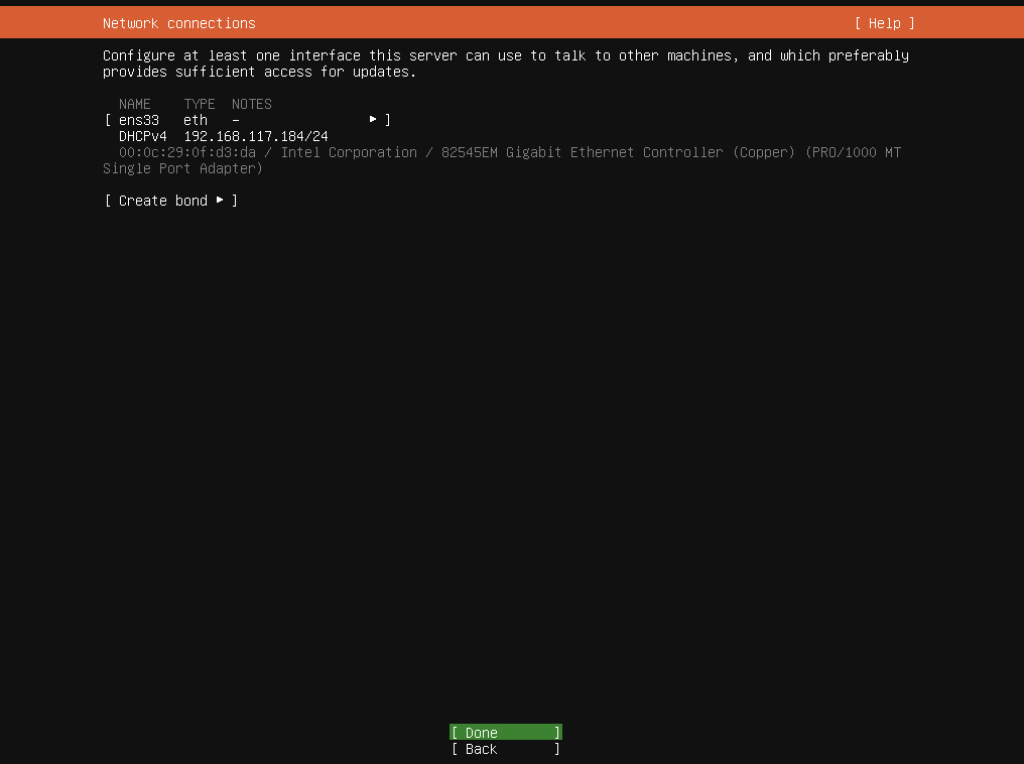
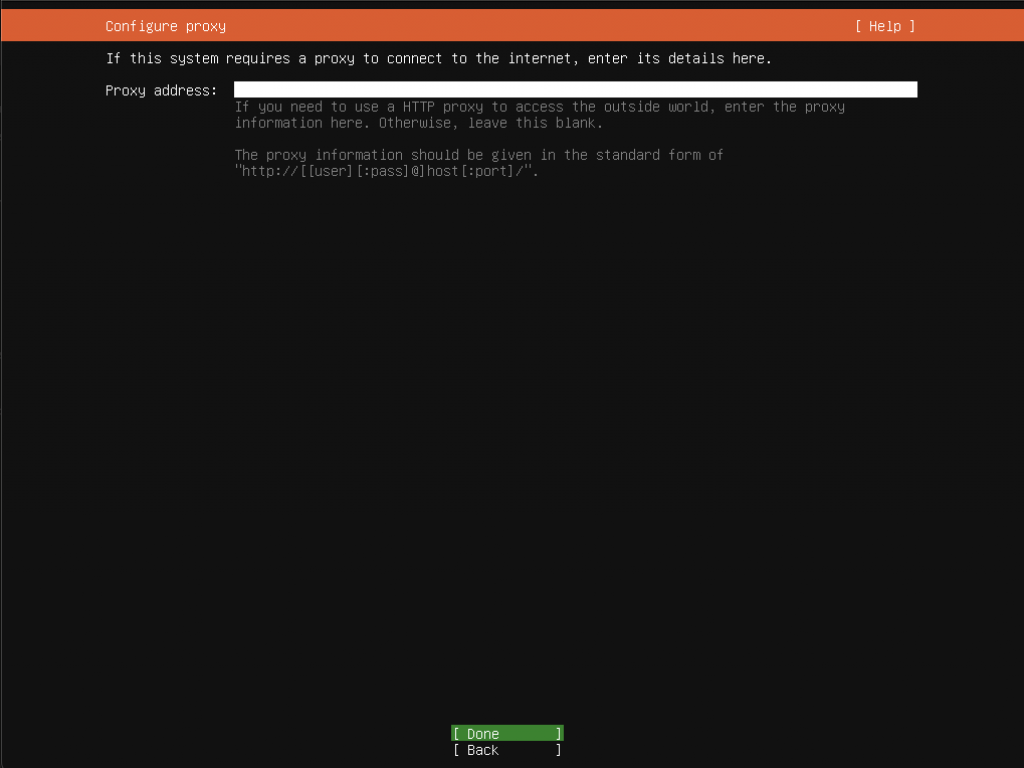
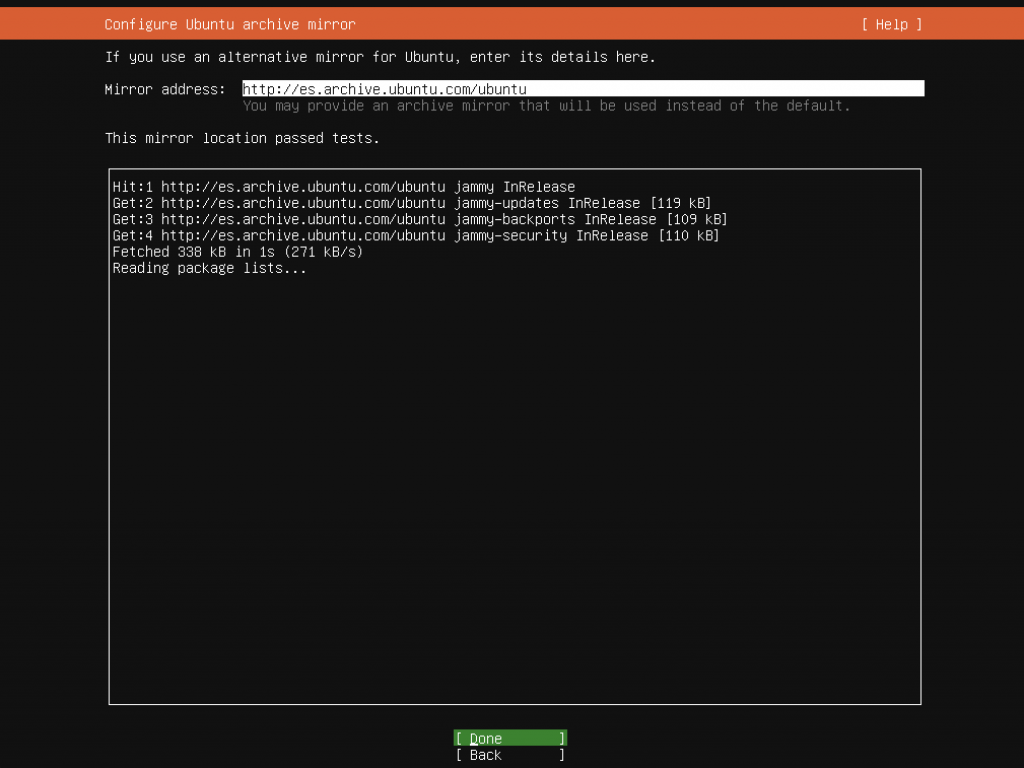
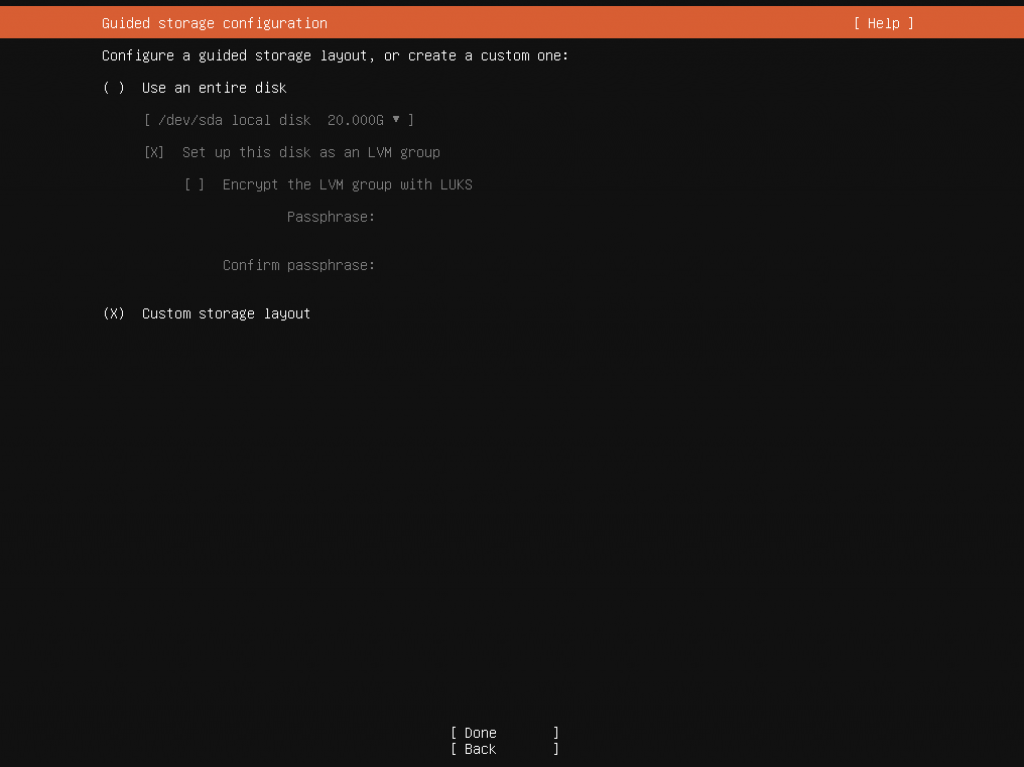
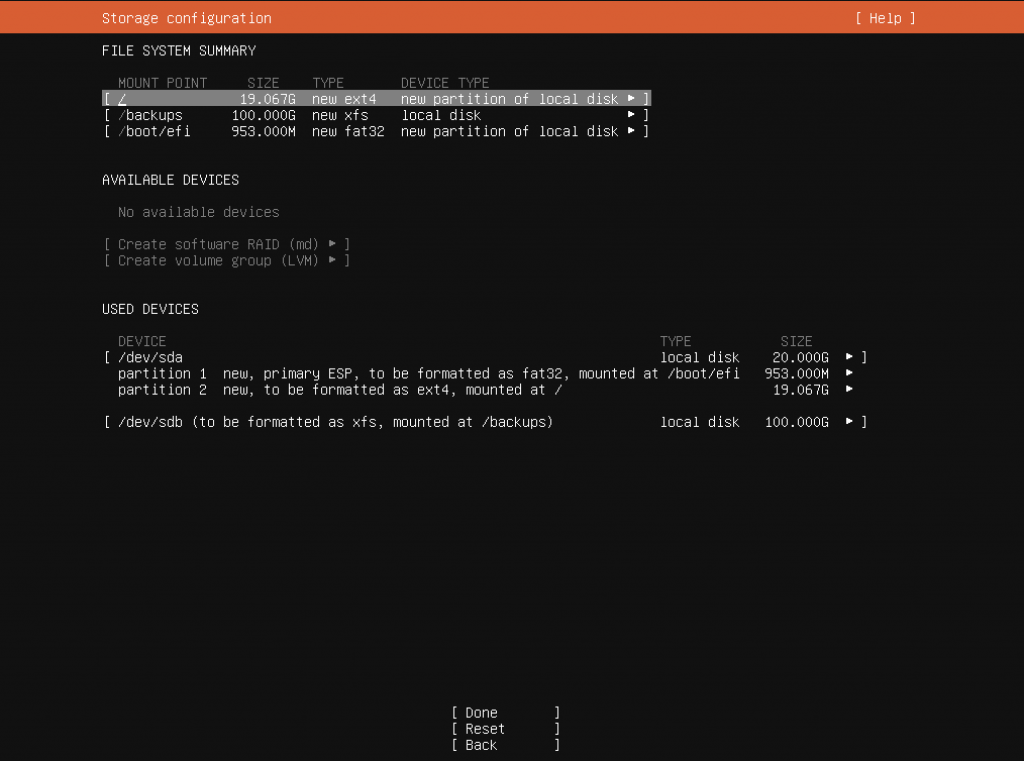
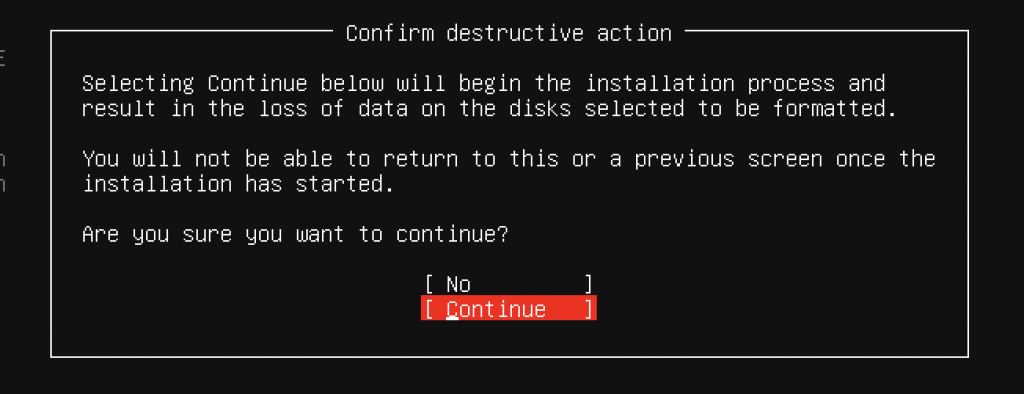
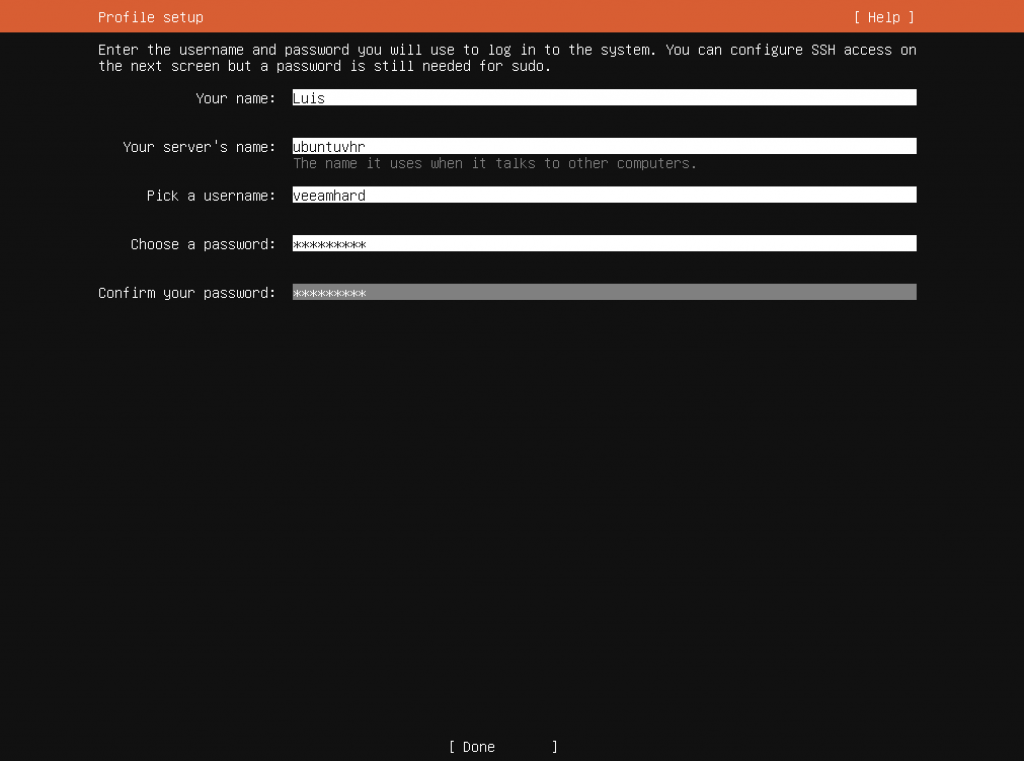
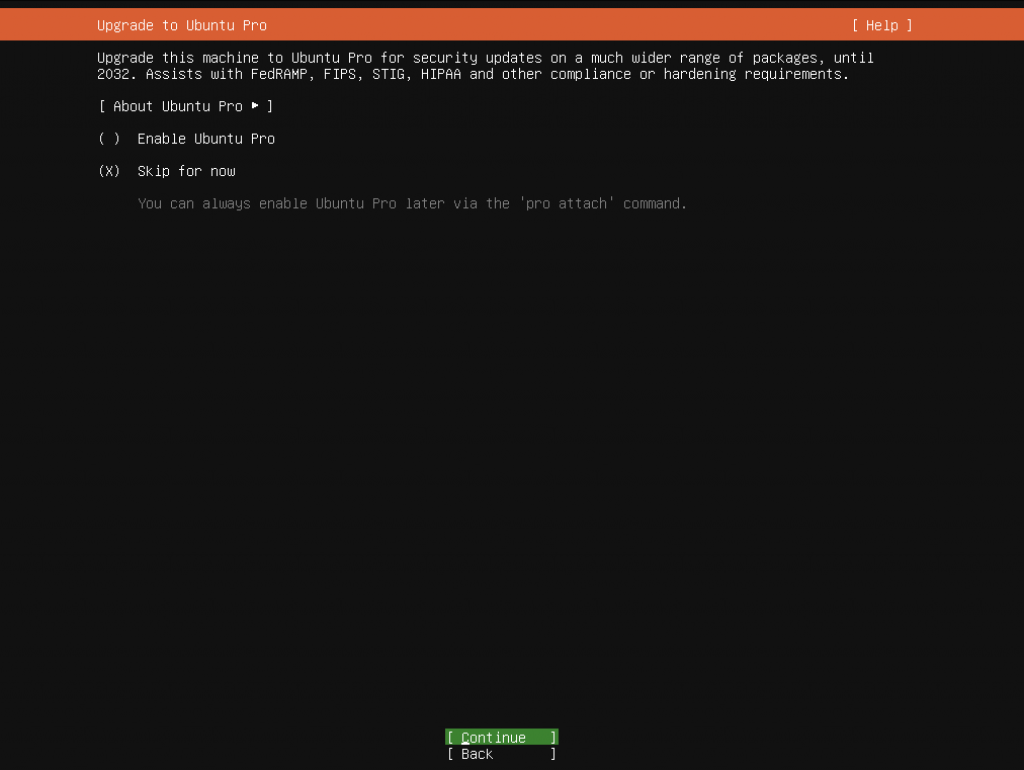
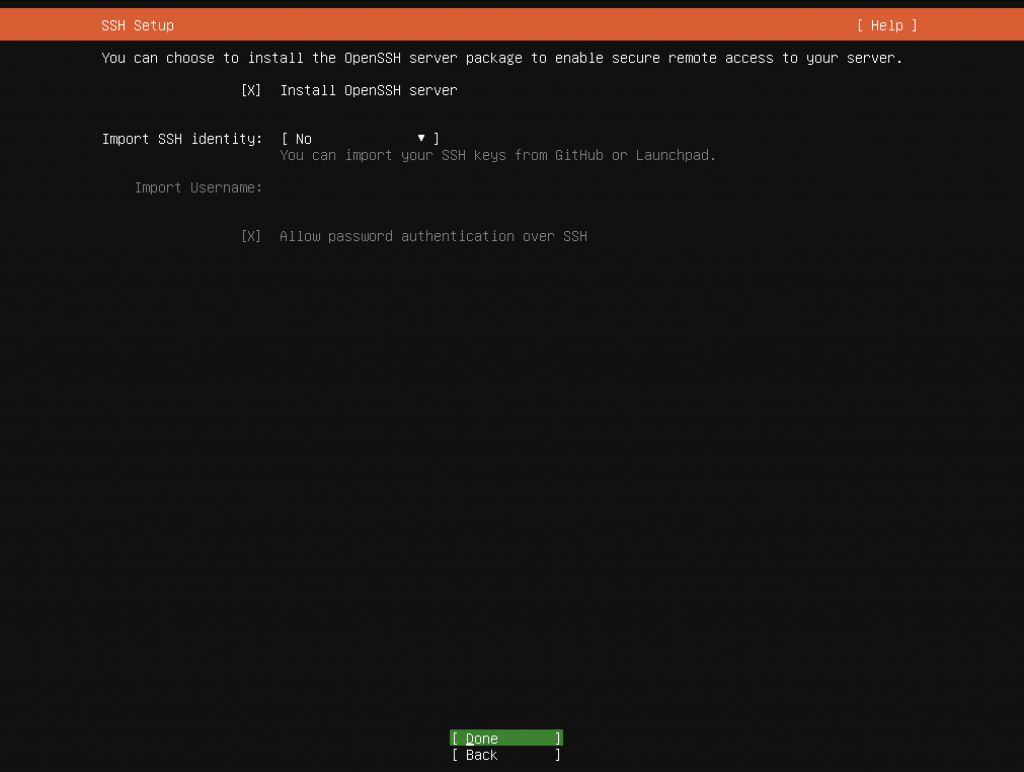
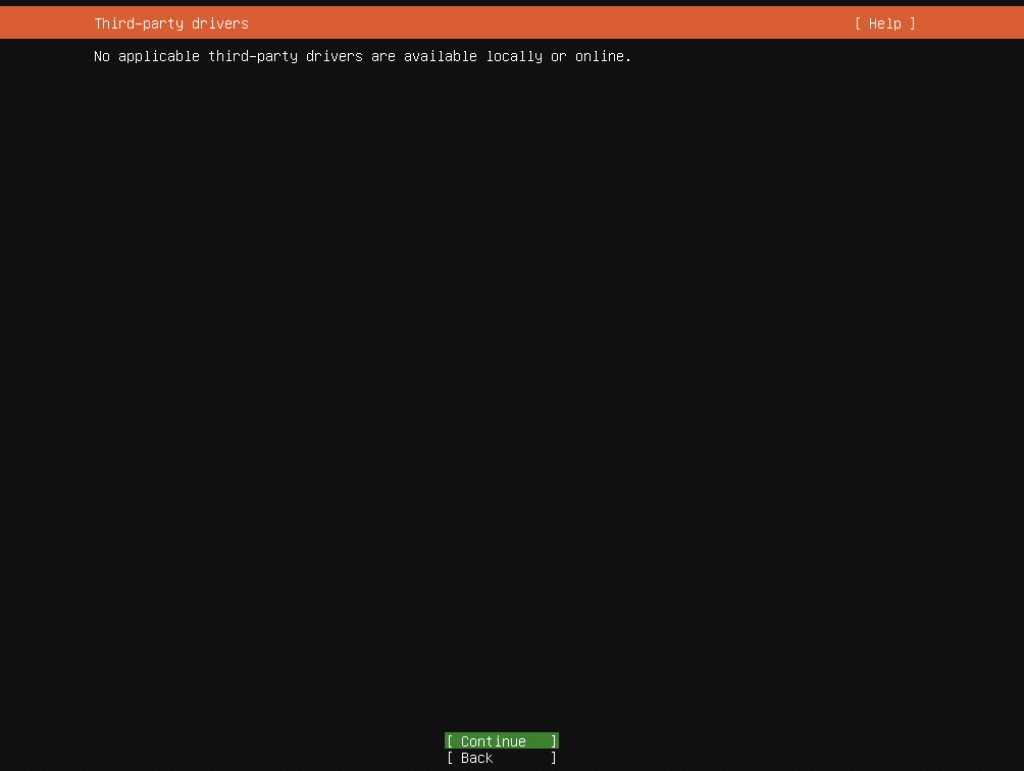
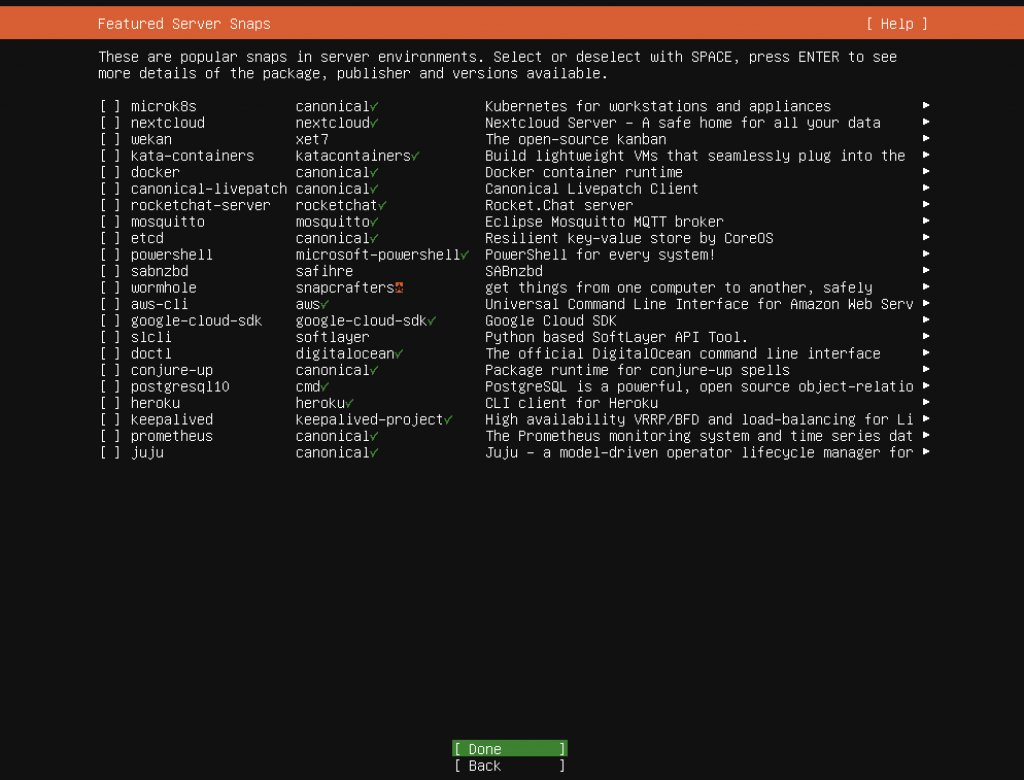
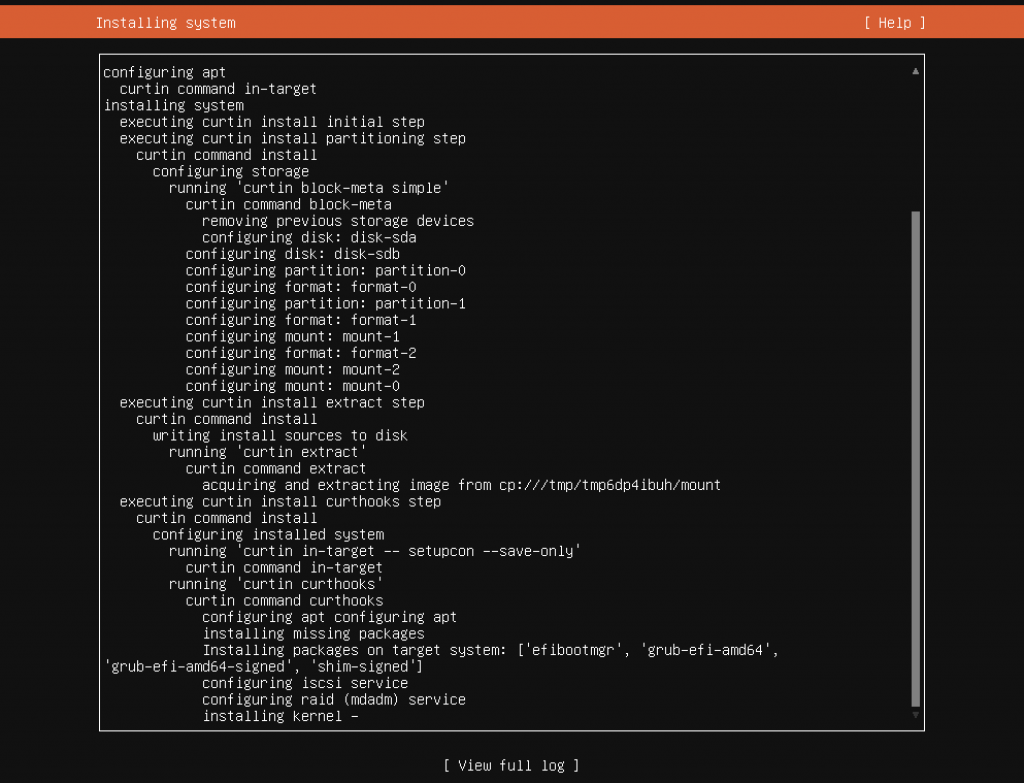
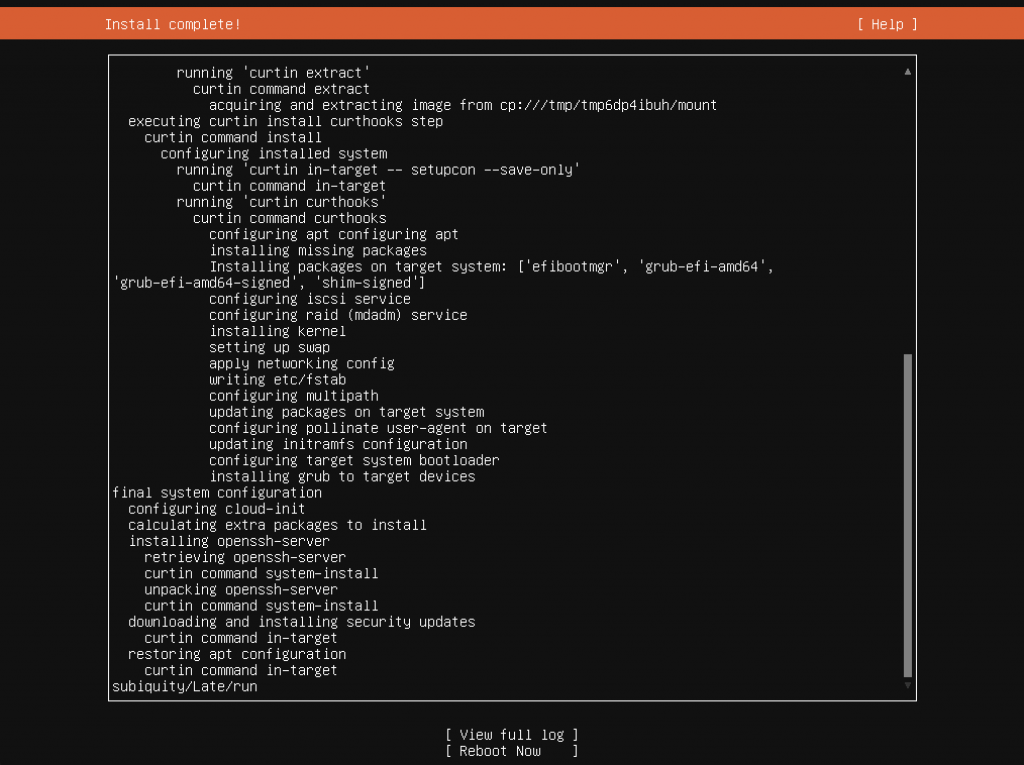
The base OS is now installed. Next,
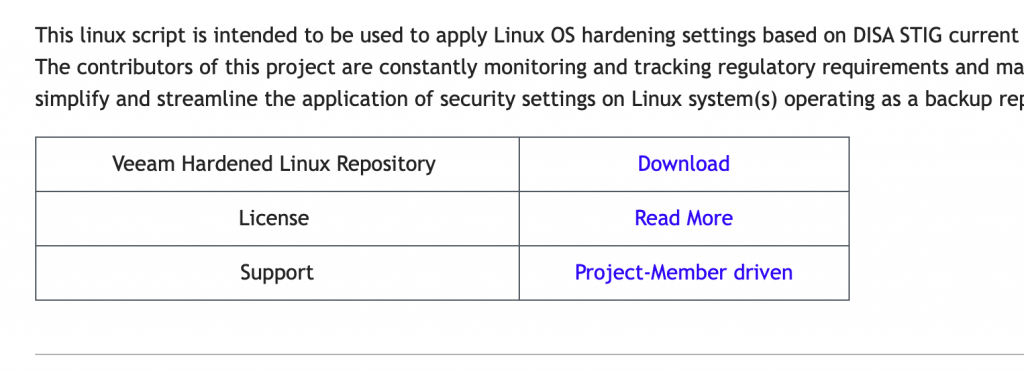
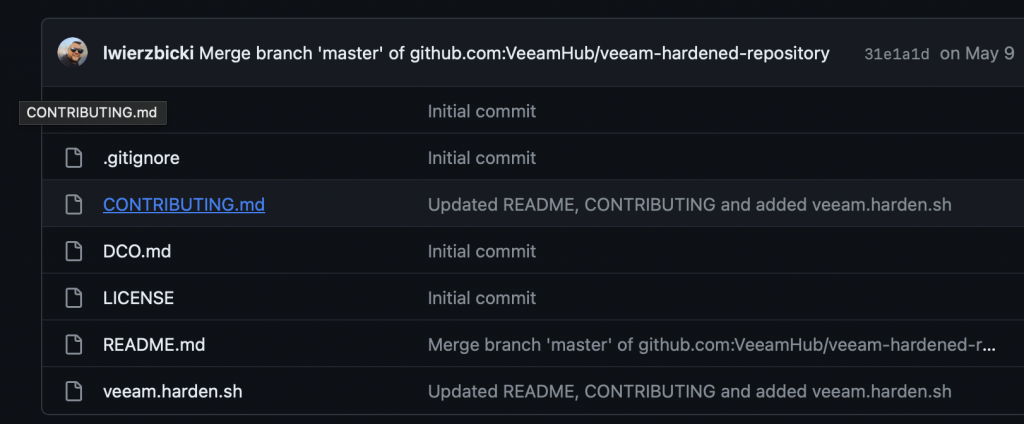
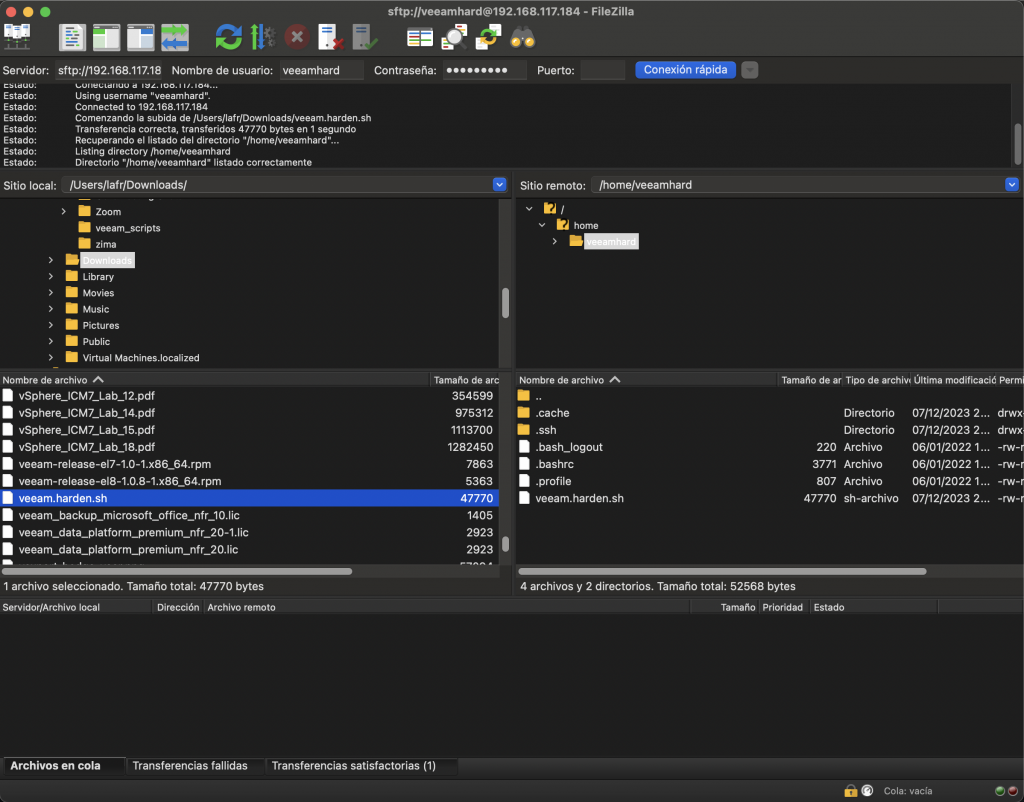
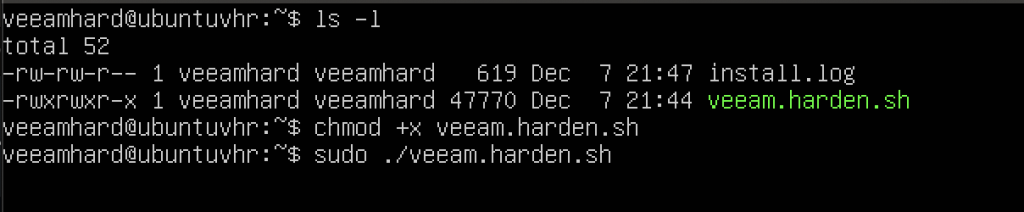
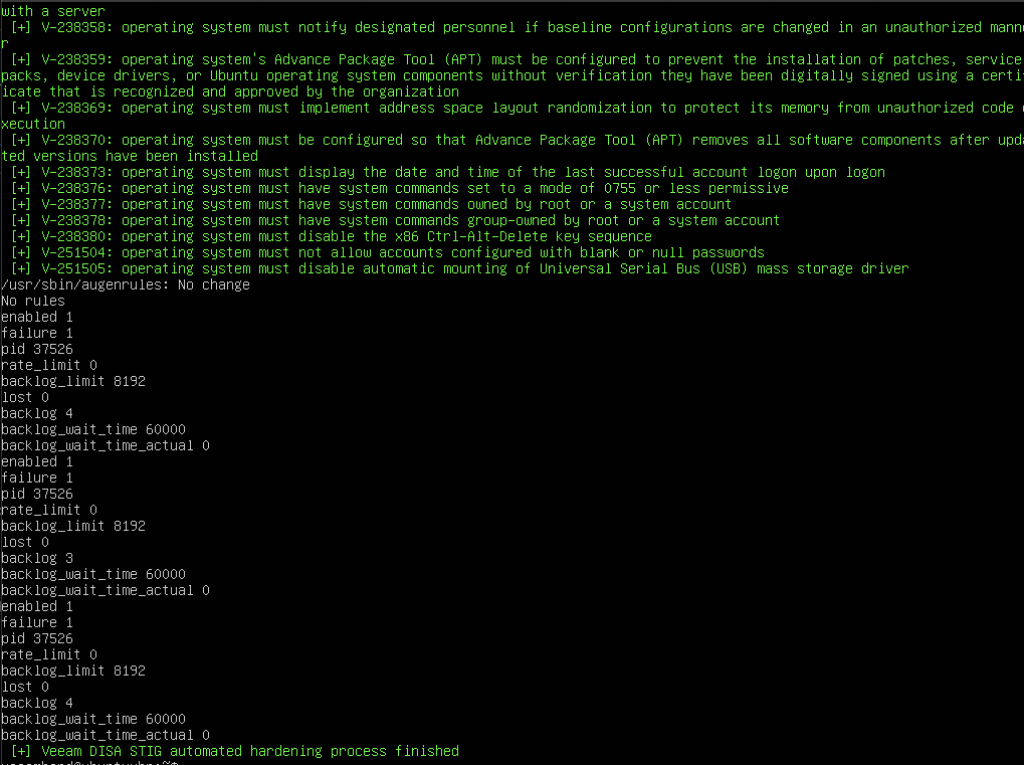
let’s download the script from this link, upload it to our server, and run it. Follow along:

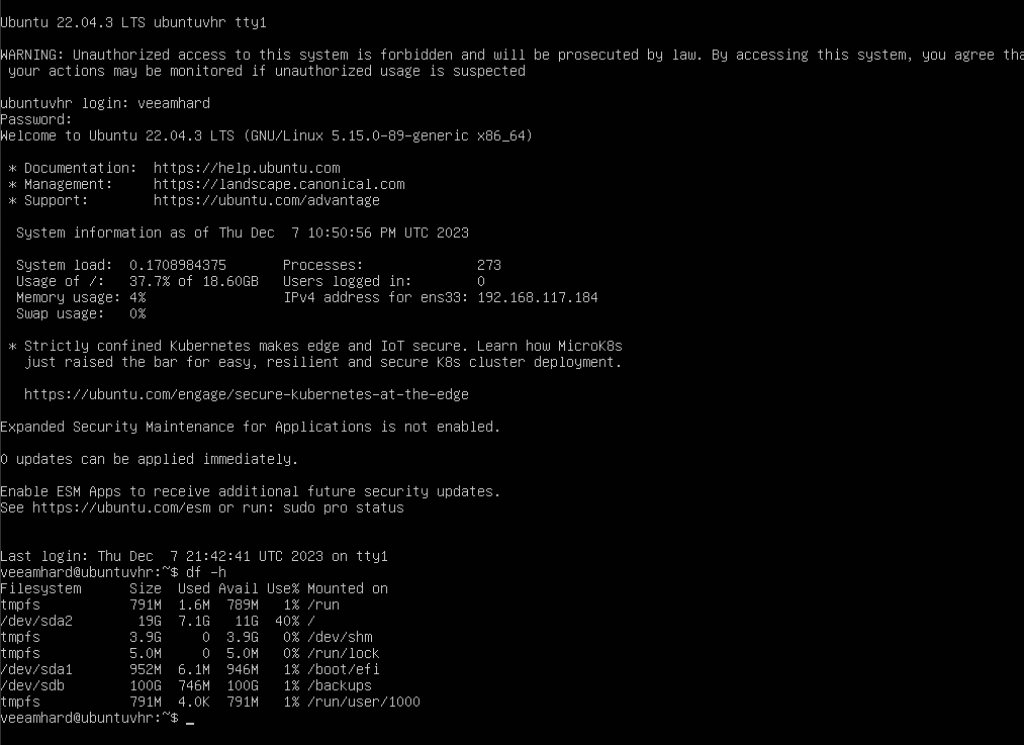
We can also see the mount points: the system and /backups, where we’ll store immutable backups later.
Done!
Our Ubuntu Server has been hardened, and we can now follow the next article to add the repository to Veeam B&R v12 and make it immutable, starting with adding the repository to VBR v12.
Regards.