
Hi there
Time to update the Lab, this time, easy monitoring for VMs, Services and Webs.
UPTIME – KUMA
Im going to show you how to easily deploy an instance inside Proxmox, containerized, ready to go.
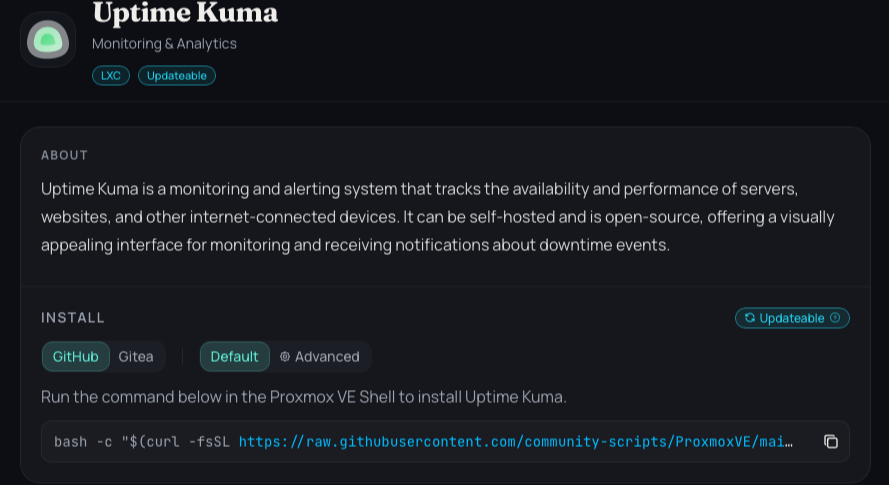
First, go to this website and search the community script to deploy it:
https://community-scripts.org/?q=uptime
Copy the command, as shown in the picture
Go to your Proxmox Host, open a terminal, and paste the command

Hit Enter
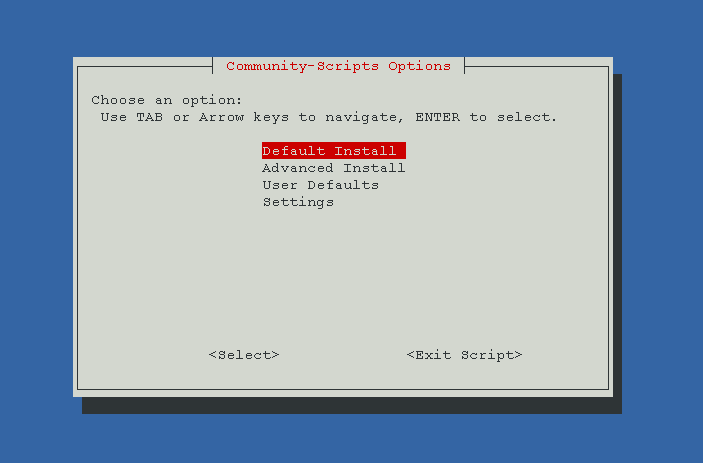
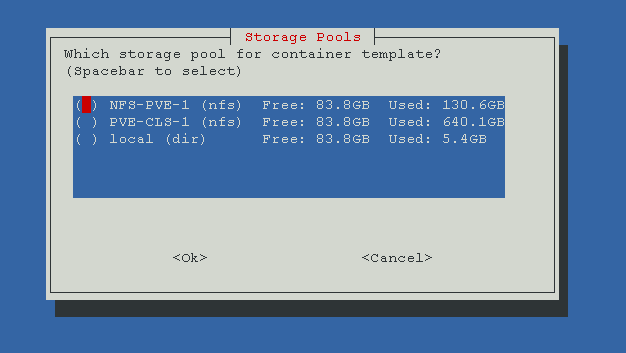
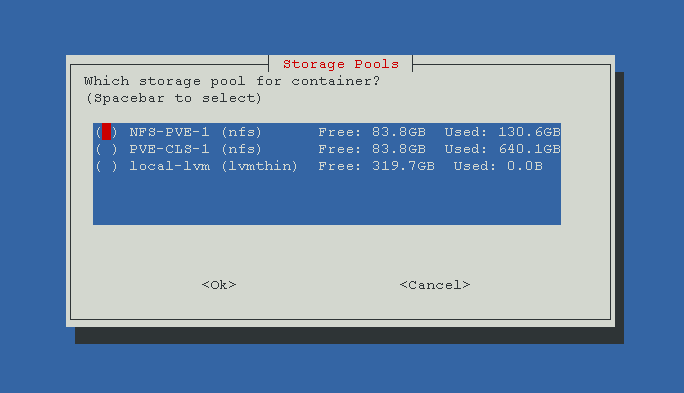
Lets follow the script steps, as always, with screenshots:
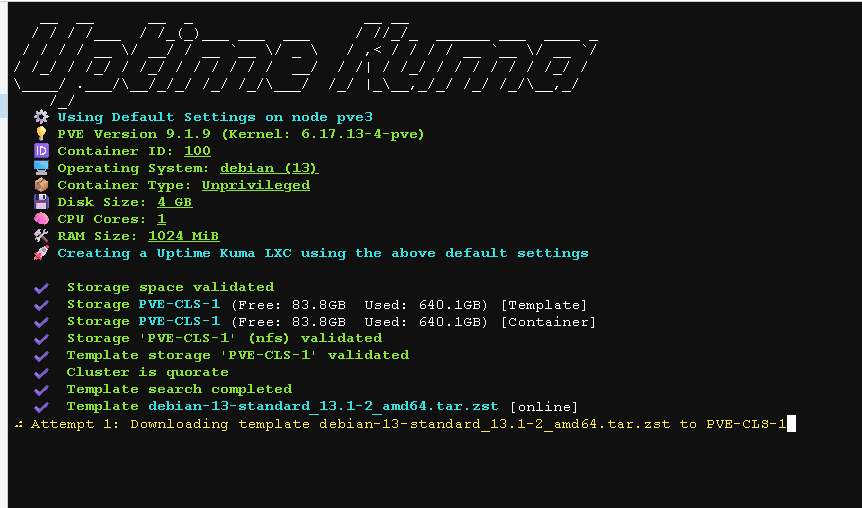
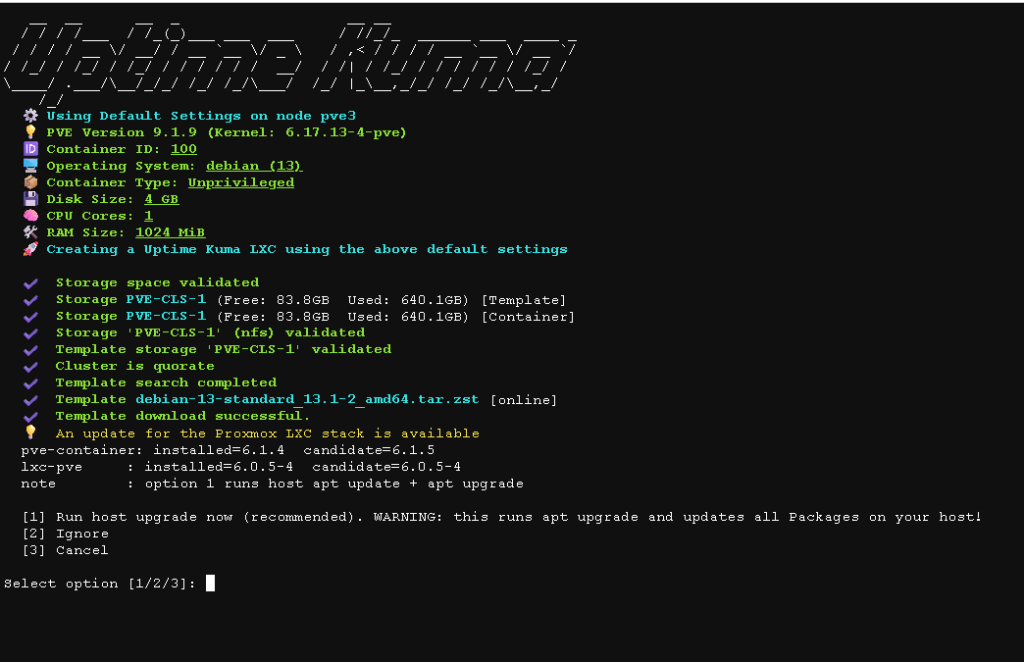
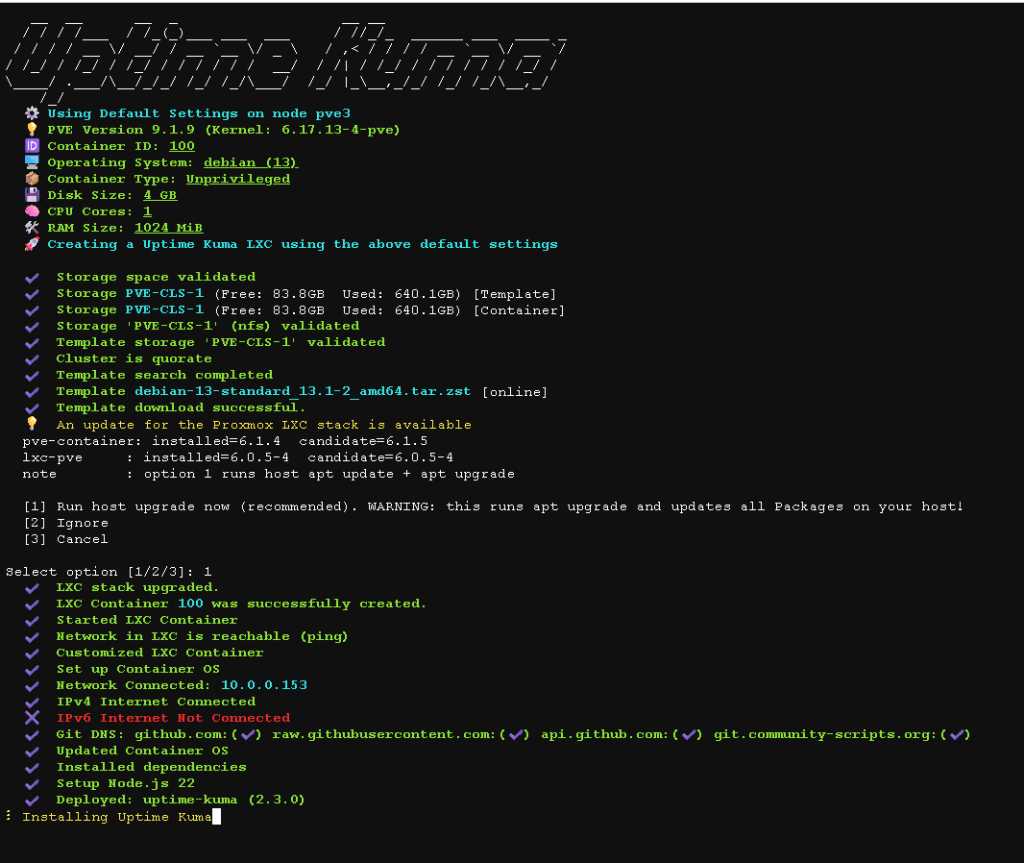
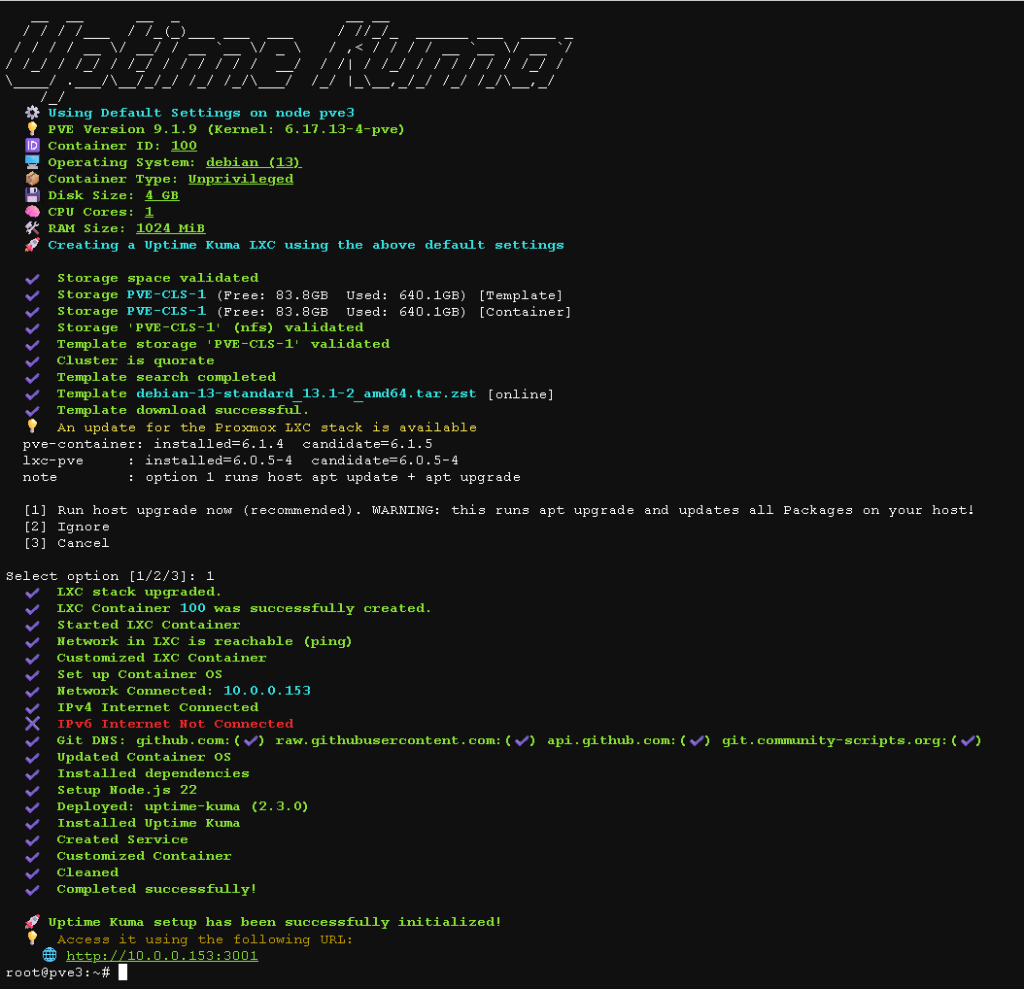
Now you can see the Ip from our DHCP were Uptime Kuma is running.
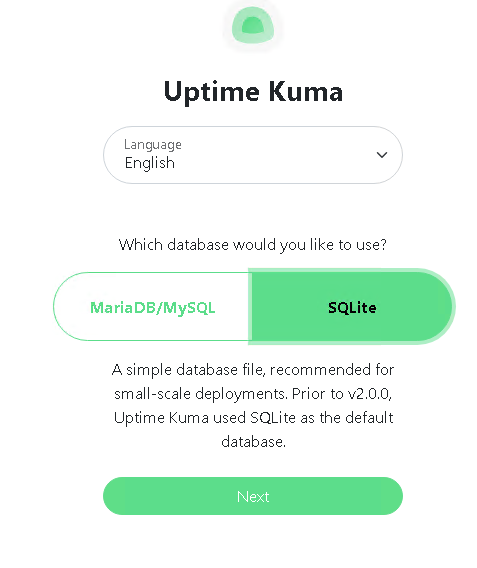
I selected SQLite.
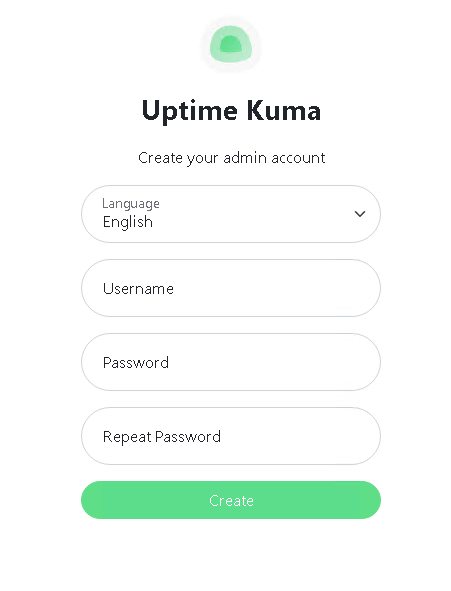
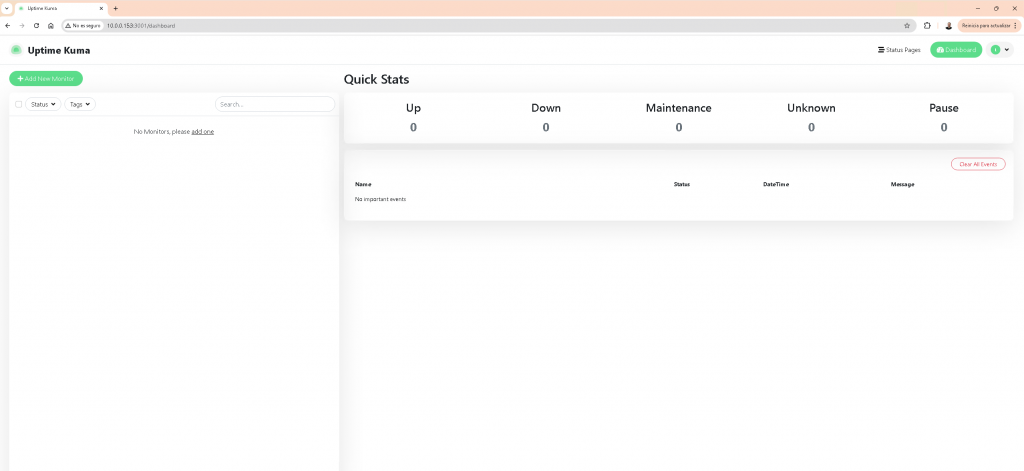
Next entry, initial config, notifications and initial monitors.
cheers.